Straightness
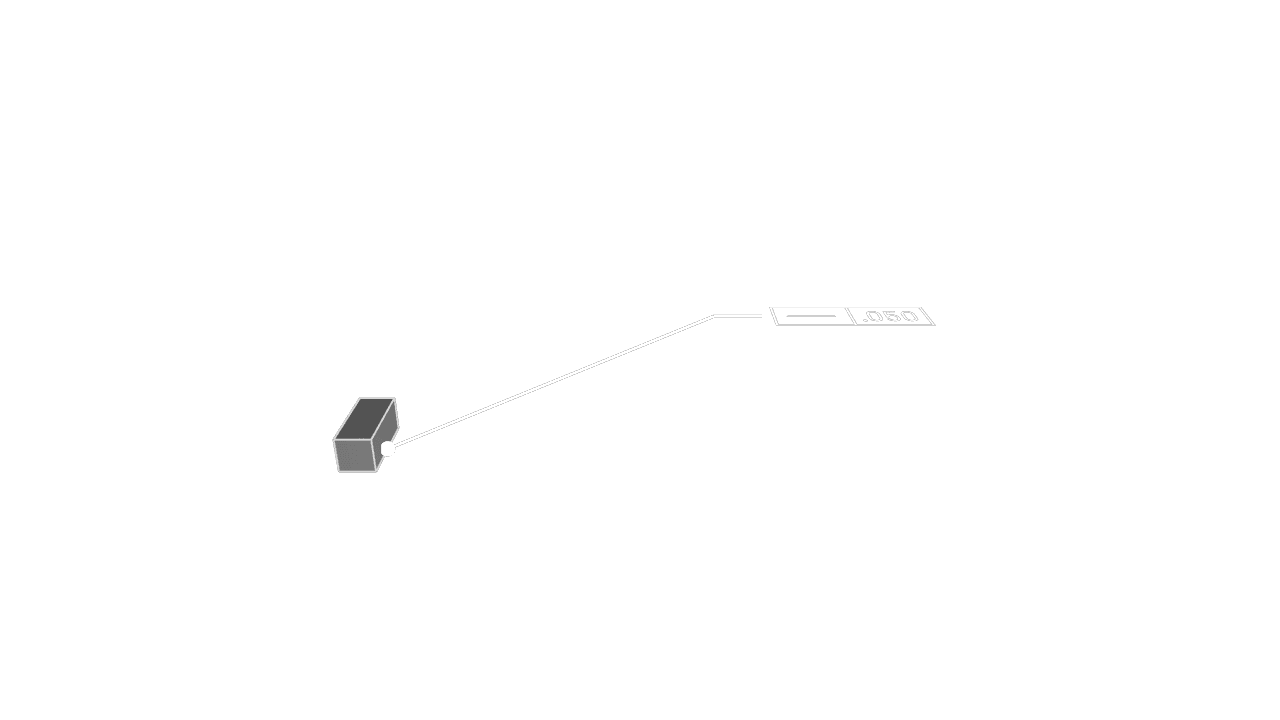
Straightness controls how closely a selected edge or line element follows a perfect straight line. Use it for guide rails, edges, slots, shaft elements, and other features where waviness or bowing must be limited without referencing a datum.
Faces Or Edges
Select the edge whose straightness should be controlled. You can also select a face when the visible face element represents the straight feature being inspected.
Tolerance
Set the allowed straightness variation in the current unit system. The tolerance zone is bounded by parallel lines separated by the tolerance value.
Precision
Choose how many decimal places to display for the tolerance value.
Frame Position
Place the feature control frame near the selected edge while keeping it readable.
Frame Plane
Choose the display plane for the annotation. Use XY, XZ, or YZ to keep the frame facing the
intended view.
Leader Scale
Adjust the visual scale of the leader dot.
Font Size
Set the model-space height of the annotation text.
Are you interested in code?
Zoo Design Studio writes KCL behind the scenes. A Straightness annotation uses gdt::straightness
with selected faces or edges and a tolerance. Straightness is a form tolerance, so it does not use
datums.
Want to find out more about the gdt::straightness function?
Check it out in our KCL docs.