Distance
Distance captures a dimensional tolerance for an edge length or for spacing between selected faces and edges. Use it when a model-based definition needs the measured value to remain attached to the 3D geometry instead of living only in a separate drawing.
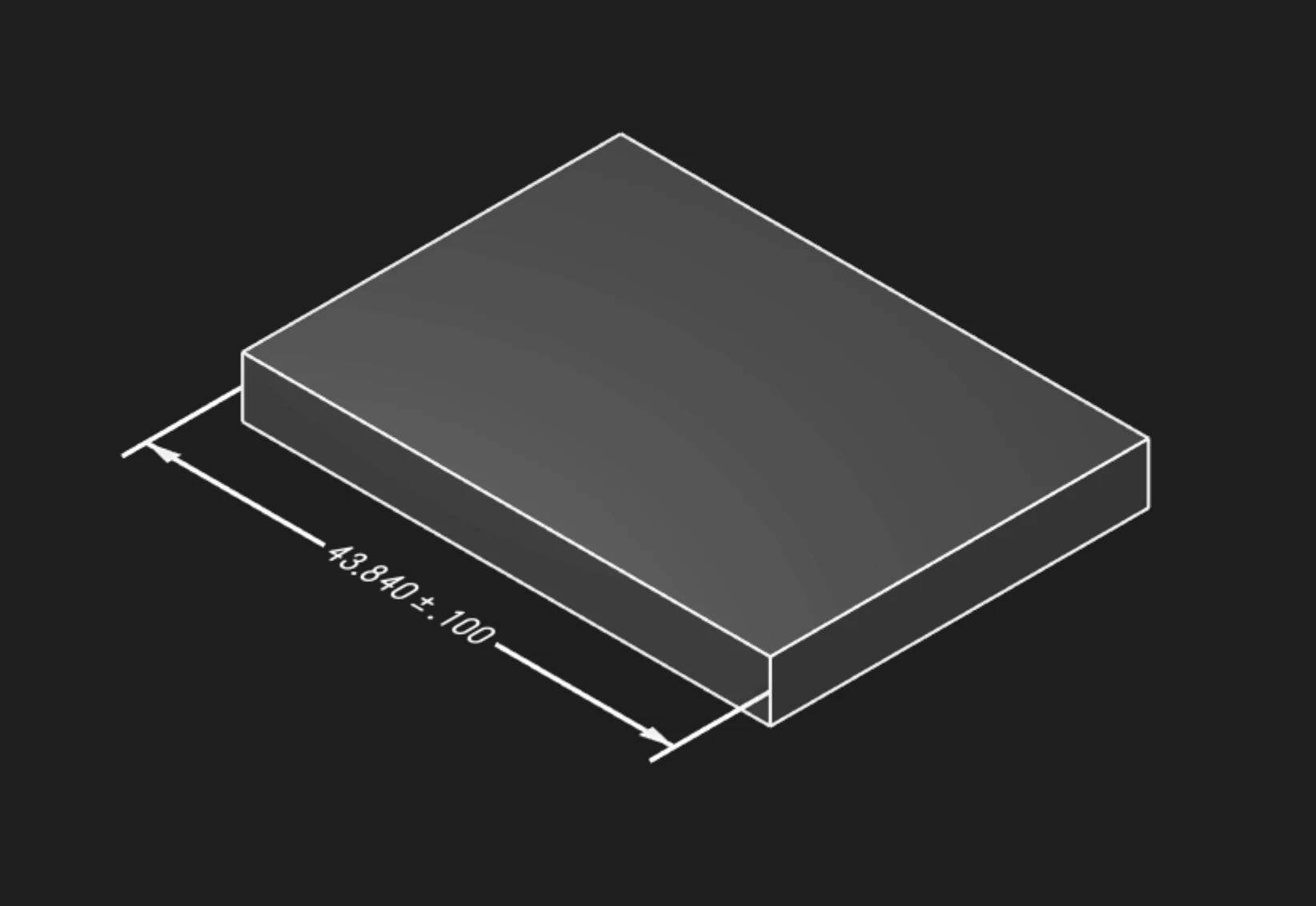
From And To
Select a starting face or edge and an ending face or edge when the annotation should measure spacing
between two entities. from and to must be used together.
Edges
Select one or more edges when the annotation should display edge length. Edge selection cannot be
combined with from and to.
Tolerance
Set the acceptable distance variation in the current unit system.
Precision
Choose how many decimal places to display for the measured distance and tolerance.
Frame Position
Place the distance label relative to the selected geometry.
Frame Plane
Choose the display plane for the distance annotation.
Leader Scale
Adjust the visual scale of the distance arrows.
Font Size
Set the model-space height of the annotation text.
Are you interested in code?
Zoo Design Studio writes KCL behind the scenes. A Distance annotation uses gdt::distance with
either edge selections or a from / to pair.
Want to find out more about the gdt::distance function?
Check it out in our KCL docs.