Makeathon00:00:00:00Submissions open
Build an AI Engineering Agent, trained on your CAD library
Generate proprietary parametric, b-rep CAD models with text prompts and reduce design timelines by 90%.
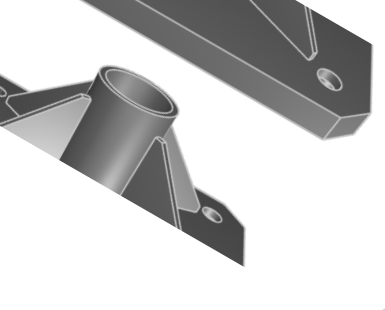
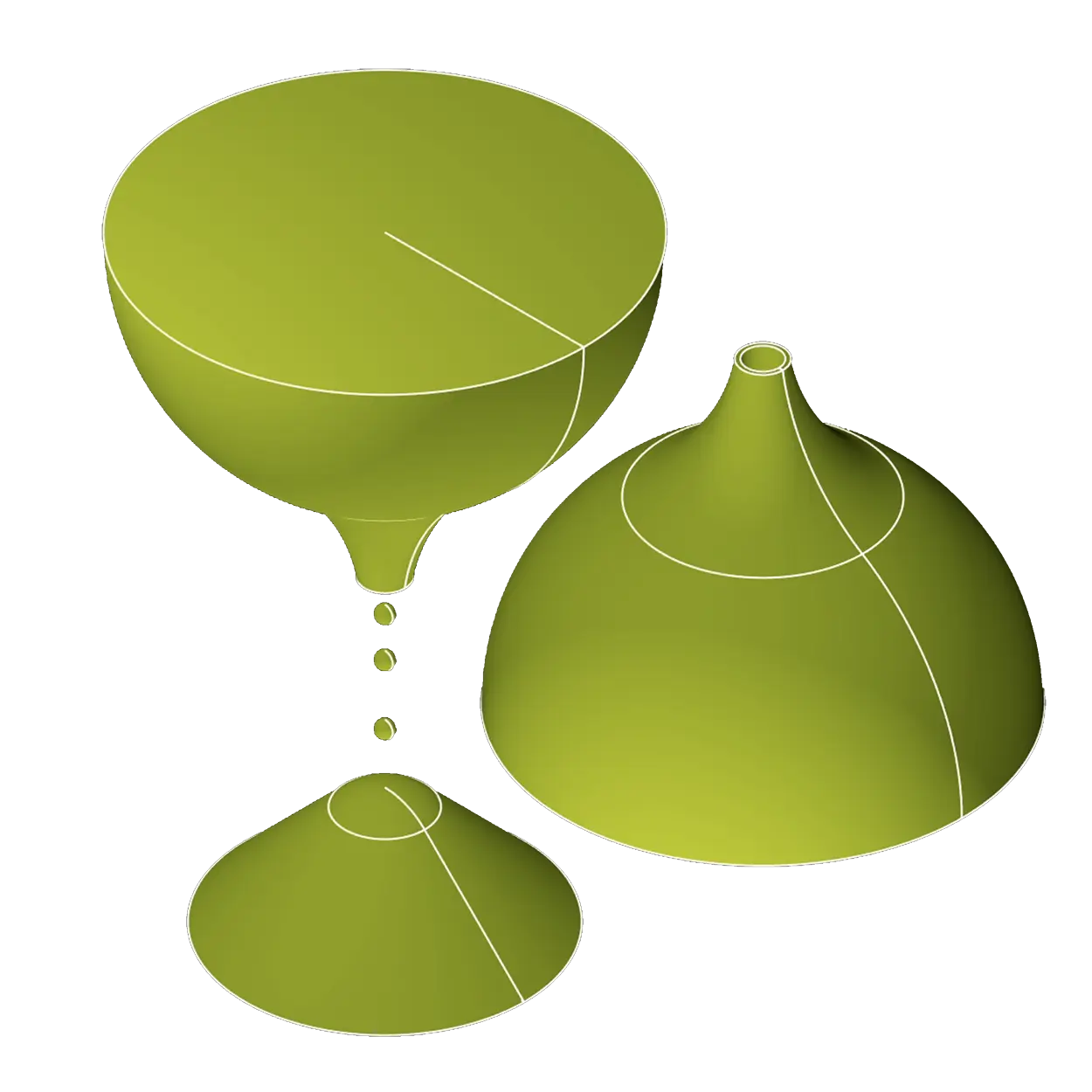
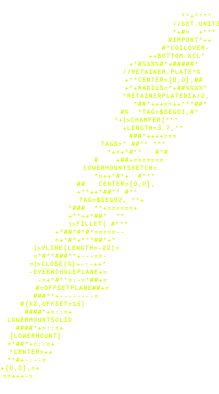
counterdrilled weldmentcounterdrilled weldment
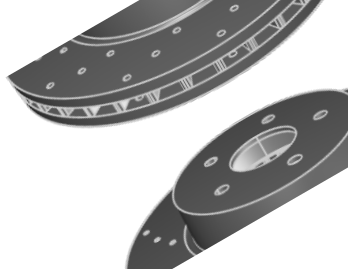
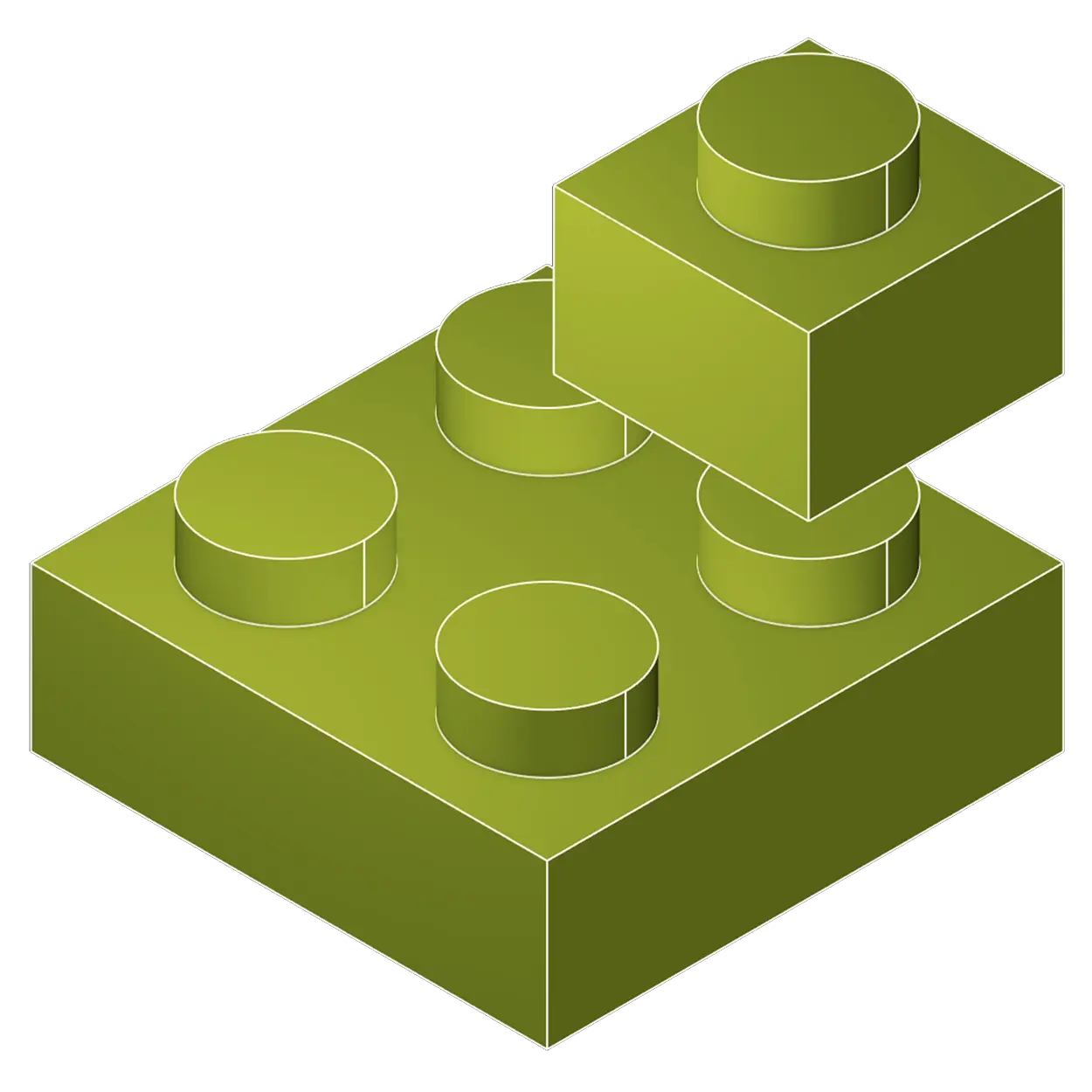
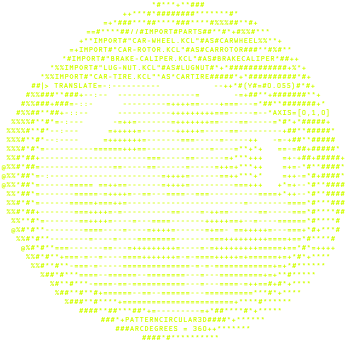
brake rotorbrake rotor

CAD software that thinks

Connect and collaborate with Zoo's gen-AI tools to query your internal product documents and design or manufacturing guidelines.

Do research, plan designs, and more. All while maintaining the geometric context of your CAD files from within Zoo Design Studio.

Reduce wasted engineering hours

Free engineers from repetitive, menial design tasks and redirect their time to where it really matters: innovation

Zookeeper in Zoo Design Studio allows querying by simply describing the geometric characteristics of a part—not just typing keywords or part numbers and getting lost in your PLM.

Works with your existing CAD stack

We train our AI on your CAD data at the geometric level, leveraging our proprietary geometry engine.

Zoo converts your existing, proprietary CAD files into our format, KCL, with support for popular CAD platforms like SolidWorks, CATIA, Creo, NX, and more.

Request a Pilot

The future of CAD is hybrid

Zoo Design Studio gives you three ways to interact with your designs: point-and-click, code in CAD, and generative AI.

Supercharge these tools by building out custom enterprise automations with our powerful APIs. Enterprises can amplify their team's productivity by working with Zoo to fine-tune on their internal CAD data and more.

point-and-click interface
Point-and-Click
Zoo gives you the hands-on tools you're used to
kcl code interface
Code in CAD
Edit KCL code directly in our Design Studio
zookeeper interface
Generative AI
Add generative AI to your design flow to search, create, and iterate faster

How can Zoo help your enterprise?

Turn your company's engineering knowledge into something Zookeeper can use.

Zoo can index CAD files, documentation, specifications, and historical design context, then use that knowledge to generate parts, assemblies, and workflows that reflect how your company actually designs.

Enterprise workflow

Organizational Knowledge

Turn Zookeeper into your company's engineering intelligence. It learns your standards, design history, CAD patterns, and hard-won preferences so every answer and generated model follows your way of building.

Workflow
Organizational Knowledge
1

Add your engineering sources

Add everything that defines how your company engineers: parametric CAD libraries, docs, standards, specs, design history, spreadsheets, and internal knowledge.
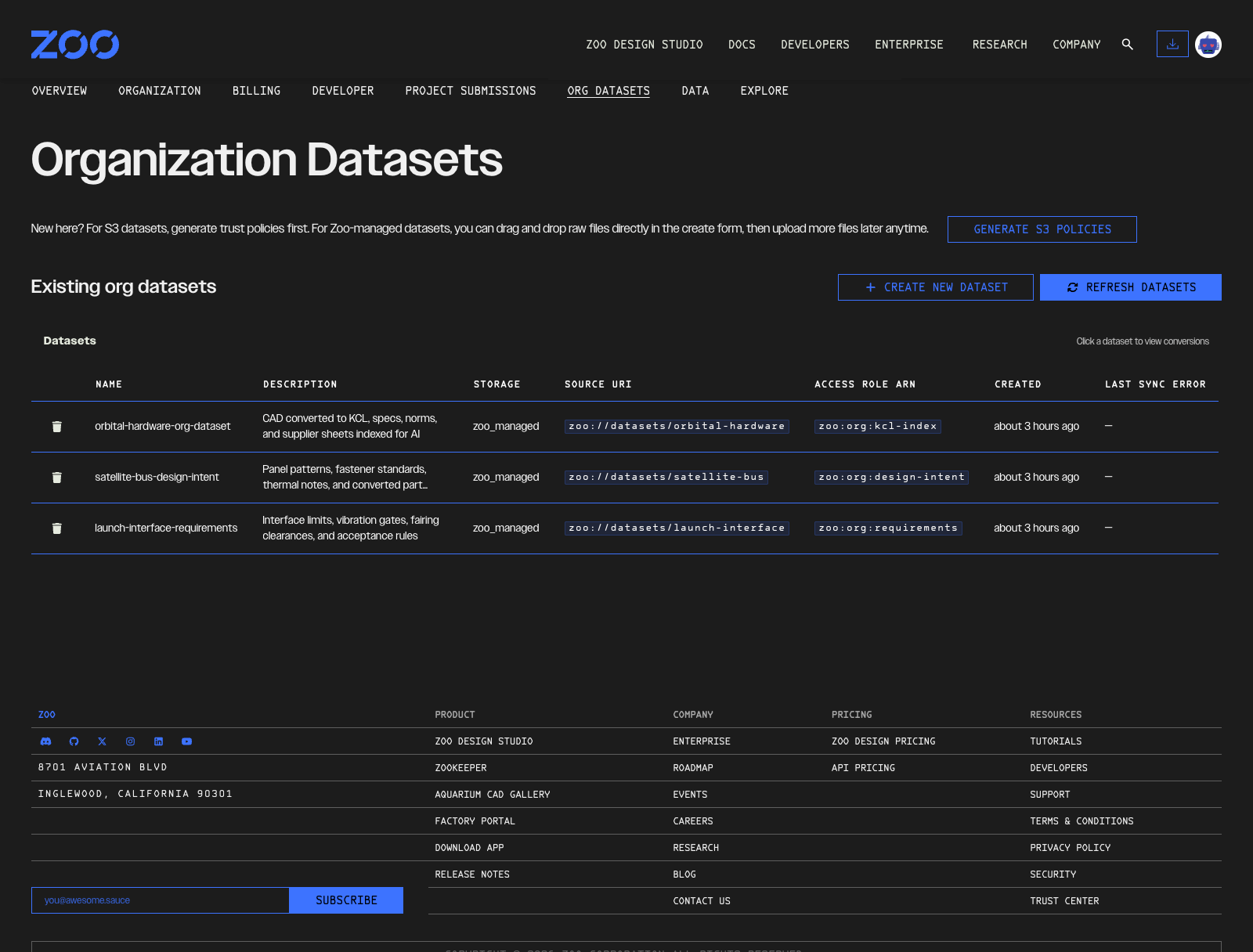
Organization Datasets page listing company engineering sources
2

Build a company AI knowledge base

Zoo turns those sources into connected company knowledge that Zookeeper can use: standards, requirements, CAD history, preferred workflows, accepted patterns, and prior design decisions.

Turn engineering sources into company context

Your engineering sources
  • CAD files and assemblies
  • Drawings and specifications
  • Standards and documentation
  • Design history and decisions
Zoo connects the knowledge
  • Converts parametric CAD to KCL
  • Extracts requirements and relationships
  • Links standards to models and decisions
  • Preserves source references
Company context
  • Follows your engineering standards
  • Reuses accepted design patterns
  • Accounts for prior decisions
  • Grounds answers in company sources
Available to Zookeeper  →
3

Apply years of company knowledge

Zookeeper uses years of company knowledge—standards, workflows, prior projects, CAD history, and engineering decisions—so it answers and generates geometry the way your company actually works.
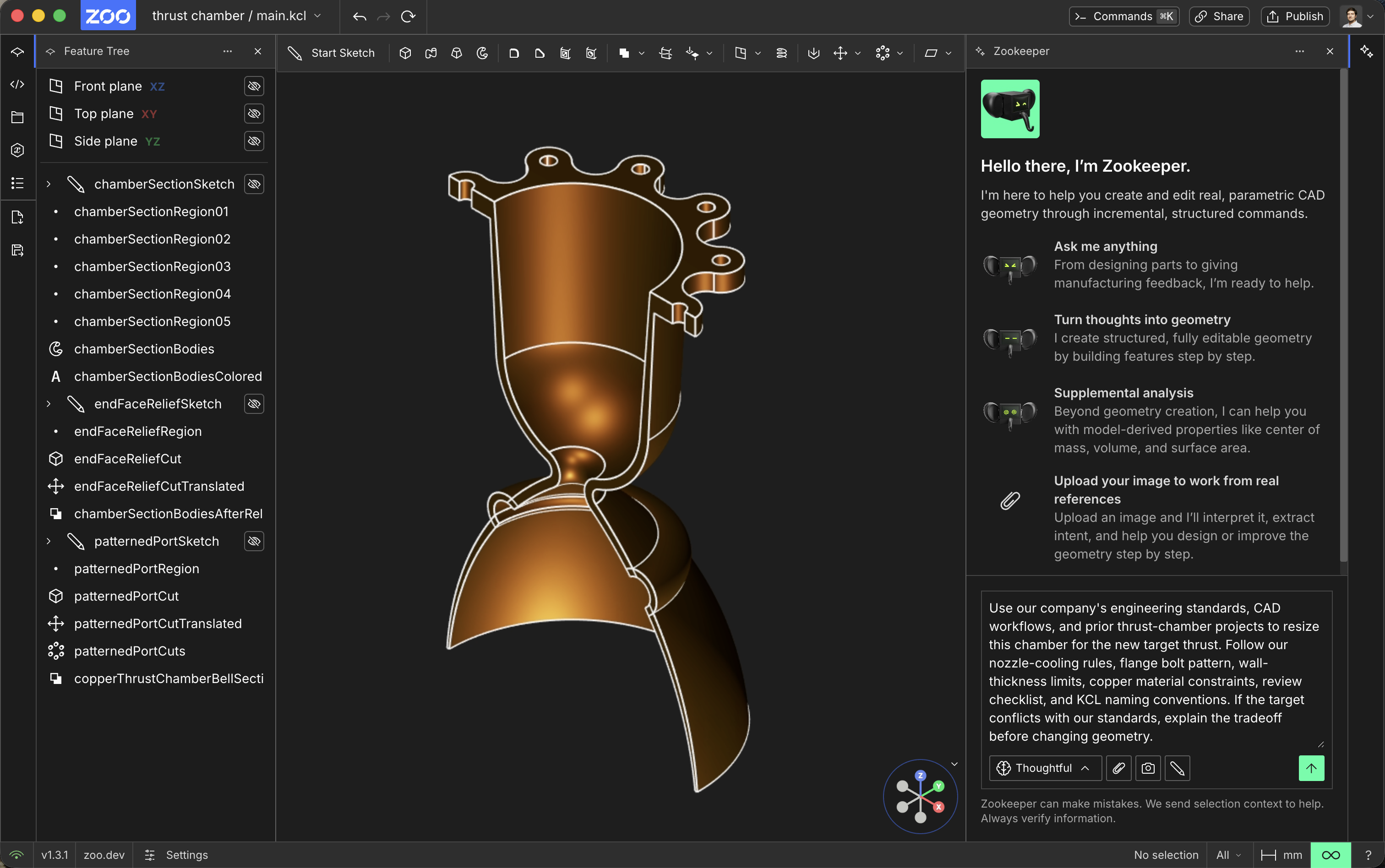
Zoo Design Studio showing a thrust chamber informed by company context
Company context in
Org knowledge

Company-aware prompt

Company knowledge becomes the next prompt

Use our company's engineering standards, CAD workflows, and prior thrust-chamber projects to resize this chamber for the new target thrust. Follow our cooling rules, flange bolt pattern, wall-thickness limits, copper constraints, review checklist, and KCL naming conventions. If the target conflicts with our standards, explain the trade-off before changing geometry.
org knowledge + KCL
Send to Zookeeper

Start your custom Text-to-CAD pilot

Zoo needs the contact information you provide to us to contact you about our products and services. You may opt out from these communications at any time. By submitting your information, you agree to Zoo's Terms & Conditions and Privacy Policy.

Frequently Asked Questions

  • Pilot Overview

Question not here? Visit our Community Forum.

Enterprise level security

ITAR Compliant

Zoo's US Regulated region is suitable for processing or storing export restricted (ITAR) information, operated out of US-based cloud providers that meet or exceed ITAR baselines.

SOC 2 Type 2 Reviewed

Independent auditors verified Zoo's security controls through our SOC 2 Type II audit. Because transparency matters, the full report is open to everyone at trust.zoo.dev - no forms, no friction.
KittyCADMLephant

Try Zoo Enterprise

Fill out our interest form to see if you qualify for a custom Text-to-CAD deployment.

See if you qualify

Stay connected with the hardware design community