Parallelism
Parallelism controls how close selected faces or edges stay to a parallel orientation relative to a datum. Use it for rails, pads, opposing faces, guide surfaces, and other geometry that must stay aligned without necessarily controlling exact location.
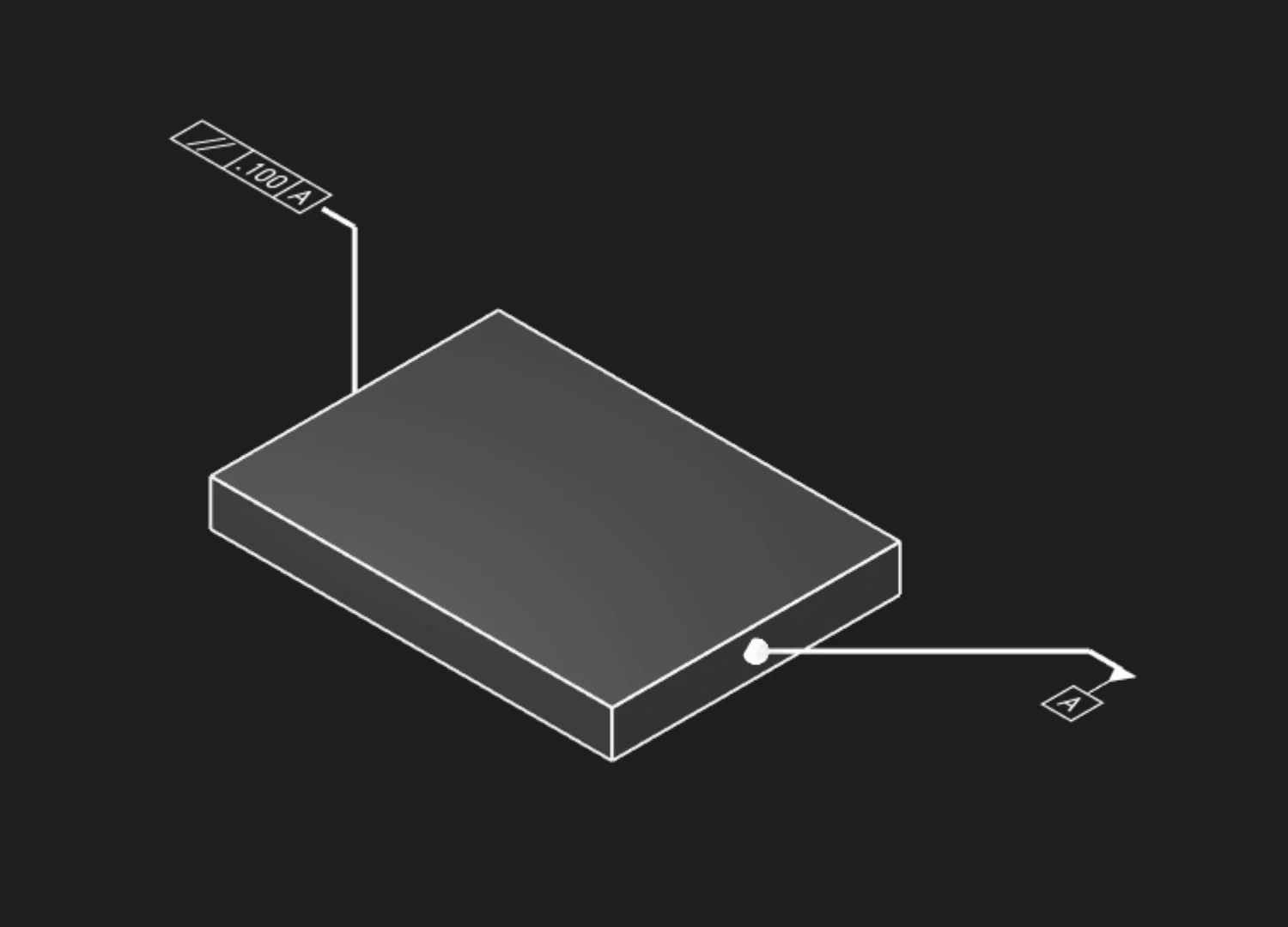
Faces Or Edges
Select the face or edge whose orientation should be controlled. Pick the geometry that represents the functional surface or edge.
Tolerance
Set the allowed parallelism variation in the current unit system.
Datums
Add one or more datum labels to define the reference orientation. Parallelism usually references a datum surface, axis, or datum reference frame.
Precision
Choose how many decimal places to show in the annotation.
Frame Position
Place the feature control frame relative to the leader arrow.
Frame Plane
Choose the plane that displays the annotation frame clearly in the model view.
Leader Scale
Adjust the leader dot size for readability.
Font Size
Set the model-space height of the annotation text.
Are you interested in code?
Zoo Design Studio writes KCL behind the scenes. A Parallelism annotation uses gdt::parallelism
with selected faces or edges, a tolerance, and datum references.
Want to find out more about the gdt::parallelism function?
Check it out in our KCL docs.