Annotation
Annotation attaches general model-based manufacturing notes to selected faces or edges. Use it for notes that should travel with the 3D model, such as finish instructions, deburr notes, handling constraints, or inspection guidance.
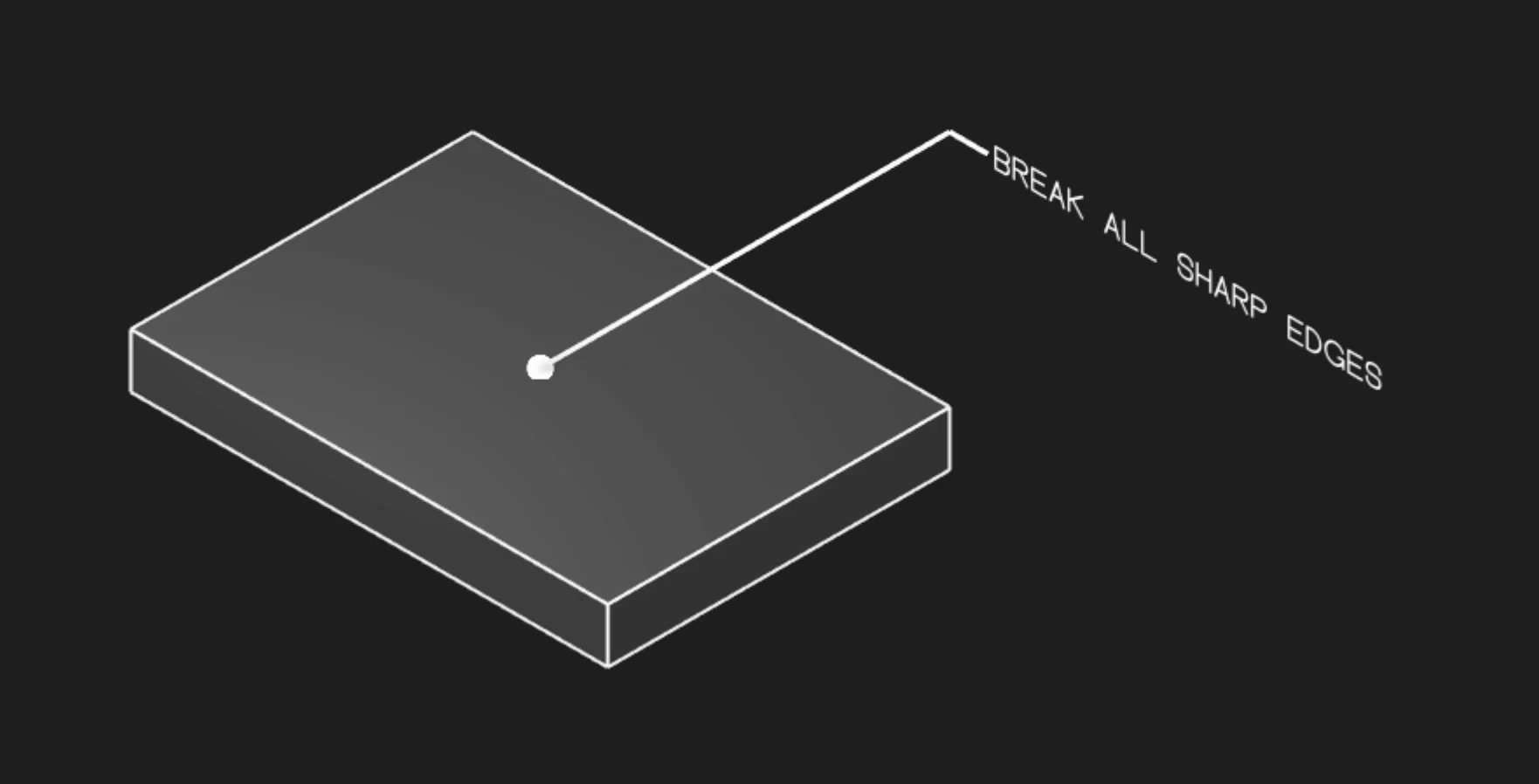
Annotation Text
Enter the note to display. Keep the wording short enough to remain readable in the model view.
Faces Or Edges
Select the faces or edges that the note applies to. The annotation leader connects the note to that geometry.
Frame Position
Place the annotation text relative to the leader arrow.
Frame Plane
Choose the display plane for the annotation. Pick a plane that keeps the text legible in the view where the note will be reviewed.
Leader Scale
Adjust the visual size of the leader dot.
Font Size
Set the model-space height of the annotation text.
Are you interested in code?
Zoo Design Studio writes KCL behind the scenes. A general Annotation uses gdt::annotation with
text plus selected faces or edges.
Want to find out more about the gdt::annotation function?
Check it out in our KCL docs.