Profile Surface
Profile Surface controls how far selected faces may deviate from their ideal three-dimensional surface. Use it for contoured surfaces, molded faces, aerodynamic surfaces, castings, and other features where the whole surface shape matters.
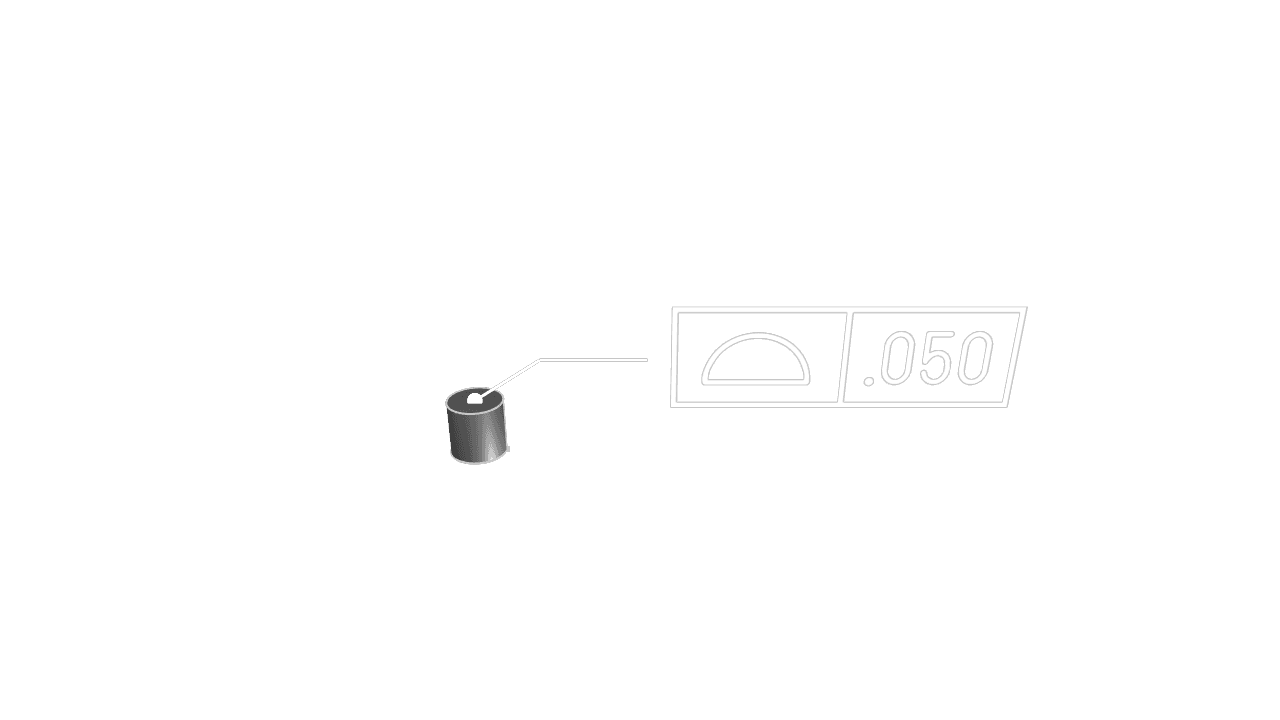
Faces
Select one or more faces to control. Profile Surface applies across the selected surface area, not just a single boundary edge.
Tolerance
Set the allowed deviation from the ideal surface in the current unit system.
Datums
Add datum references when the surface profile should also control orientation or location relative to a datum reference frame. Leave datums empty when the profile controls only form.
Precision
Choose how many decimal places to display in the annotation.
Frame Position
Place the feature control frame relative to the leader arrow. Keep the frame clear of dense model details so it remains readable.
Frame Plane
Choose the display plane for the feature control frame. Use the plane that keeps the annotation facing the viewer in your documentation or inspection workflow.
Leader Scale
Adjust the visual size of the leader dot.
Font Size
Set the model-space height of the annotation text.
Are you interested in code?
Zoo Design Studio writes KCL behind the scenes. A Profile Surface annotation uses
gdt::profileSurface with one or more selected faces, a tolerance, and optional datum references.
Want to find out more about the gdt::profileSurface function?
Check it out in our KCL docs.