Scene
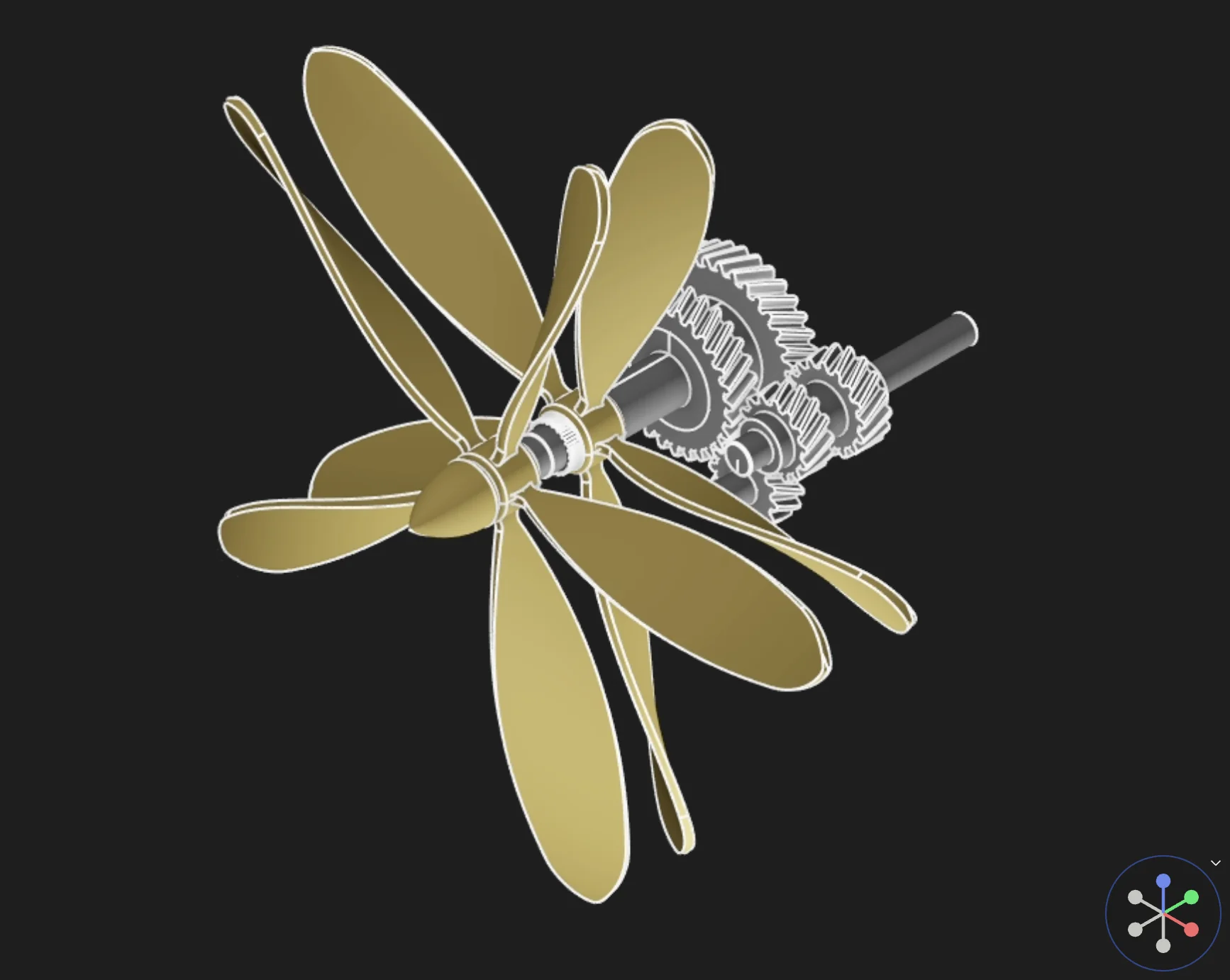
The Scene is the 3D viewport inside the Modeling Area. It shows the current part or assembly and supports direct point-and-click interaction with geometry.
What You Can Do
- View the current 3D model while sketching and modeling
- Select faces, edges, bodies, sketch geometry, and regions
- Orbit, pan, and zoom the current view
- Use point-and-click interaction to prepare geometry for modeling commands
What You Cannot Do
- Assume every modeling command can run with no selection, many commands still depend on the right preselection
- Treat the Scene as separate from the model definition, visual edits and selections are still tied to the underlying design state
Related Areas
- Use Toolbar for direct modeling actions
- Use View Controls to reorient the camera and inspect the model from different directions