Settings
Settings covers workspace-level preferences and display controls used while modeling in Zoo Design Studio. This section is for interface options that affect how geometry is shown or how the workspace behaves, rather than for geometry-editing features themselves.
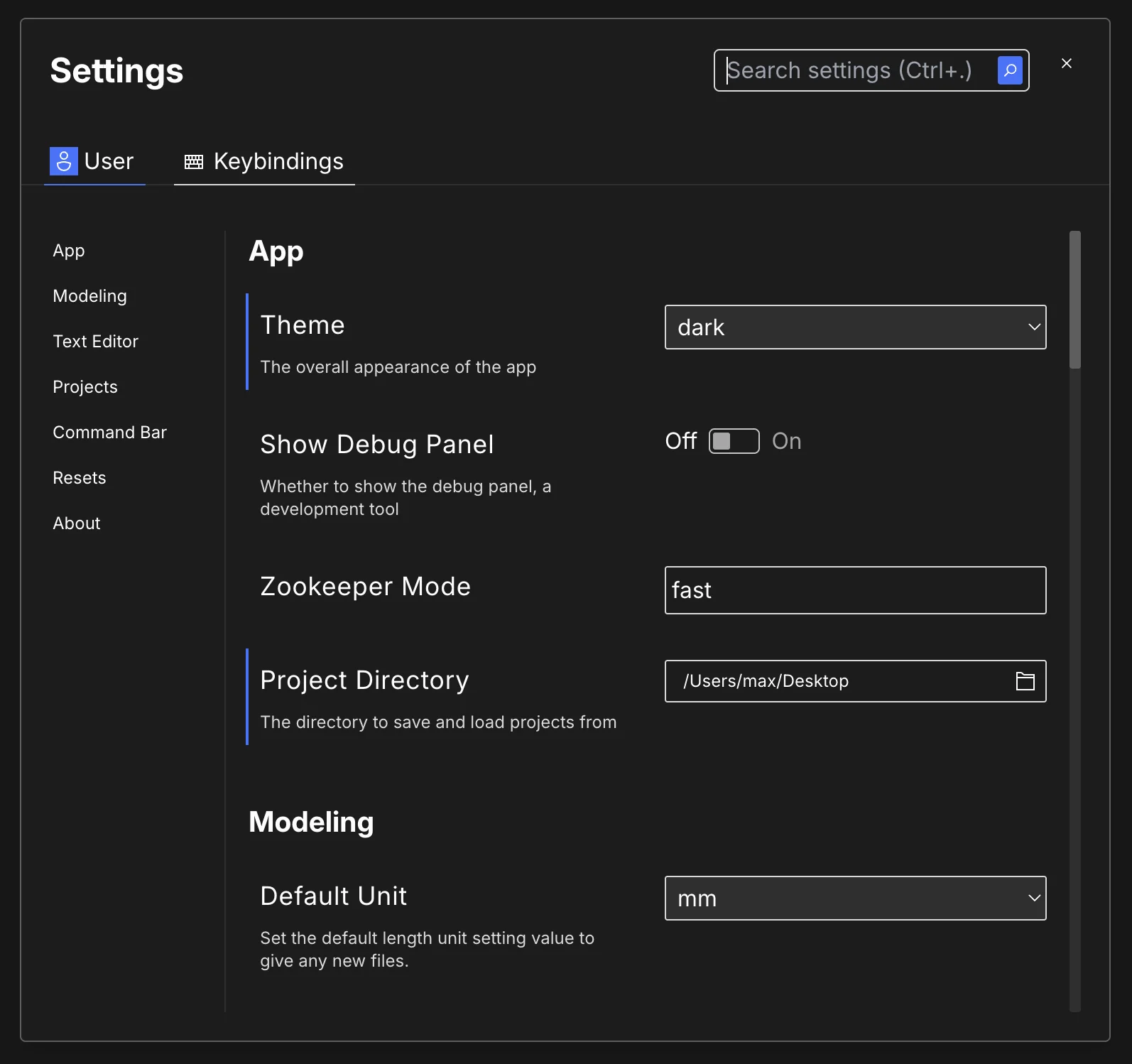
ZDS organizes settings into four main groups:
- User Settings, which apply
globally to your account and are stored in
user.toml - This Project, which apply only
to the current project and are stored in
project.toml - Keybindings, which show keyboard shortcuts grouped by workflow
Plugins, which lets you turn optional bundled features, such as Export to Slicer, on or off
In the app, you switch between these groups using the tabs at the top of the Settings dialog:
User, This project, Keybindings, and Plugins.
Some settings only appear at the user or project level, depending on their purpose.