Overview
KCL
Sign In
Overview
/
Zoo Design Studio
/
Features
/
3D Design
/
Parametric Modeling
/
Surface Modeling
Zoo Design Studio Menu
  • Getting Started
  • Zookeeper
  • Features
    • 3D Design
      • Parametric Modeling
        • Sketching
        • Solid Modeling
        • Surface Modeling
          • Create Surfaces
          • Modify Surfaces
        • Transforms
        • Construction Geometry
      • Assemblies
      • Geometric Analysis
    • ML / AI
    • Simulation
    • Documentation
    • Data Management
    • Technical Support
    • System Requirements
    • Workspace
  • Aquarium CAD Gallery

Surface Modeling

Surface modeling tools help with thin geometry, open forms, and workflows where you need face-level control before closing or thickening the result.
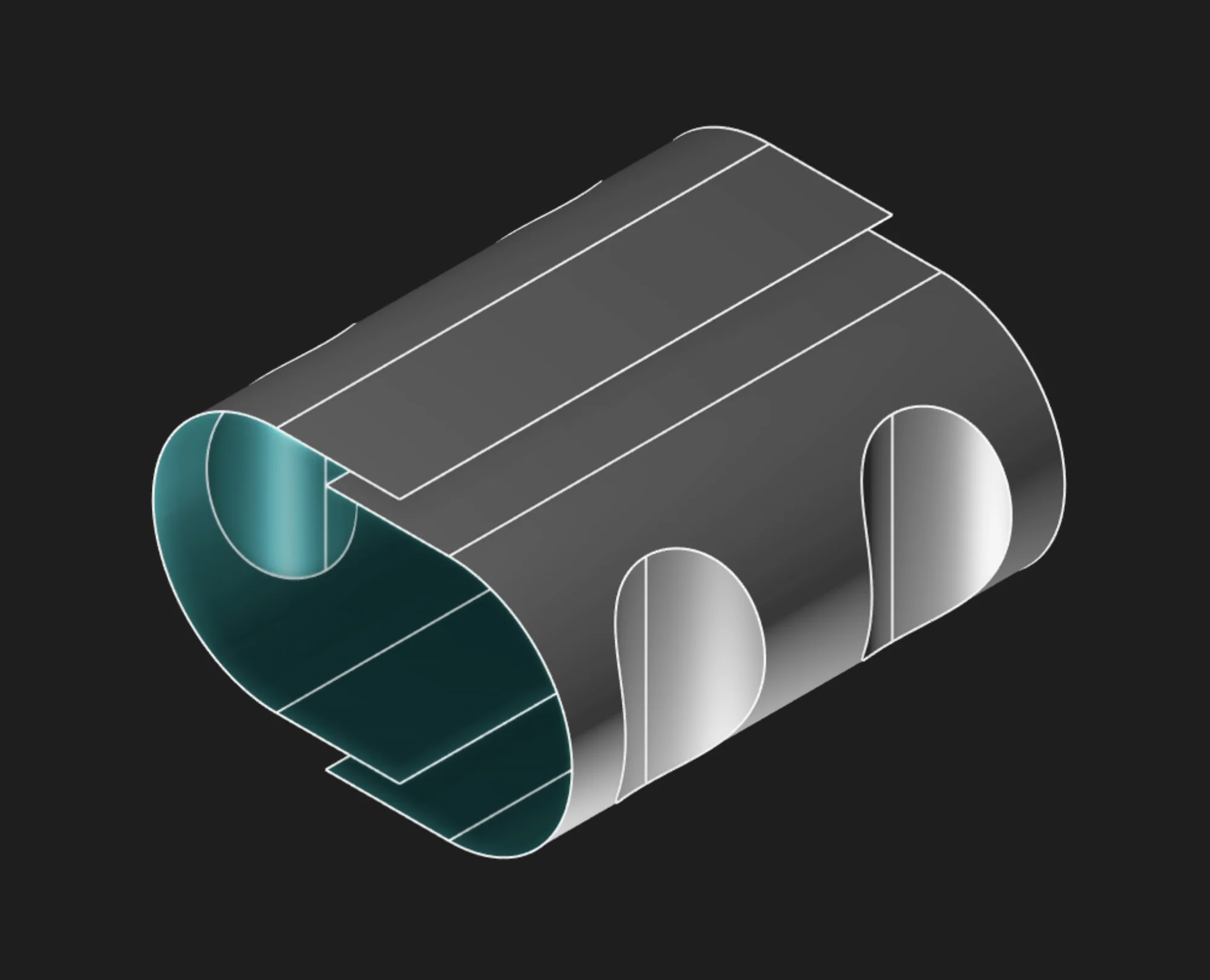
Open surface geometry shown in Zoo Design Studio

Start with Create Surfaces for surface-generation features such as Extrude, Revolve, Loft, Sweep, and Blend. Use Modify Surfaces for face-level editing such as Split, Flip Surface, Join, and Delete Face. For surface-orientation display settings, see Back-Face Color for Surfaces in Workspace Settings.

Found a typo?
On this page
  • Top

Found a typo?
Zoo

8701 Aviation Blvd

Inglewood, California 90301

    Product
  • Zoo Design Studio
  • Zookeeper
  • Aquarium CAD Gallery
  • Download App
  • Release Notes
    Company
  • Enterprise
  • Roadmap
  • Events
  • Careers
  • Research
  • Blog
  • Contact us
    Pricing
  • Zoo Design Pricing
  • API Pricing
    Resources
  • Tutorials
  • Developers
  • Support
  • Terms & Conditions
  • Privacy Policy
  • Security
  • Trust Center

Copyright © 2026 ZOO CORPORATION All rights reserved.