Solid Modeling
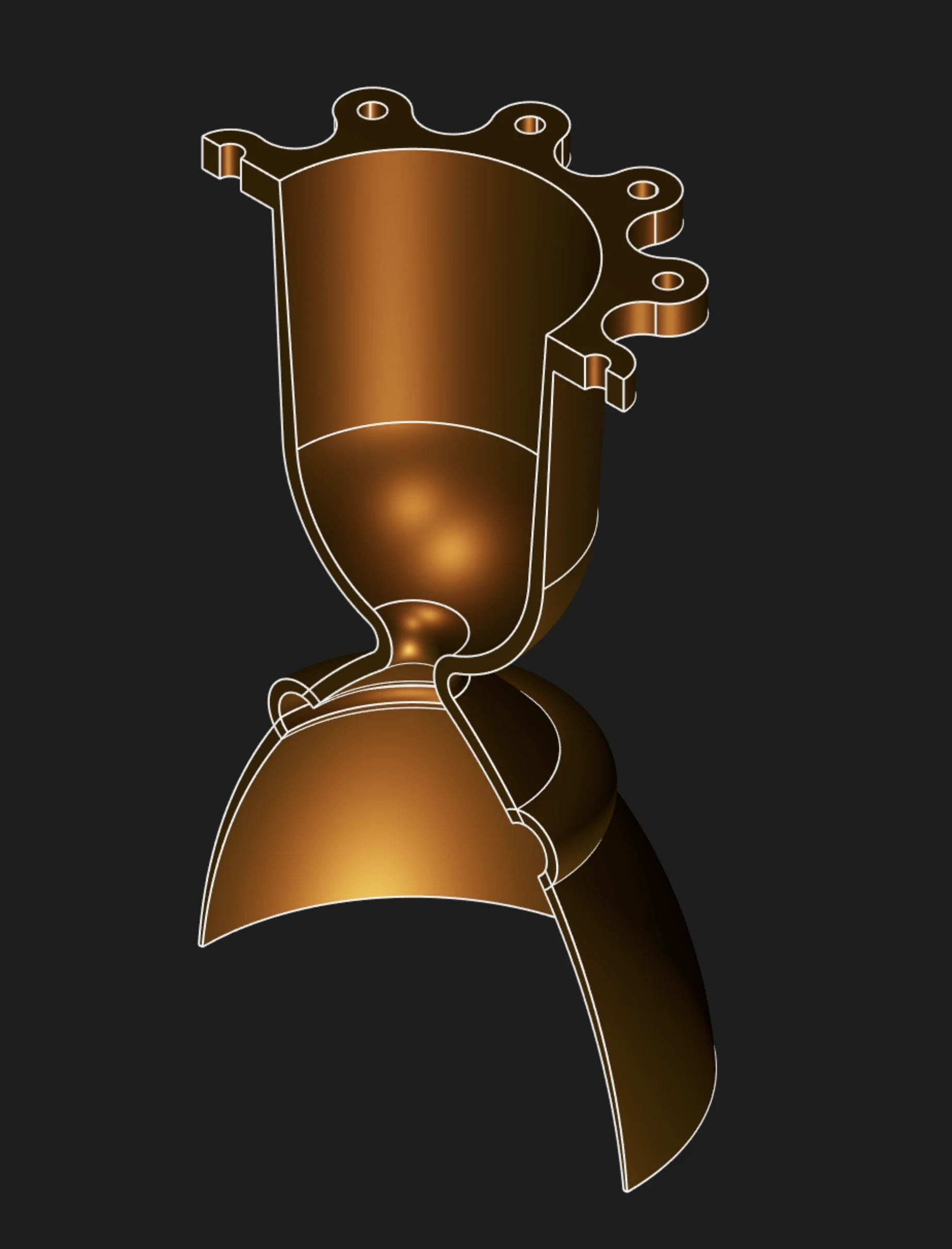
Solid modeling tools turn sketches and bodies into manufacturable geometry. Use this section when you want a watertight body with volume, not an open surface. Most solid features start from a filled sketch region, then add material, remove material, or reshape existing body faces.
Where to Start
Create Solids
Build the core body from sketch regions, paths, axes, or profile sections.
Modify Solids
Edit an existing body with features such as Fillet, Chamfer, Shell, and Hole.
Boolean Operations
Combine, cut, or intersect separate solid bodies.
Profile Selection
For sketch-based solid features, select the filled region inside a closed sketch. Do not select the individual sketch segments as the profile. Sweep has one extra selection: after selecting the profile region, select each path segment one by one in travel order.