Extrude Surface
Use the same Extrude tool used in
Extrude Solid,
then set bodyType to surface to create an open surface instead of a closed solid. You can extrude
a sketch segment, sketch region, or an edge from an existing body. This is useful for reference
geometry, patch workflows, and downstream surface edits that should remain open rather than forming
a volumetric body.
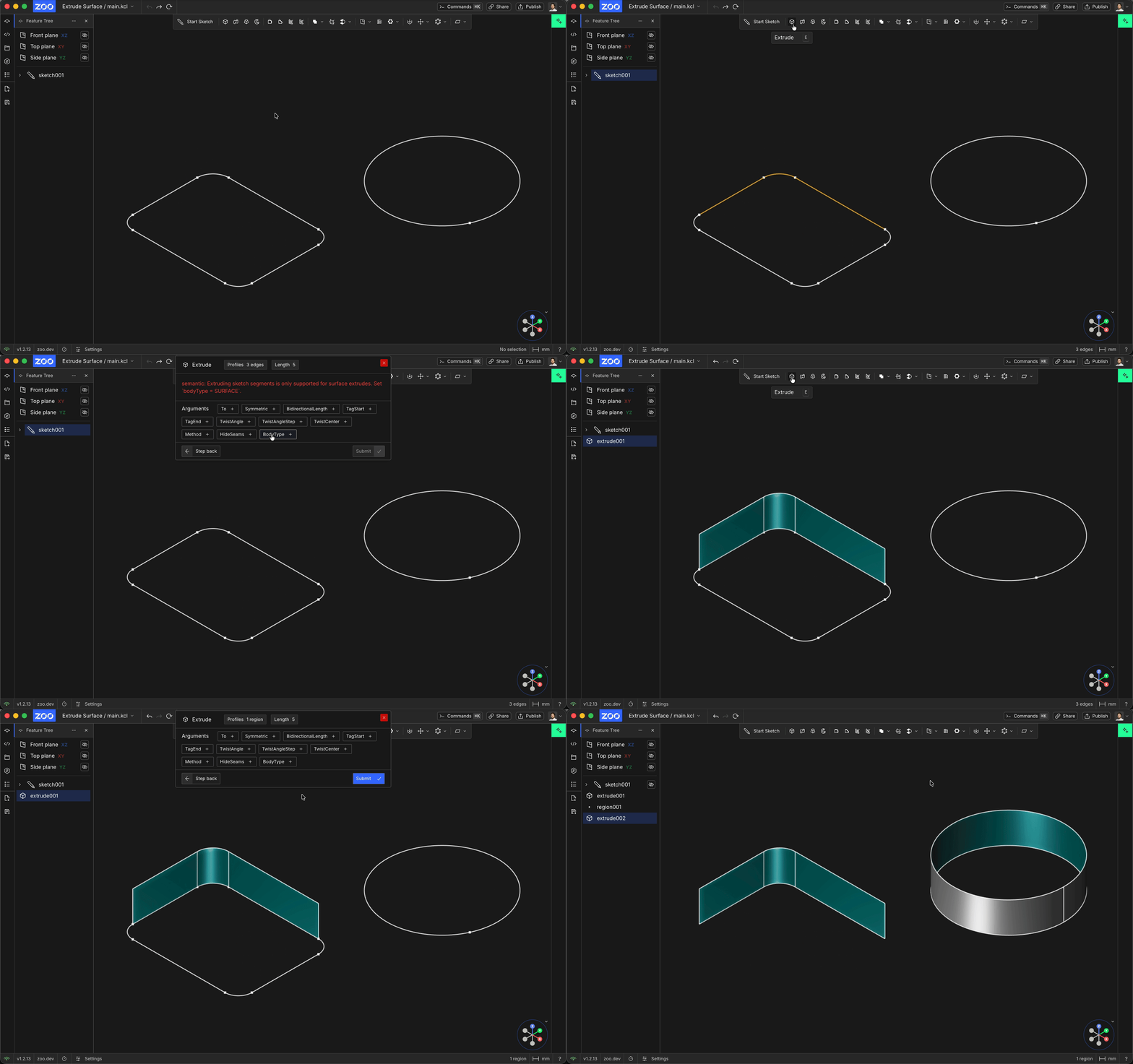
Body Type
The bodyType parameter controls what kind of geometry Extrude creates. Set bodyType to
surface when you want a surface body, which is an open shell with no thickness, instead of a
watertight solid body. This is the same Body Type control described in the solid Extrude workflow,
the only difference is that here you are intentionally choosing the surface output mode.
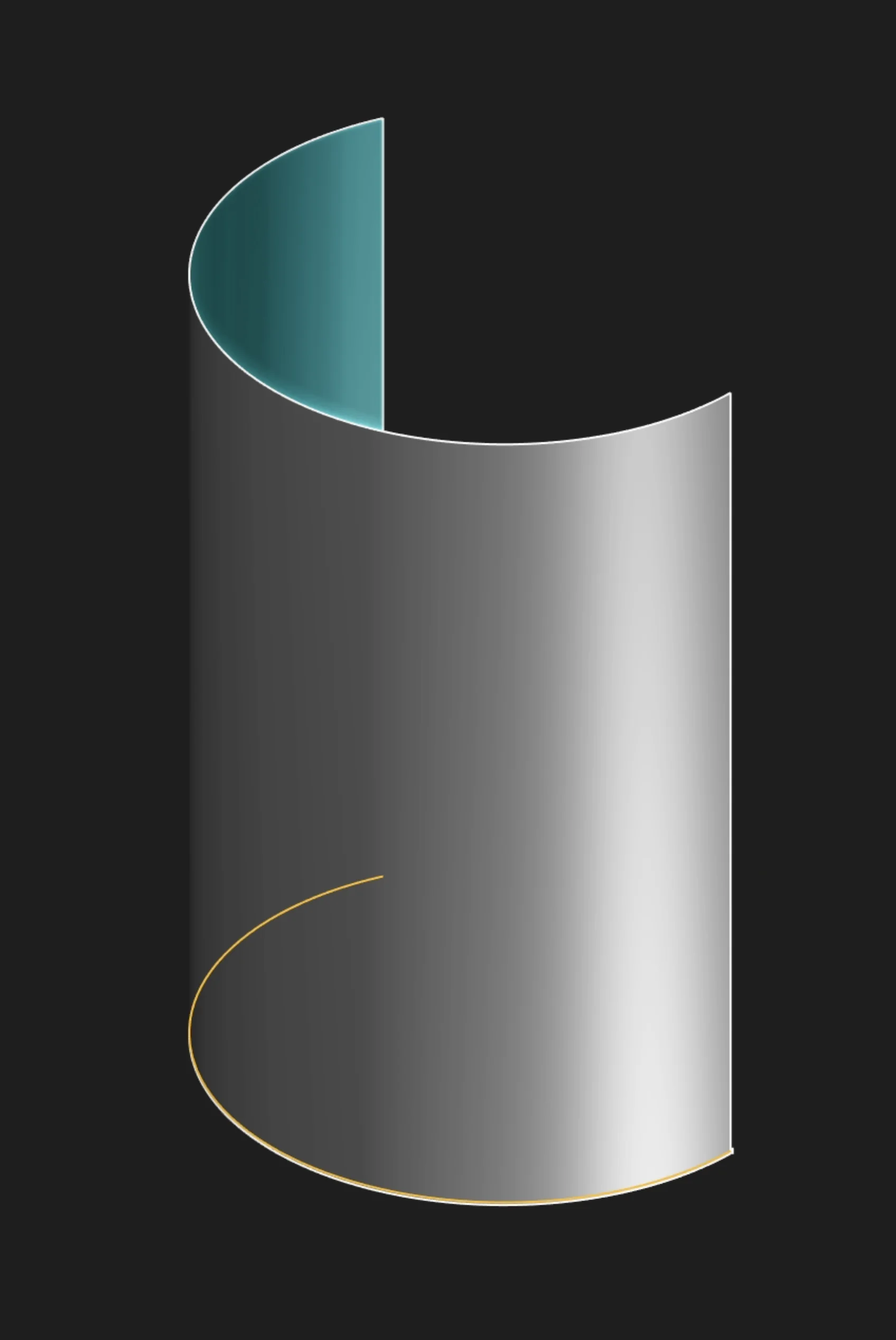
Profiles
Select one or more sketch segments, body edges, or sketch regions to extrude. A segment or body edge creates a sheet surface that extends from that curve. A region uses the complete enclosed profile and creates an open surface body instead of a solid.
To extrude an existing body's edge, start Extrude and select the edge in the viewport. Set
bodyType to surface; edge extrusions cannot create a solid directly. Use method = new to keep
the new surface separate. method = merge is not currently supported for edge extrusion.
You can extrude multiple body edges together, but you cannot mix body edges with sketch or face
profiles in the same extrude call. Use separate extrusions instead.
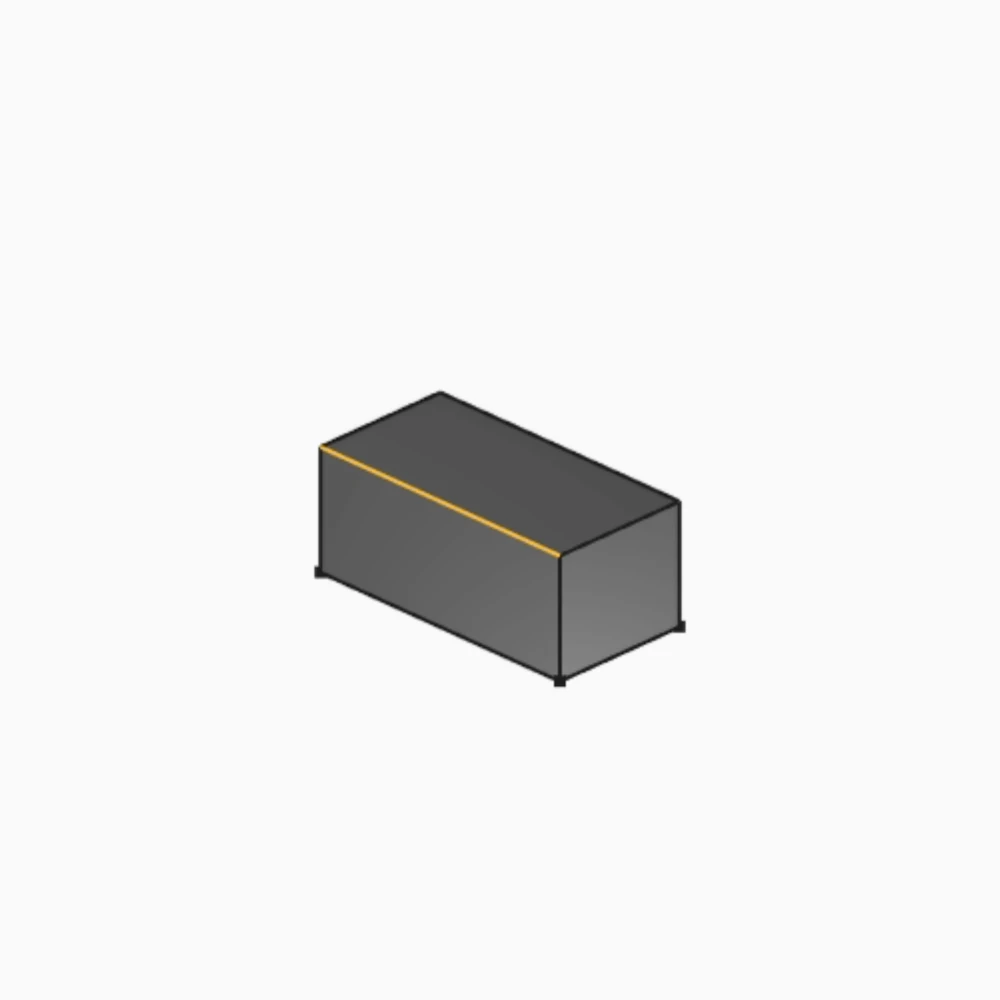
Selected body edge
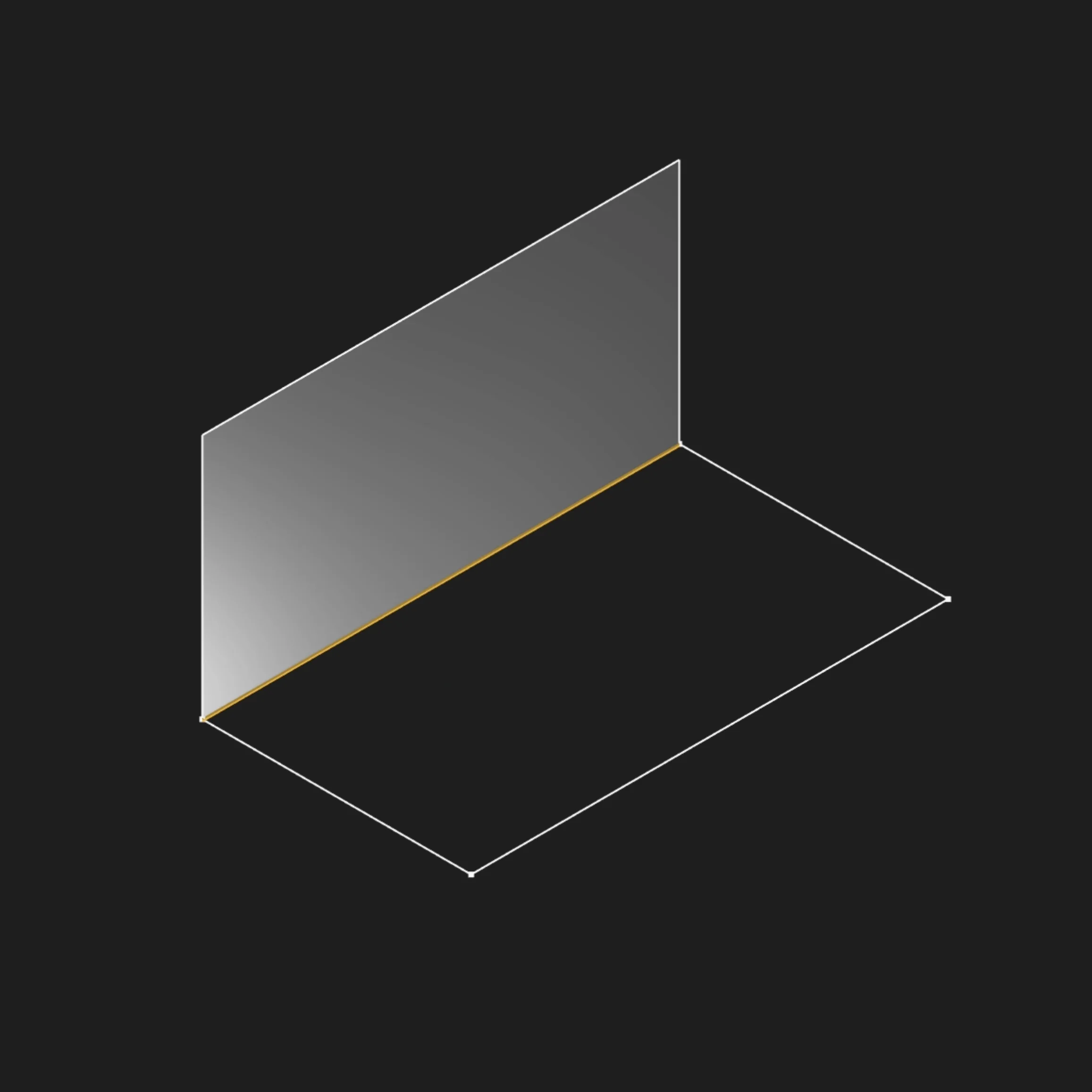
Selected sketch segment
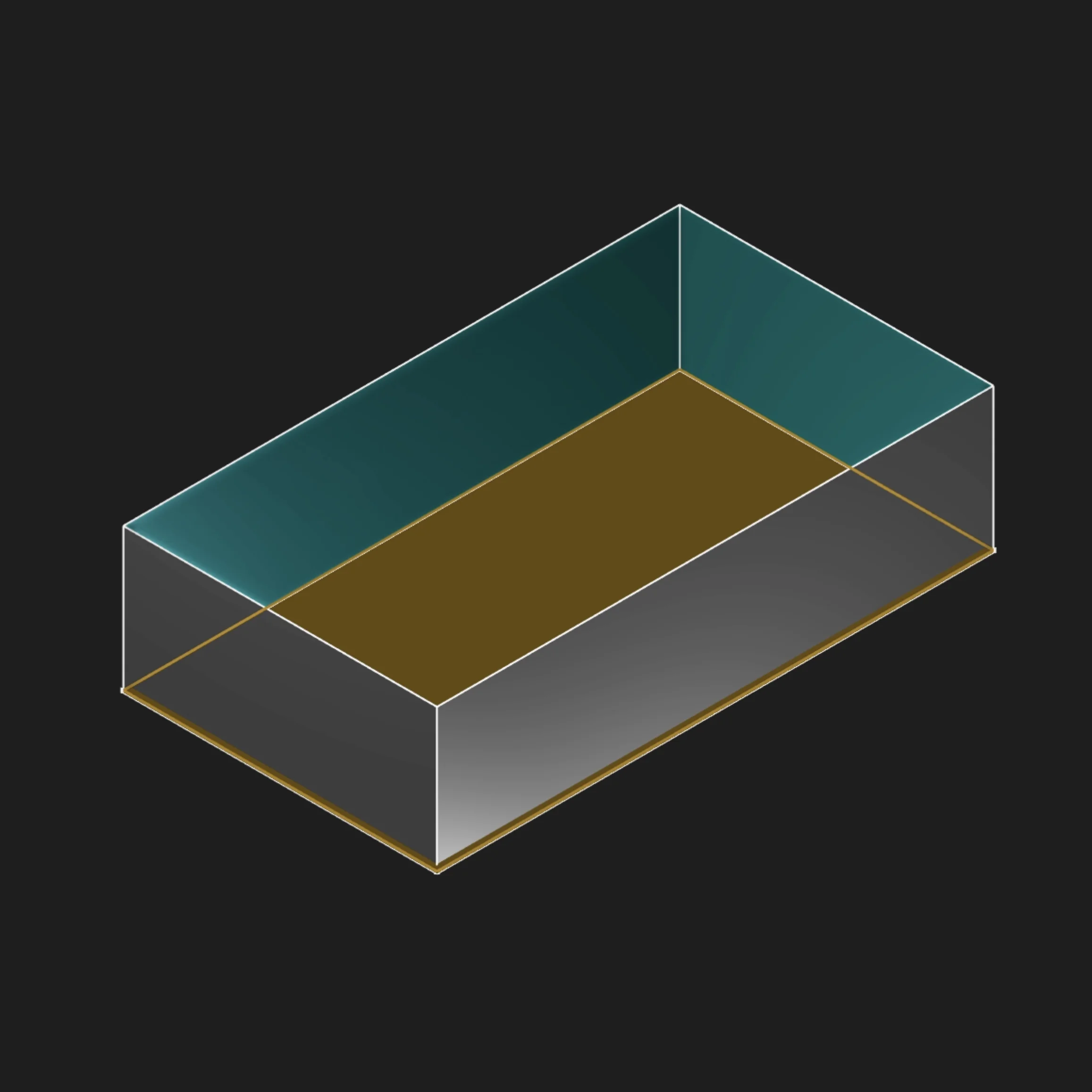
Selected sketch region
Direction
By default, a sketch profile extrudes along its sketch plane normal. When extruding a body edge, Zoo Design Studio infers a direction halfway between the normals of the two faces beside the edge.
Use direction to override that default. In the command palette, select a sketch segment or an
existing body edge to supply the direction. In KCL, direction also accepts a three-component
vector, a tagged edge, or an edge returned by an edge query. The selected curve supplies only its
direction; length still controls how far the profile is extruded.
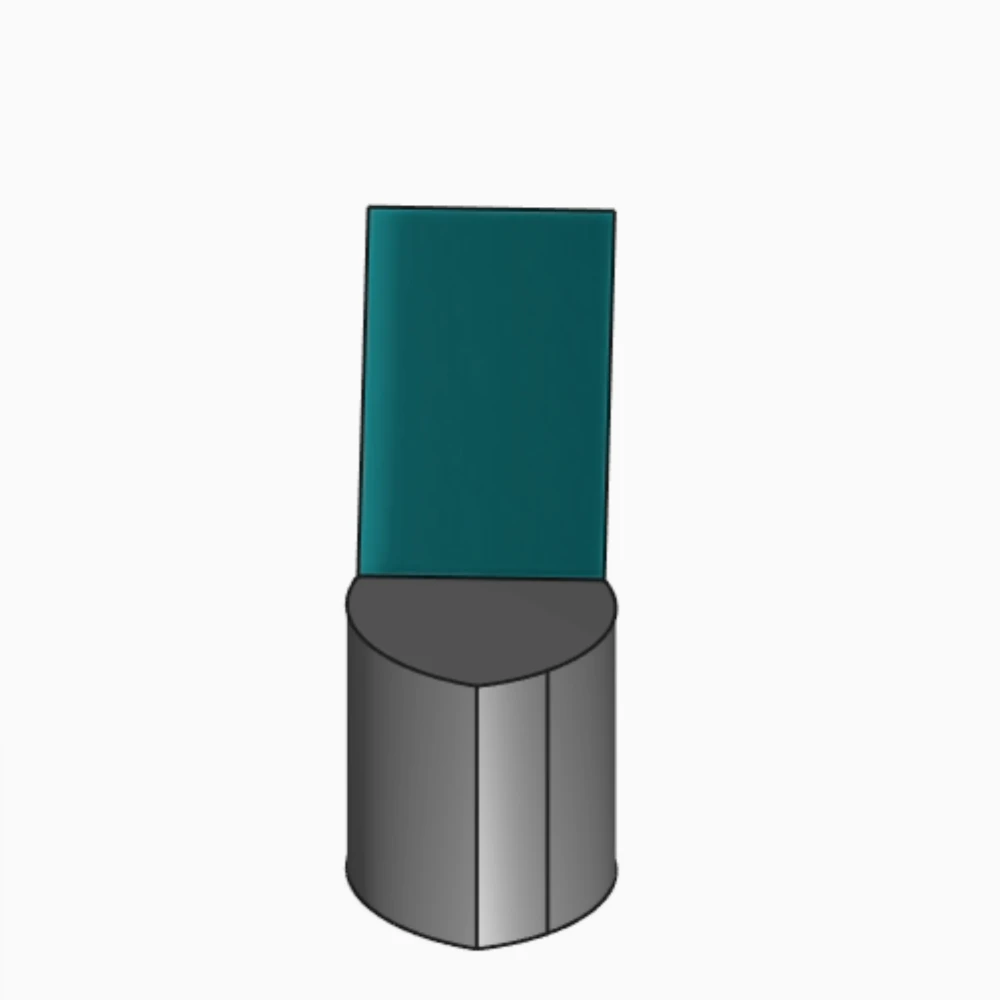
Body edge extruded in the inferred direction
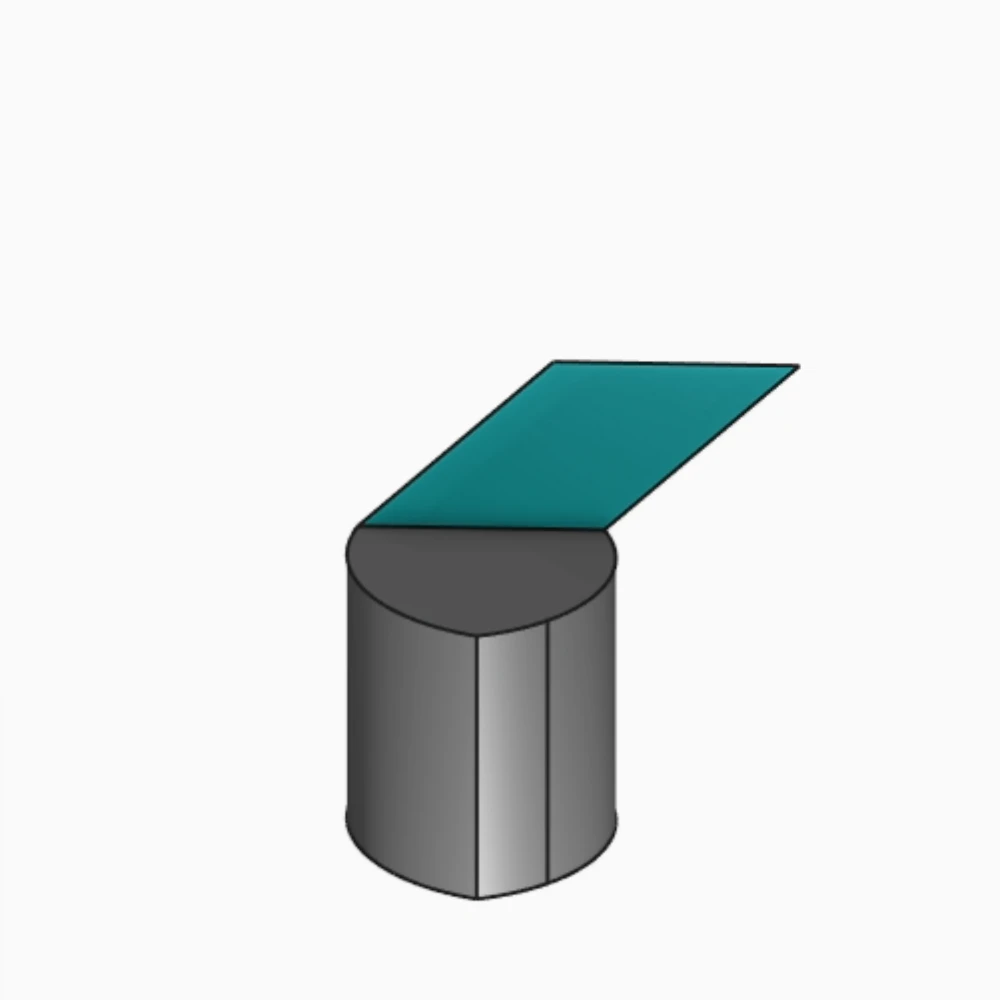
The same edge extruded with direction = [1, 0, 1]
For example, all of these forms are valid:
Other Parameters
Length, Extrude To Face, Symmetric, and Bidirectional Length work as described in
Extrude Solid.
Because an extruded edge or sketch segment creates no start or end cap, Start Tag and End Tag
are not available for those profiles. direction and twistAngle cannot be used together. See the
extrude KCL reference for every parameter and
combination.
Surface Extrude In The Aquarium
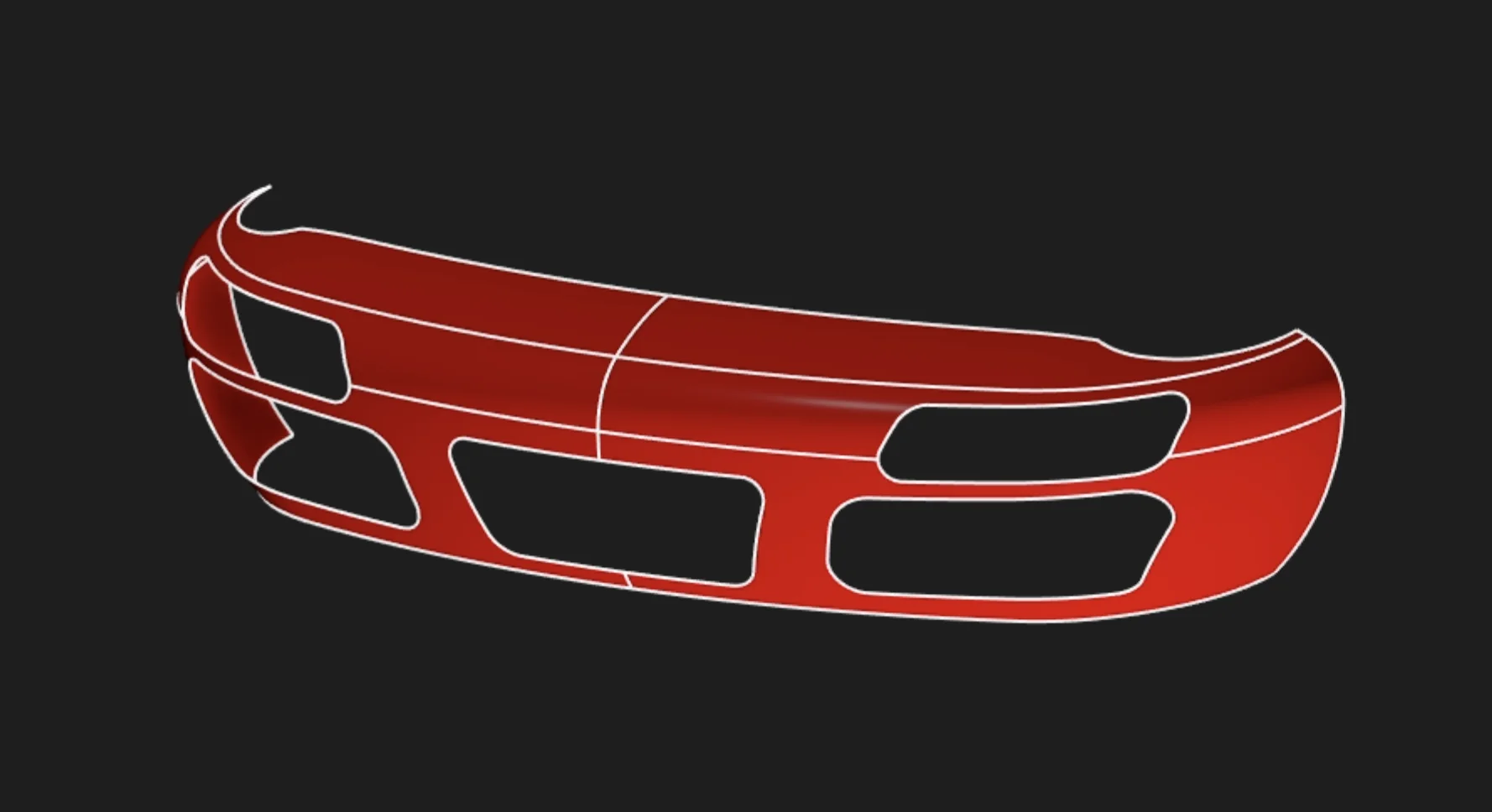
For a real model that uses Surface Extrude, open this car bumper in the Aquarium, our public model gallery.
Are you interested in code?
Zoo Design Studio writes KCL behind the scenes. A surface extrusion is an extrude call with
bodyType = SURFACE, applied to a sketch segment, body edge, or profile.
To extrude an edge from an existing body, reference the edge directly or use an edge-query function. This example extrudes the edge opposite a tagged sketch segment and uses another sketch segment for its direction:
Want to find out more about the extrude function? Check it out
in our KCL docs.