Split
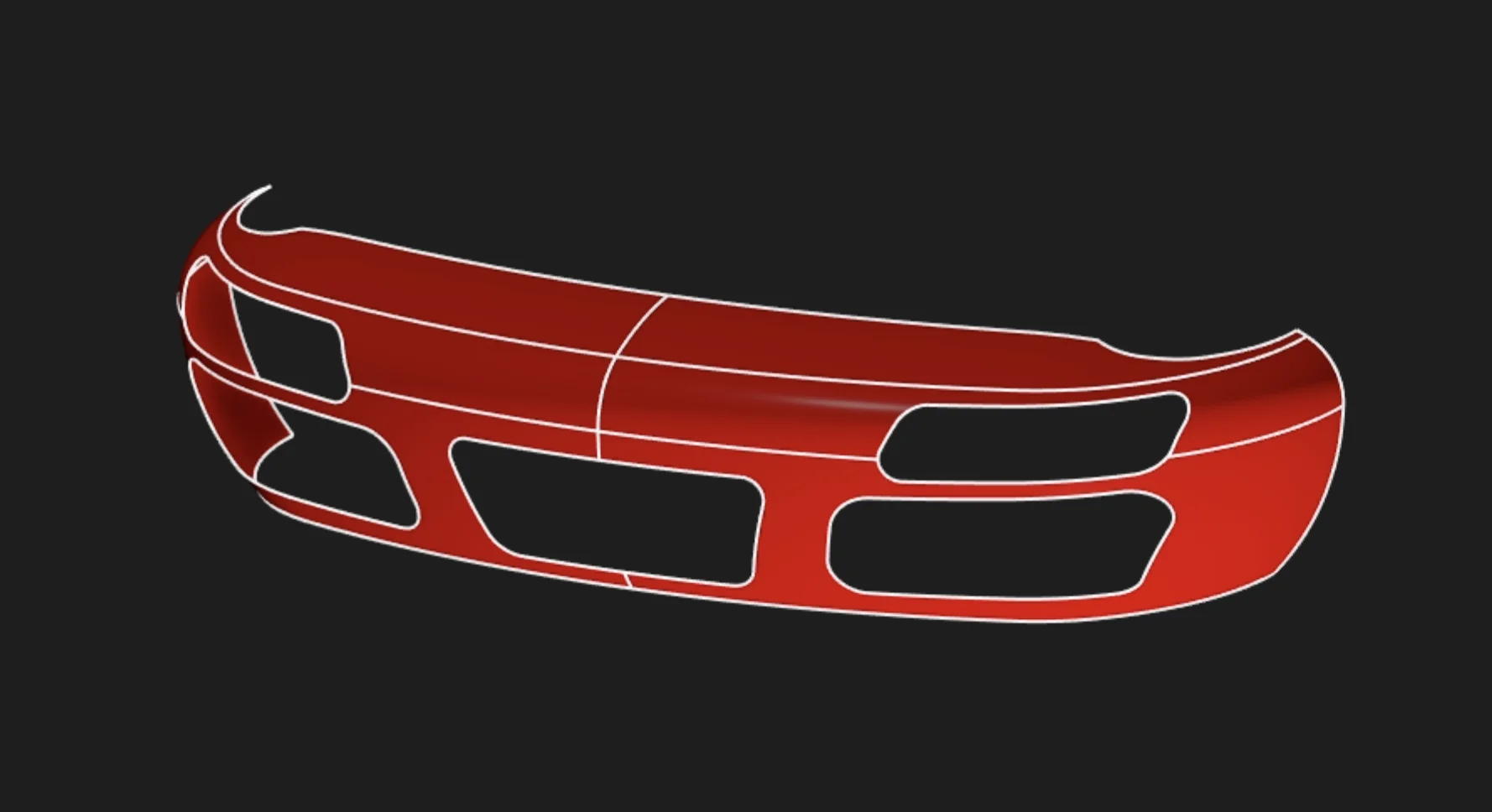
Split divides surface faces wherever they intersect with a tool surface, creating separate face regions that can be edited, trimmed, or annotated independently. Use Split when you need to partition surfaces for selective operations on specific regions.
Options
Target
The surface or solid body whose faces you want to split. Selected faces will be divided where the tool intersects them.
Tool
The surface or solid body that defines where to make the split. Where this intersects the target, it creates new face boundaries.
Common Uses
Selective Surface Operations
Split faces to apply different treatments to specific regions:
- Apply different materials or appearances to portions of a face
- Fillet or chamfer only part of a surface edge
- Remove or modify specific regions without affecting others
Surface Trimming Preparation
Create controlled boundaries before trimming:
- Define exact trim regions for complex surface intersections
- Establish face boundaries for subsequent deletion
- Prepare surfaces for surface extension operations
Model-Based Definition
Split faces for targeted annotation:
- Apply GD&T callouts to specific face regions
- Add surface finish symbols to selected areas
- Annotate critical zones separately from surrounding geometry
Surface Split In The Aquarium
For a real model that uses Surface Split, open this car bumper in the Aquarium, our public model gallery.