Geometric Analysis
Geometric Analysis tools help you inspect model geometry while you work. Use the Measure tool to check edge lengths directly in the scene without adding dimensions, editing sketches, or changing the KCL source.
Open Measure
Click the ruler icon in the lower-right status bar to open Measure. Zoo Design Studio enters measure mode and shows a Measure panel in the Modeling Area.
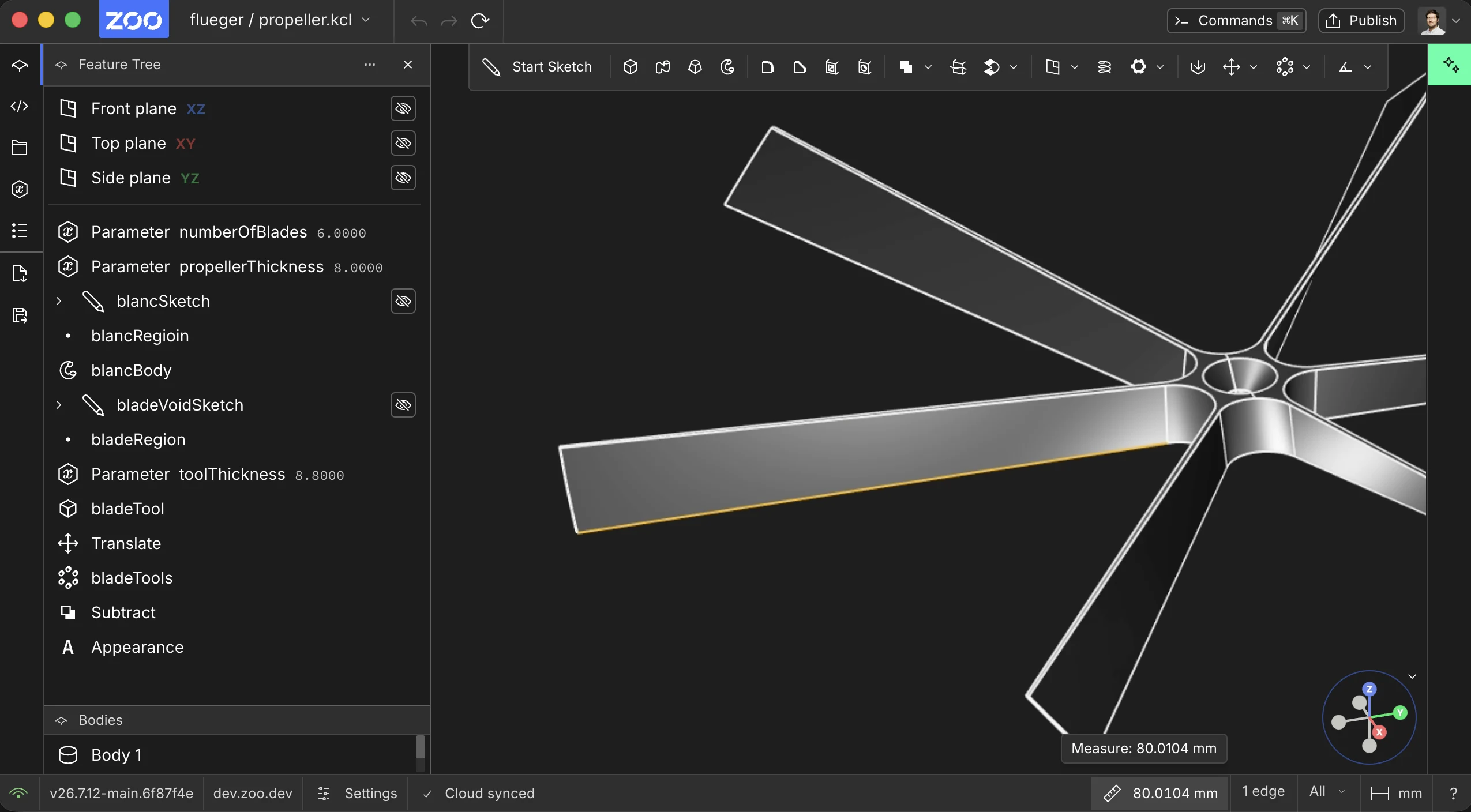
Open Measure from the ruler icon in the lower-right status bar
Measure Edge Length
With Measure open, select an edge in the scene. The selected edge is highlighted, and the Measure panel shows its length in the current project units. Measure supports both straight edges and curved edges such as arcs.
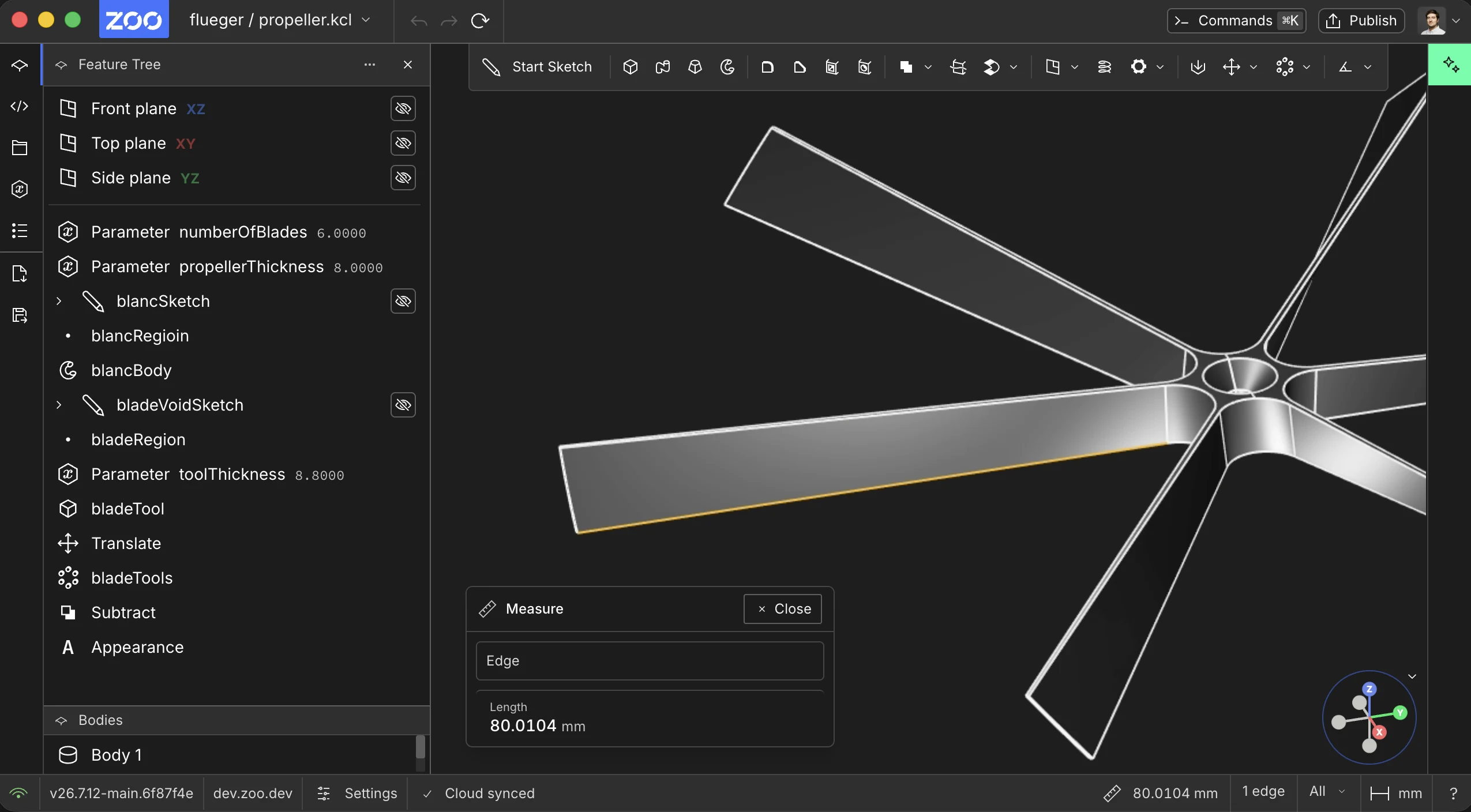
Example: Measuring the length of a straight edge
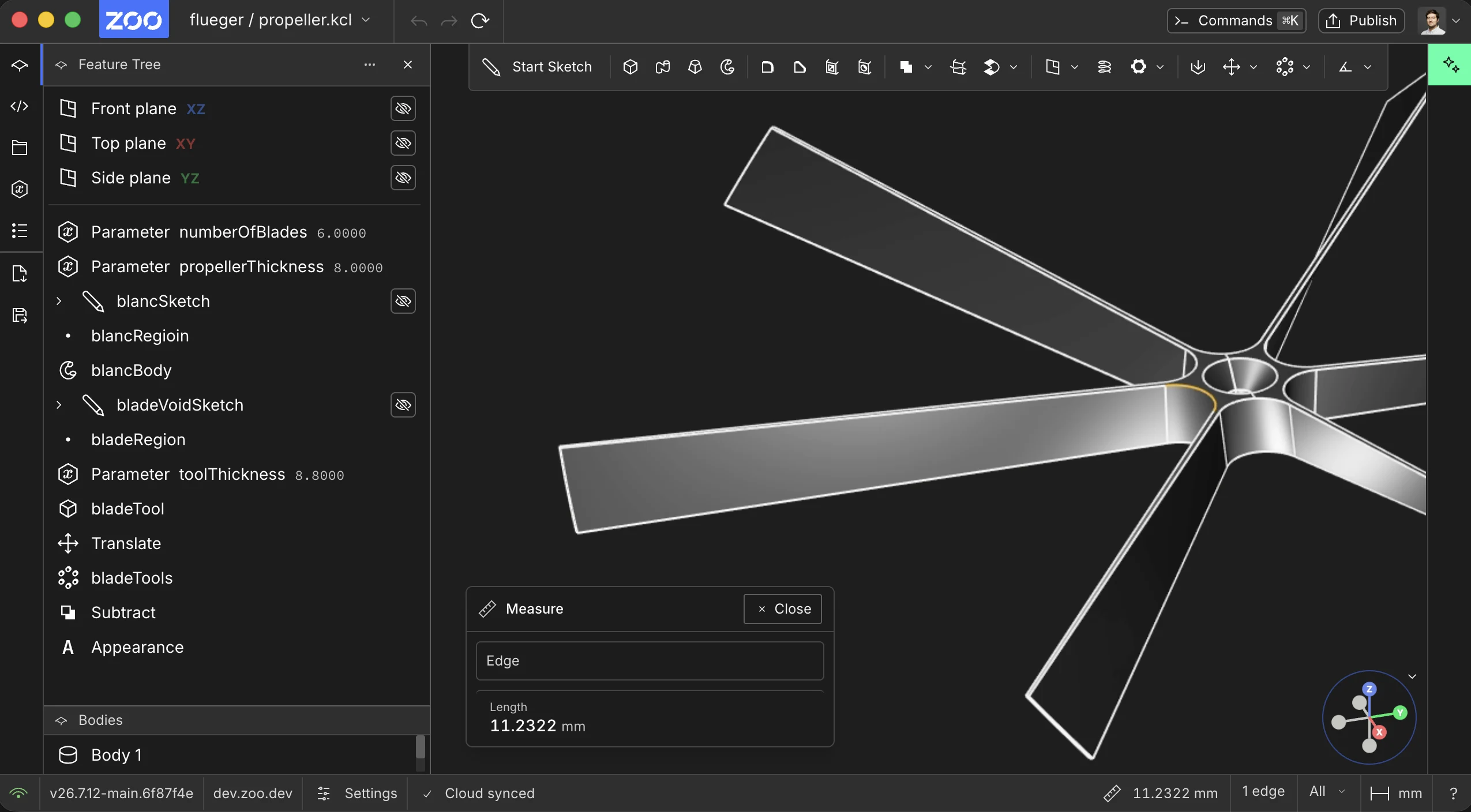
Example: Measuring the length of an arc or curved edge
Current Support
Measure currently supports edge length. Support for radius, diameter, area, and volume measurements will be added later.