Loft Surface
Use the same Loft tool used in
Loft Solid,
then set bodyType to surface to blend between section profiles as an open surface instead of a
closed solid. This is useful for fairings, covers, and transitional shapes that should remain
editable as surface geometry rather than closing into a solid.
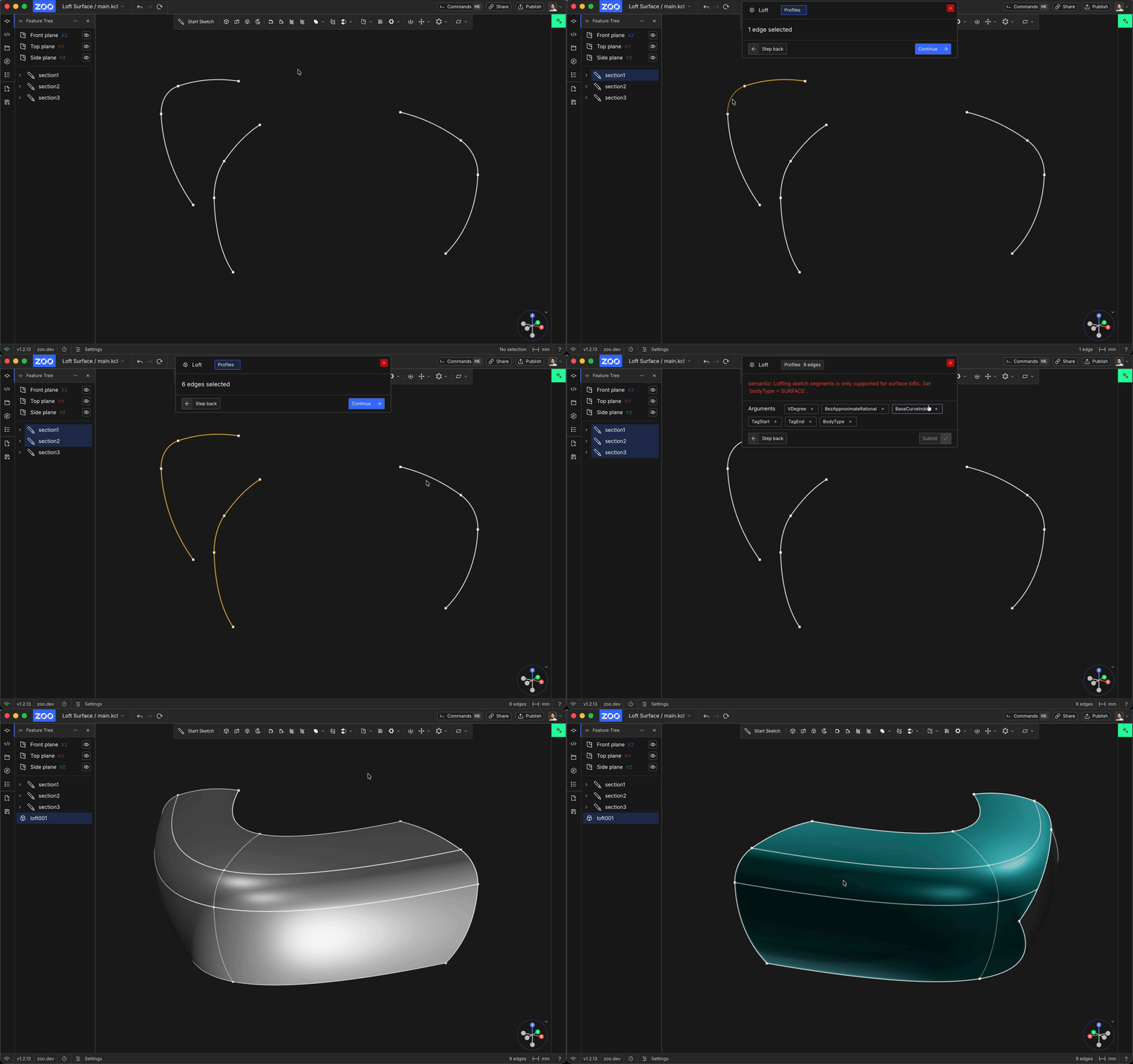
Body Type
The bodyType parameter controls whether Loft creates a solid body or a surface body. Set
bodyType to surface when you want a shell with no thickness instead of a solid body. This is
the same Body Type behavior described in the solid Loft workflow, the difference is simply that this
surface page is focused on the surface output mode.
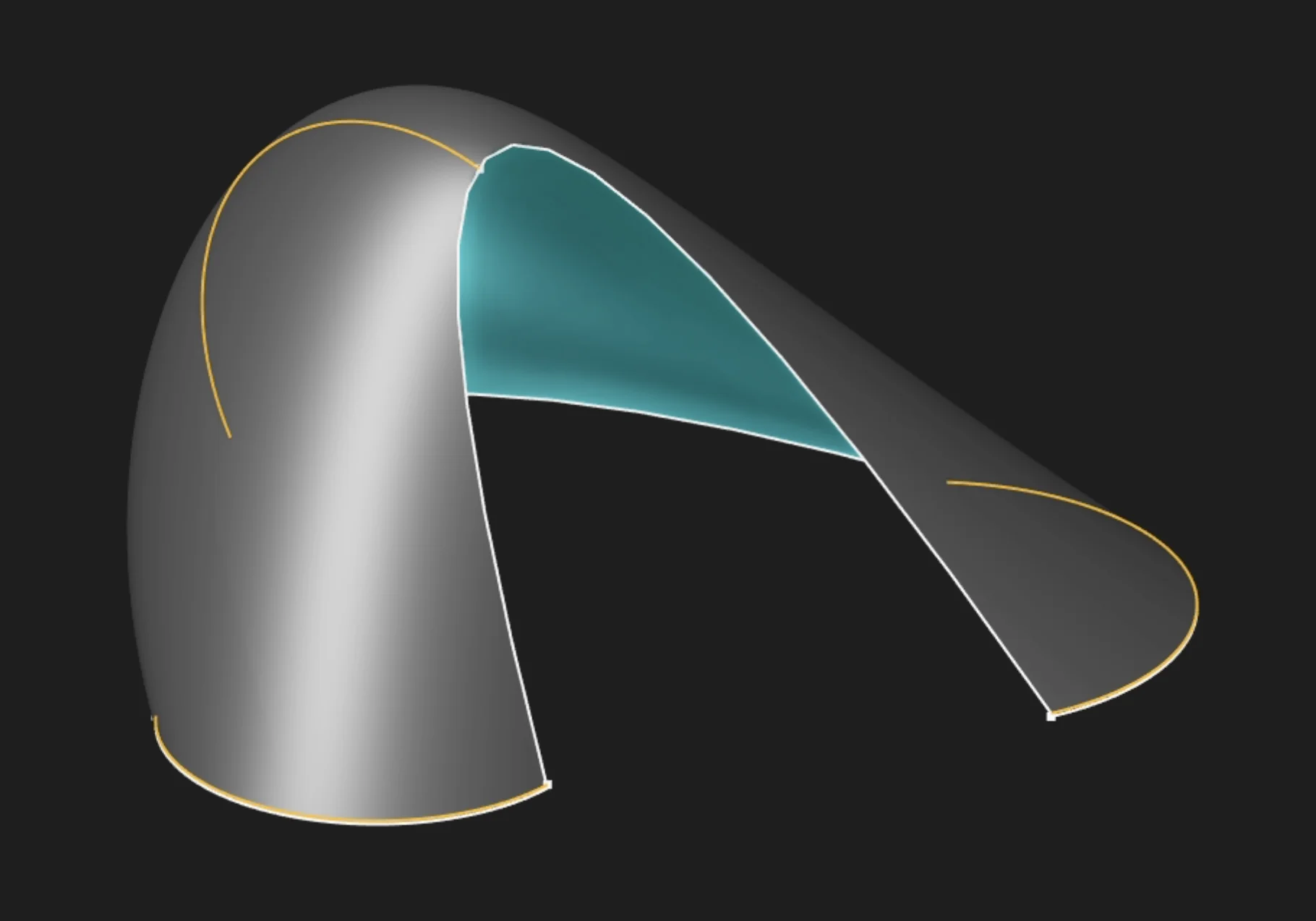
Selection
Choose a sketch segment when the surface should use a single edge as its profile. If the sketch forms a closed region, choose the region to use the full enclosed profile instead.
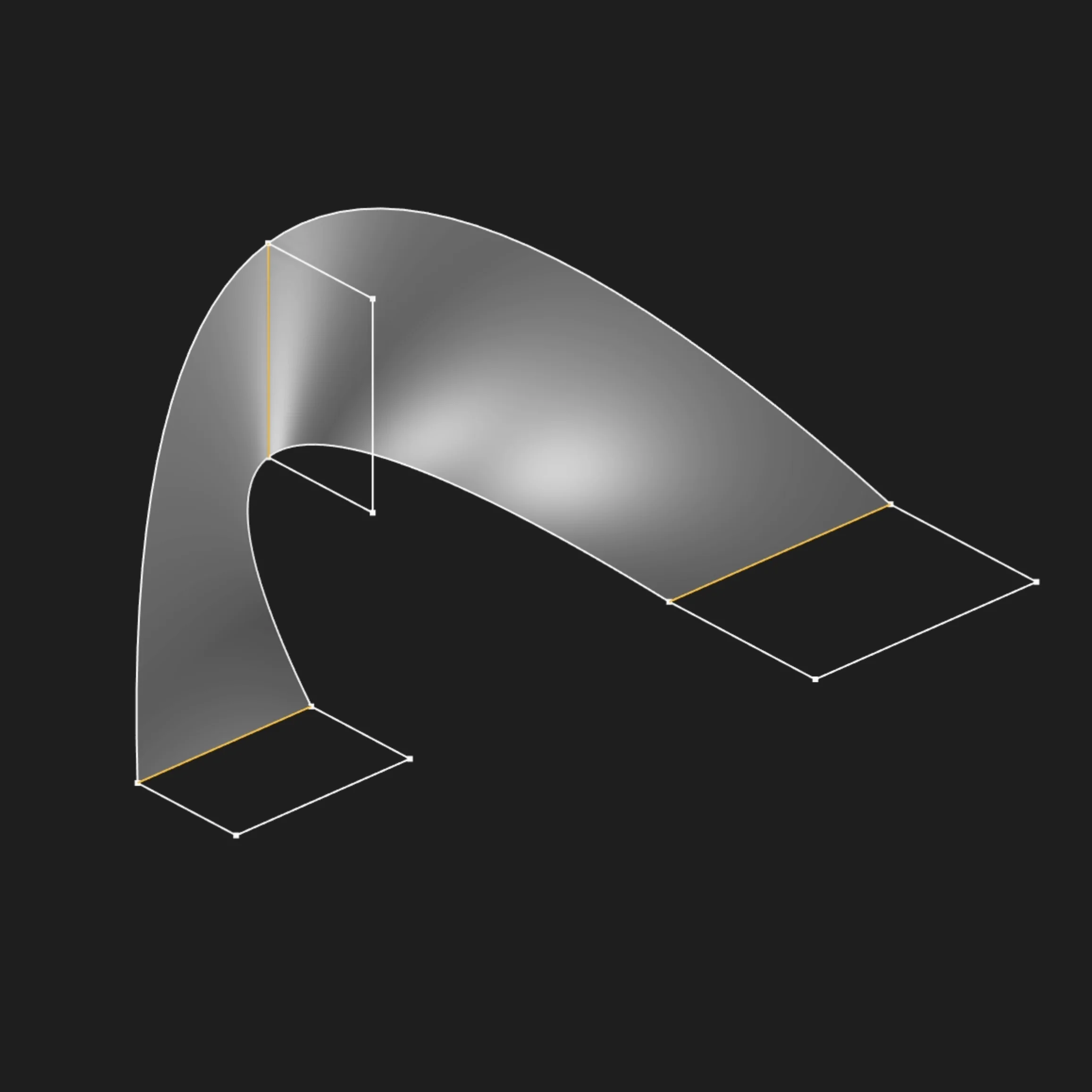
Selected sketch segment
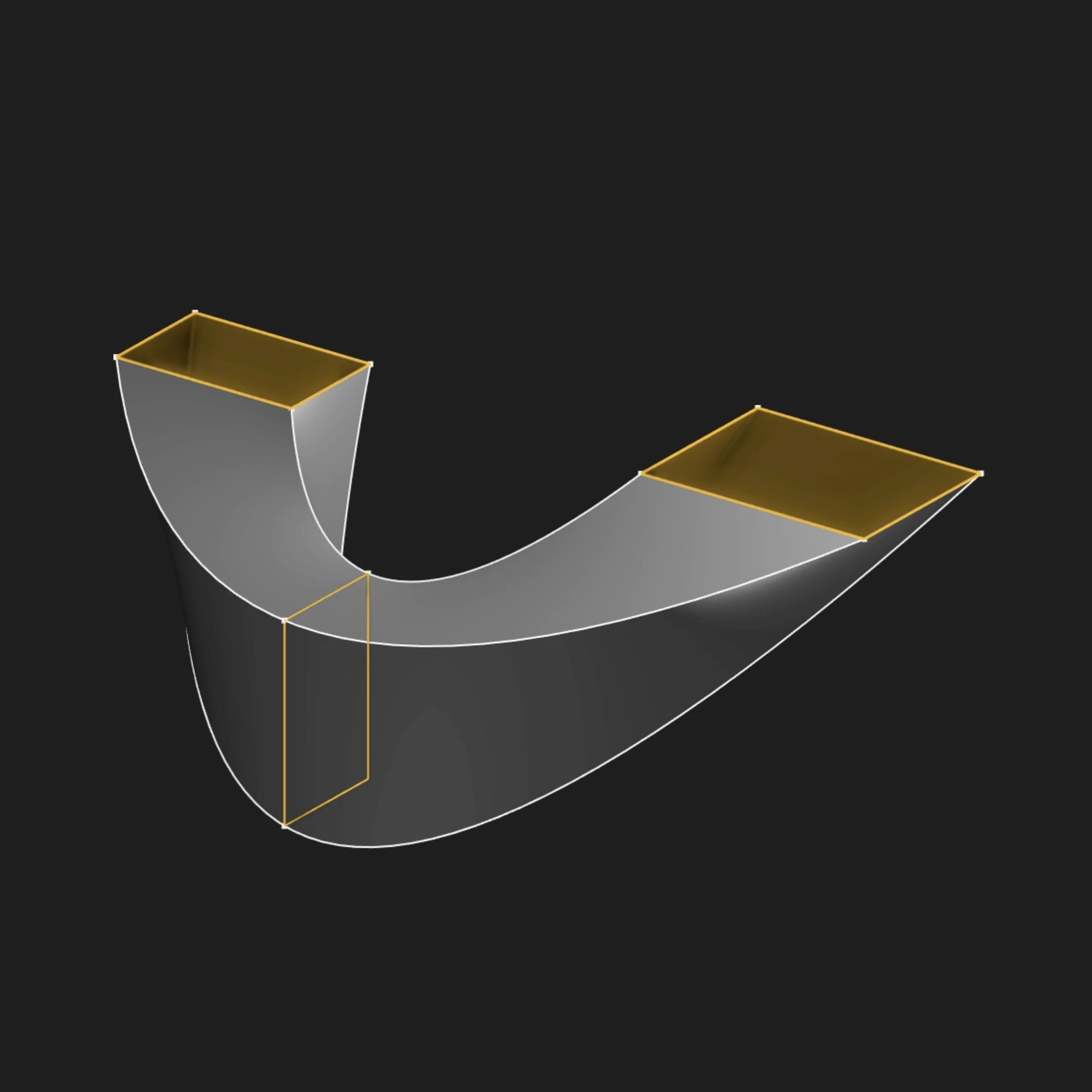
Selected sketch region
Other Parameters
All other Loft parameters, such as Sketches, Surface Degree (V-Direction),
Bezier Approximation, Base Curve Index, and Start Tag / End Tag, work the same way as they do in
Loft Solid.
For the full parameter reference, visit the solid modeling section.
Are you interested in code?
Zoo Design Studio writes KCL behind the scenes. A surface loft is just a loft call with bodyType = SURFACE, applied to multiple sketches.
Want to find out more about the loft function? Check it out in our KCL docs.