Parametric Modeling
Parametric modeling in Zoo Design Studio captures design intent as editable steps. Sketches, feature operations, transforms, construction references, and downstream dependencies stay connected so later changes regenerate predictably.
Most part-modeling workflows begin in Sketching, where 2D profiles, dimensions, and geometric relationships are defined. Those sketches can then drive Solid Modeling features such as extrudes, revolves, booleans, and edge treatments, or Surface Modeling operations when open surfaces are needed instead of closed solids.
Transforms control how geometry is positioned, patterned, rotated, or scaled without redefining the source features, while Construction Geometry provides the reference planes and related setup geometry needed for more complex feature placement. Together, these tools define a feature history that can be edited and regenerated as the design evolves.
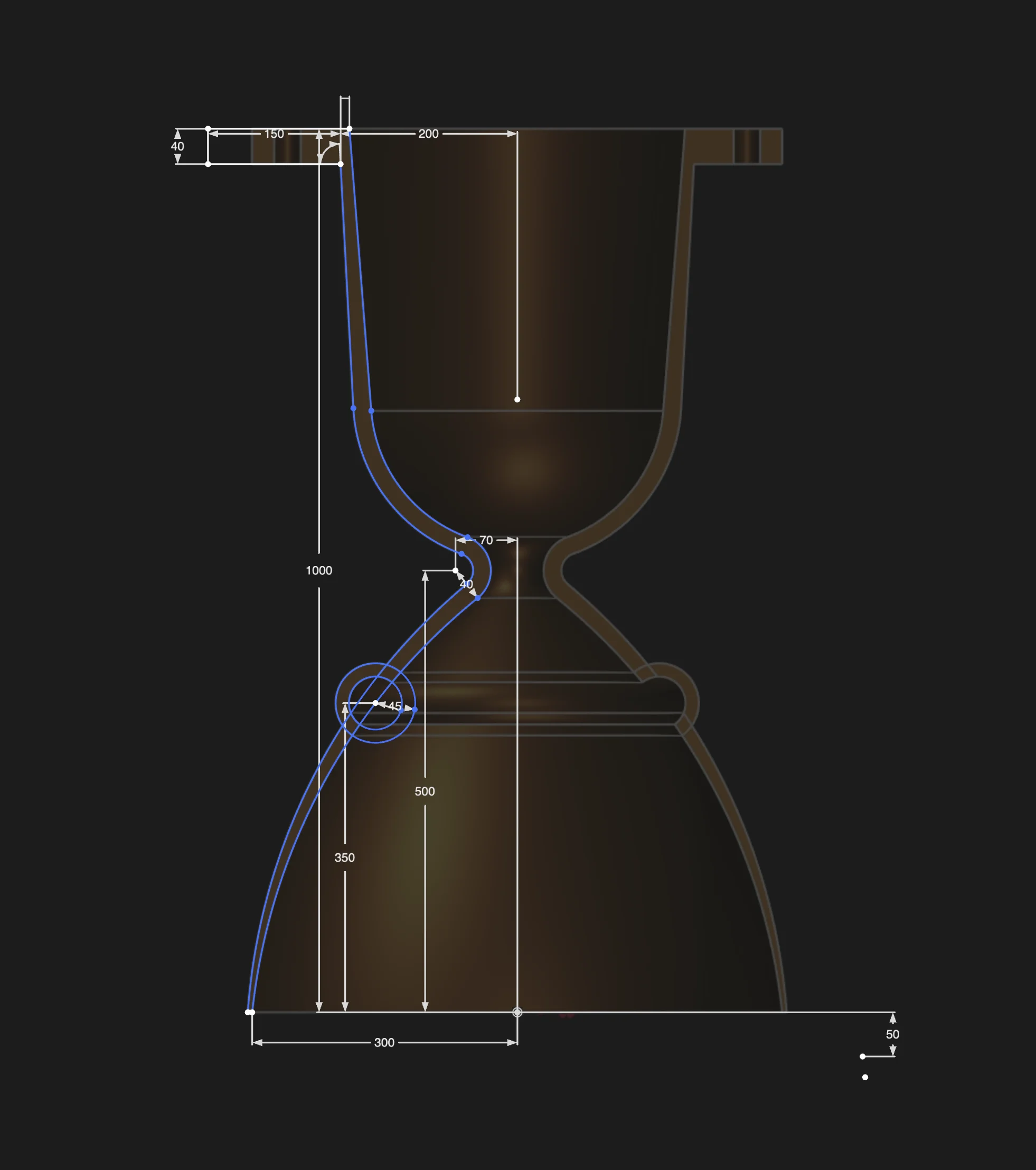
Example: Sketch with constraints and solver
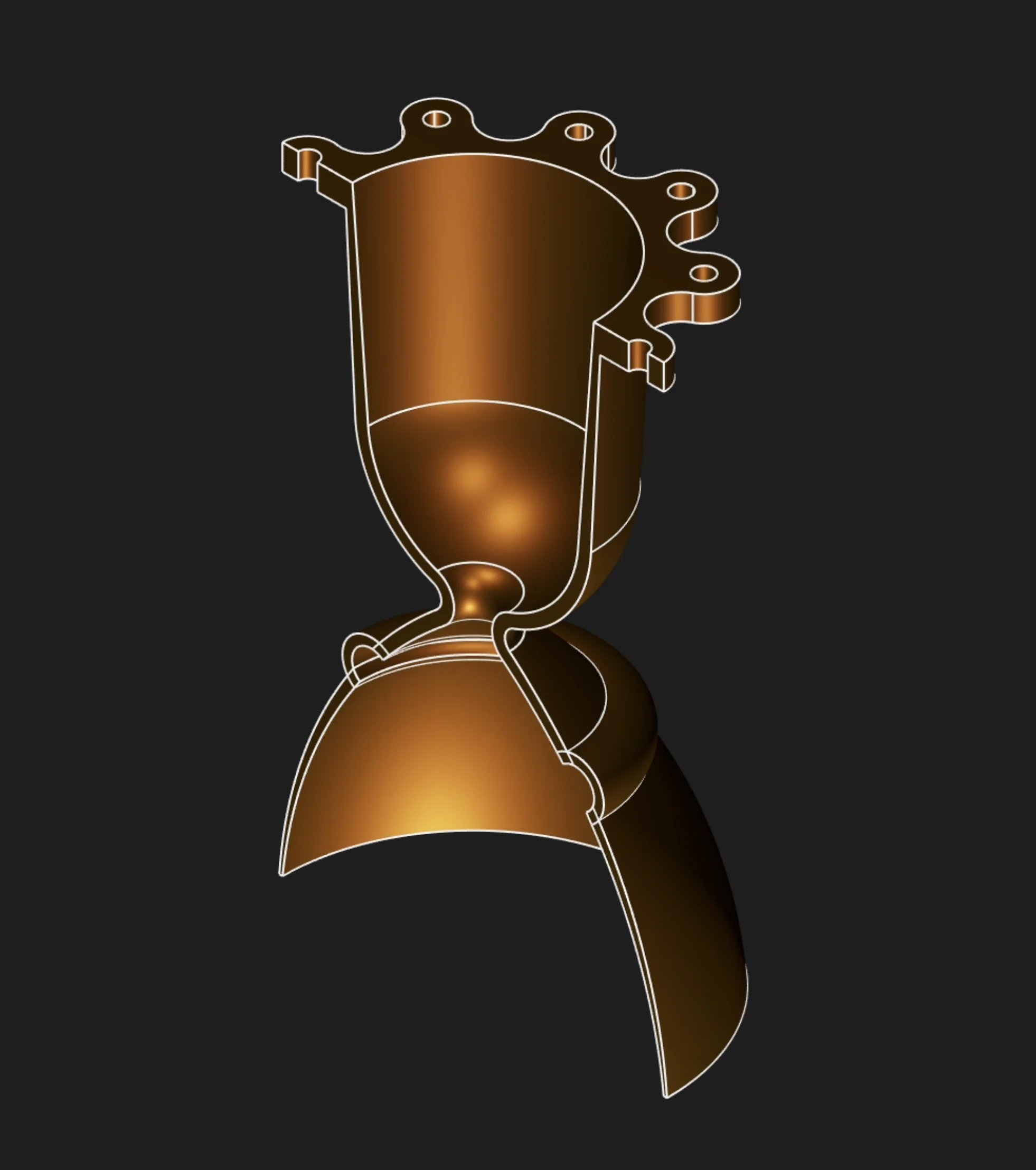
Example: Revolve feature applied to a sketch
To create the model shown above, we used a sketch with solver-driven constraints, and then applied a sequence of parametric operations: extrude, revolve, translate, patterns, and boolean operations. This workflow demonstrates the power of parametric modeling—each step is editable and updates propagate automatically.
Want to learn how these features work? Check out the rest of this section for detailed guides on each operation. Start by learning about Sketches—the foundation of every parametric model. Once you're comfortable with sketches, try creating your first solid or surface using Solid Extrude or Surface Extrude.