Sketching
Sketching is the starting point for most parametric part-modeling workflows in Zoo Design Studio. Use it to create profile geometry, add construction references, apply geometric constraints and driving dimensions, and prepare closed regions for downstream 3D features.
Video Walkthrough
Sketch on a Plane
Start a sketch from a base plane when you want the profile to be aligned to a standard datum. Choose the plane first, then place geometry in the sketch workspace.
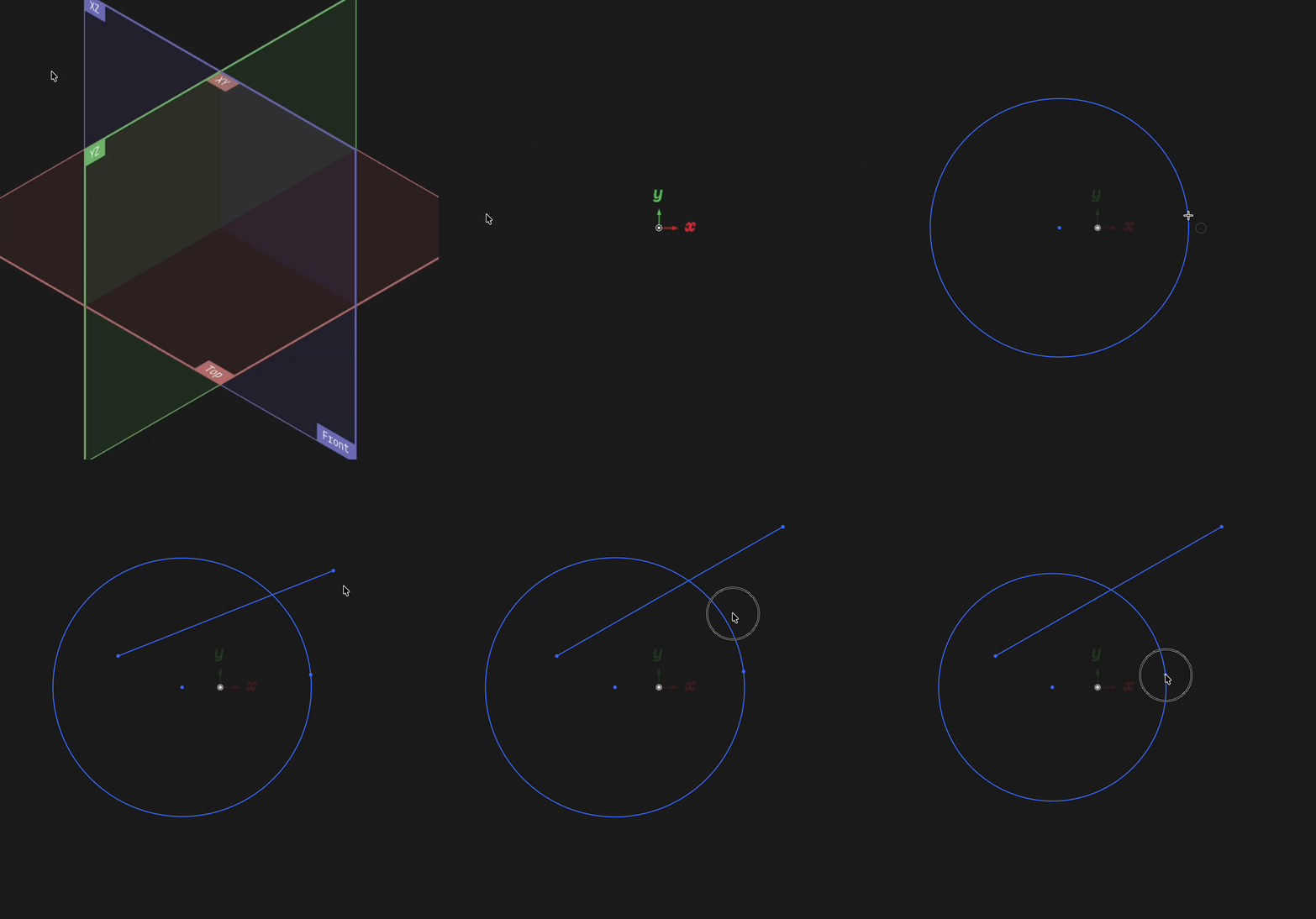
Start a sketch from a plane, then add editable sketch geometry
Sketch on a Face
Sketch on an existing face when the next feature should be attached to a body. This keeps the new profile associated with the selected face so downstream features can use it directly.
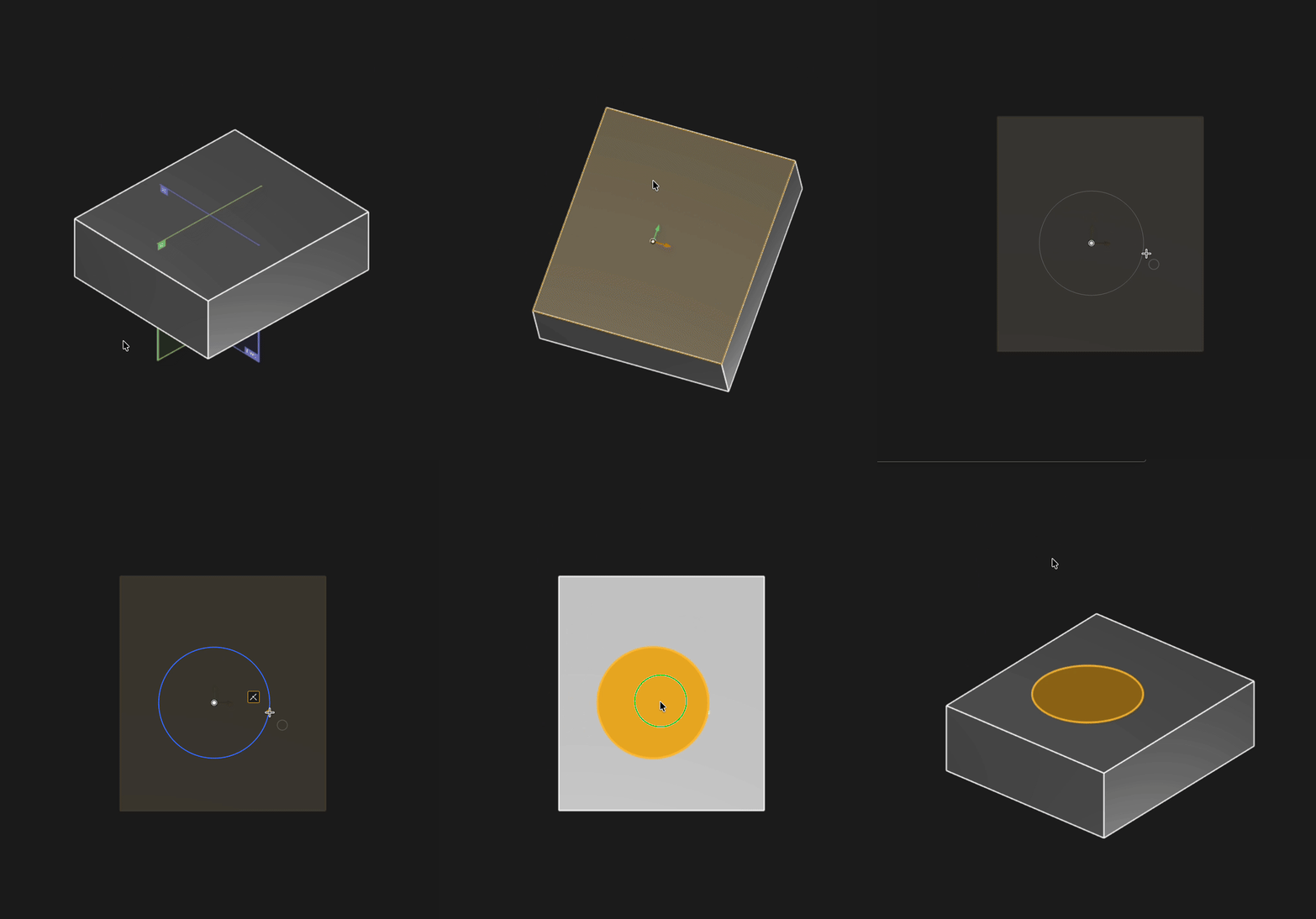
Select a face to open the sketch directly on that surface
This section covers the core parts of the sketch workflow: basic Sketch Geometry, Construction Geometry, Tools, Constraints for geometric relationships, Dimensions for measured values such as Distance, Angle, Radius, and Diameter, Snaps, Tool Picker, and Regions.
As the sketch updates, Zoo Design Studio recalculates closed loops, constrained relationships, and region boundaries so downstream features can regenerate from the revised profile.