Diameter
The Diameter dimension defines the size of circular geometry by its full diameter. Use it for circles and circular profiles when the design intent is based on hole size, boss size, or nominal diameter.
Double-click an existing diameter dimension label to edit the diameter value after it has been placed.
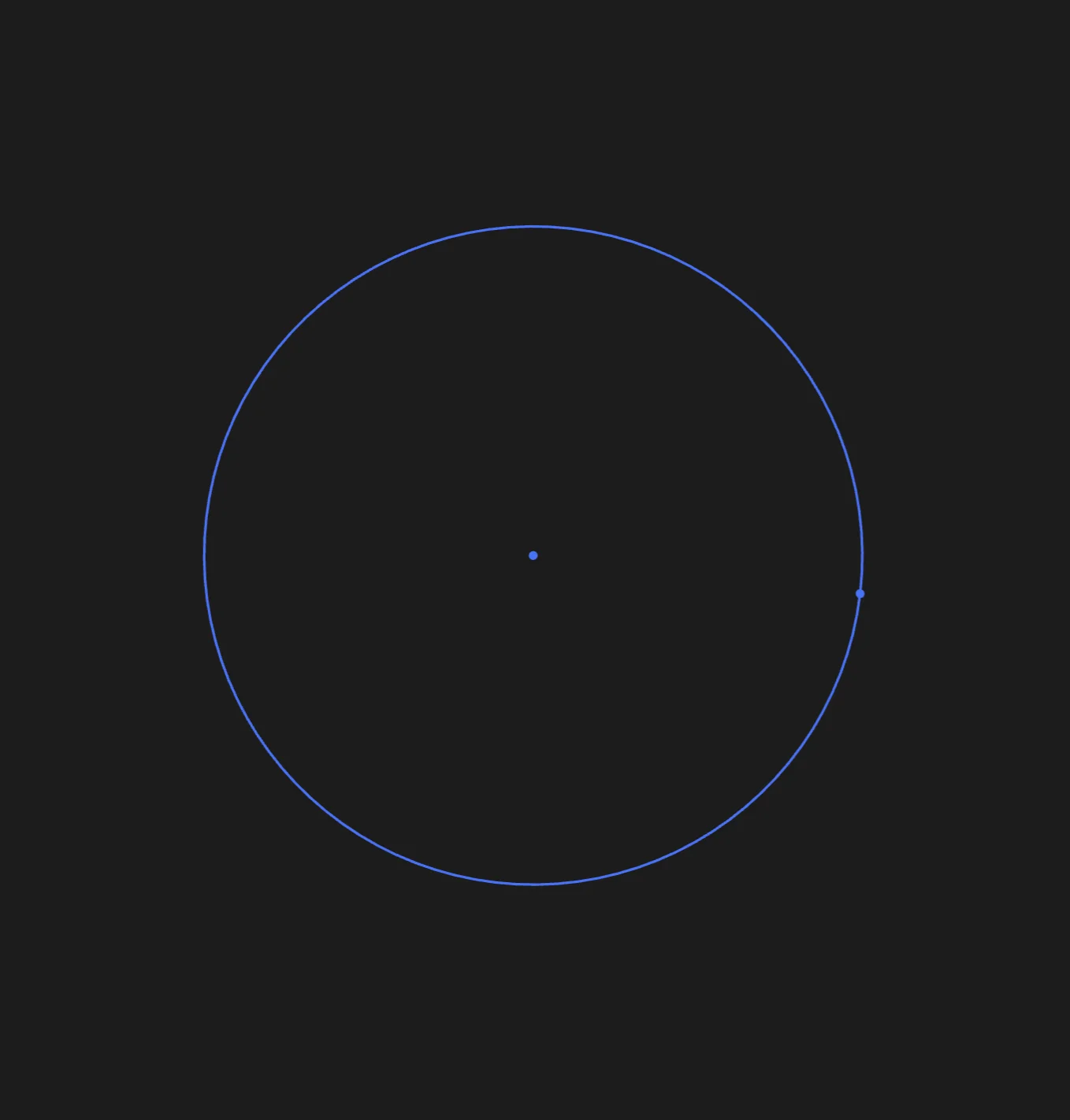
Start with circular geometry that needs a diameter value
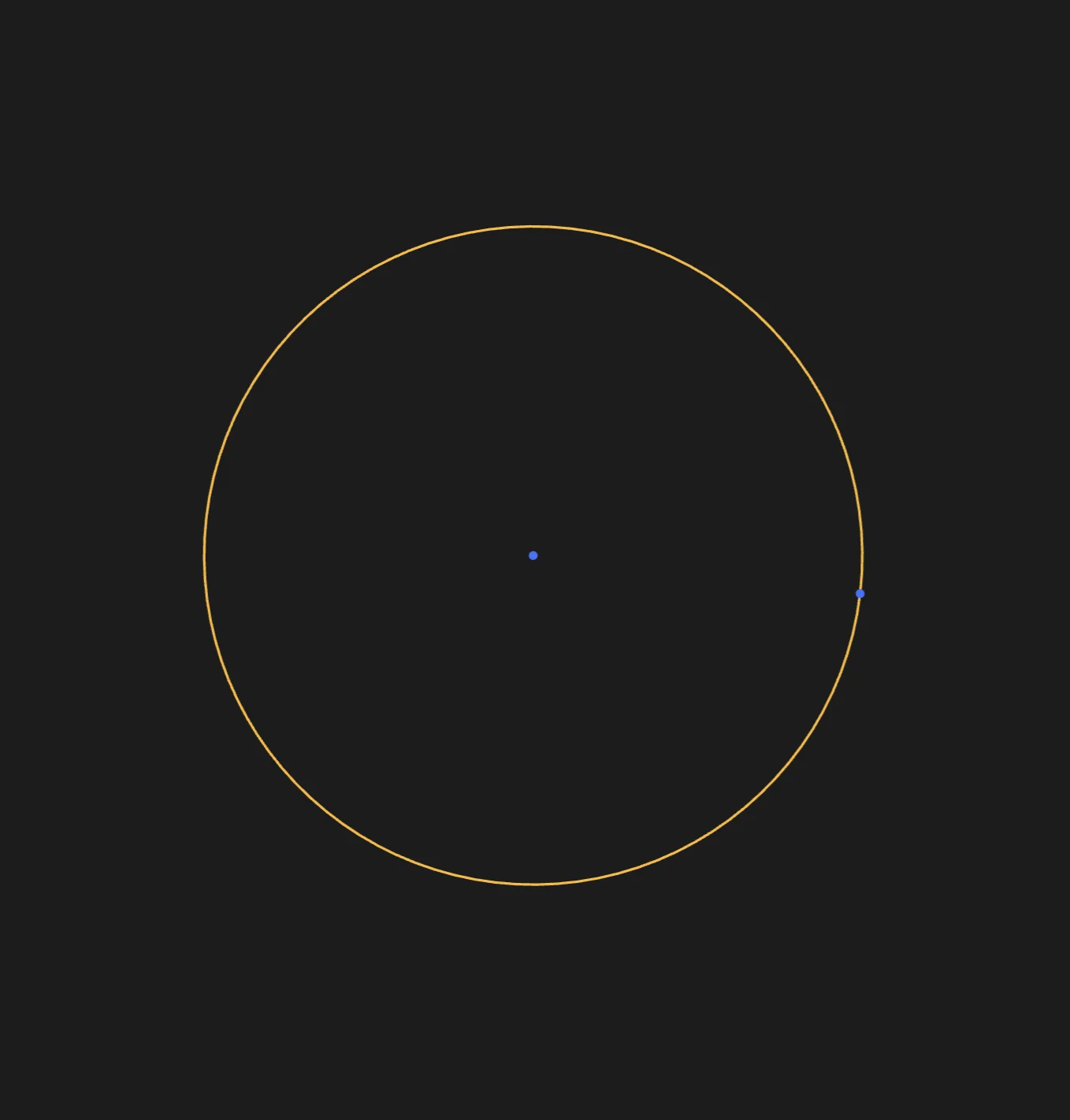
Select the circle or arc to dimension
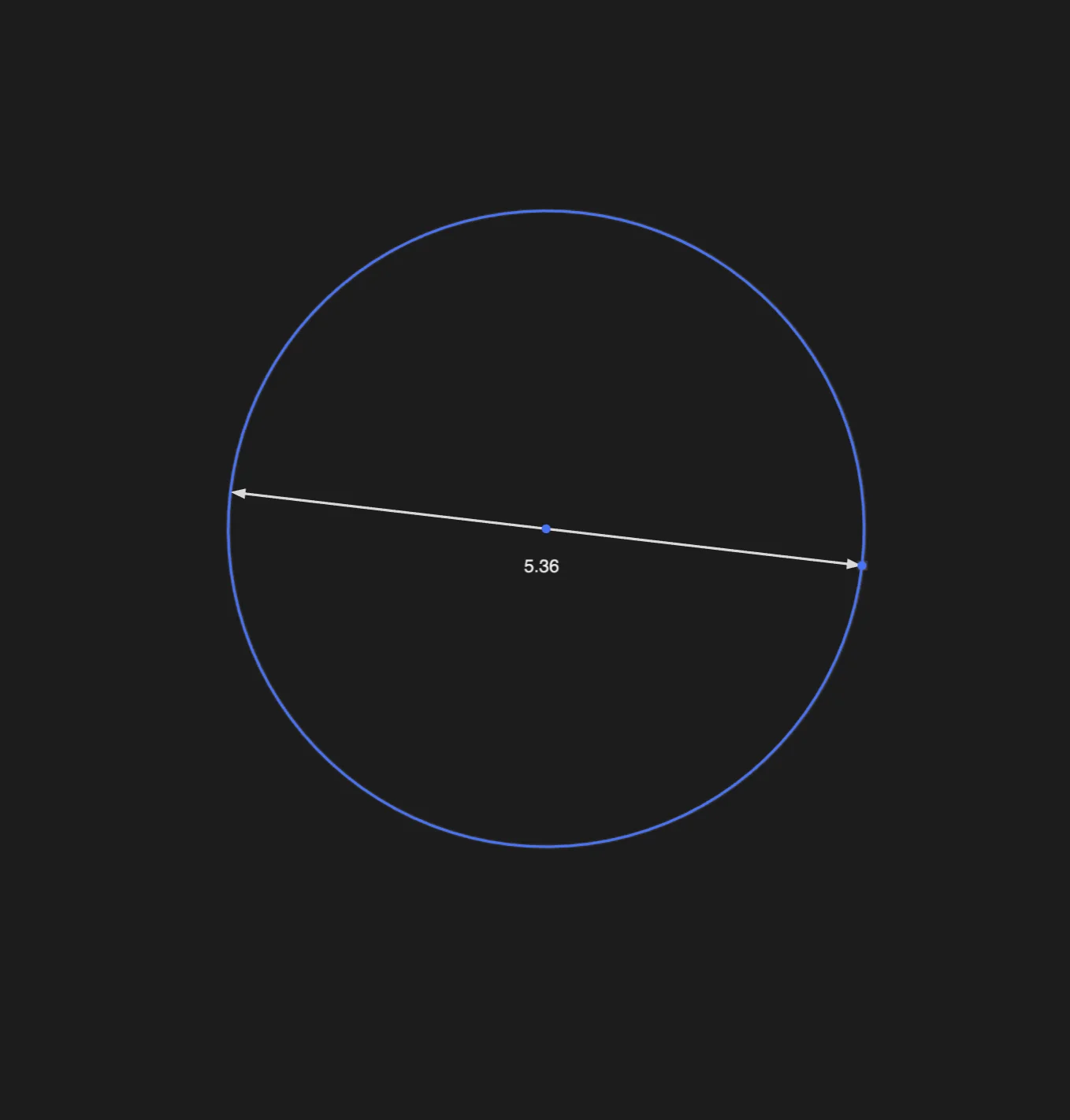
Place the diameter dimension
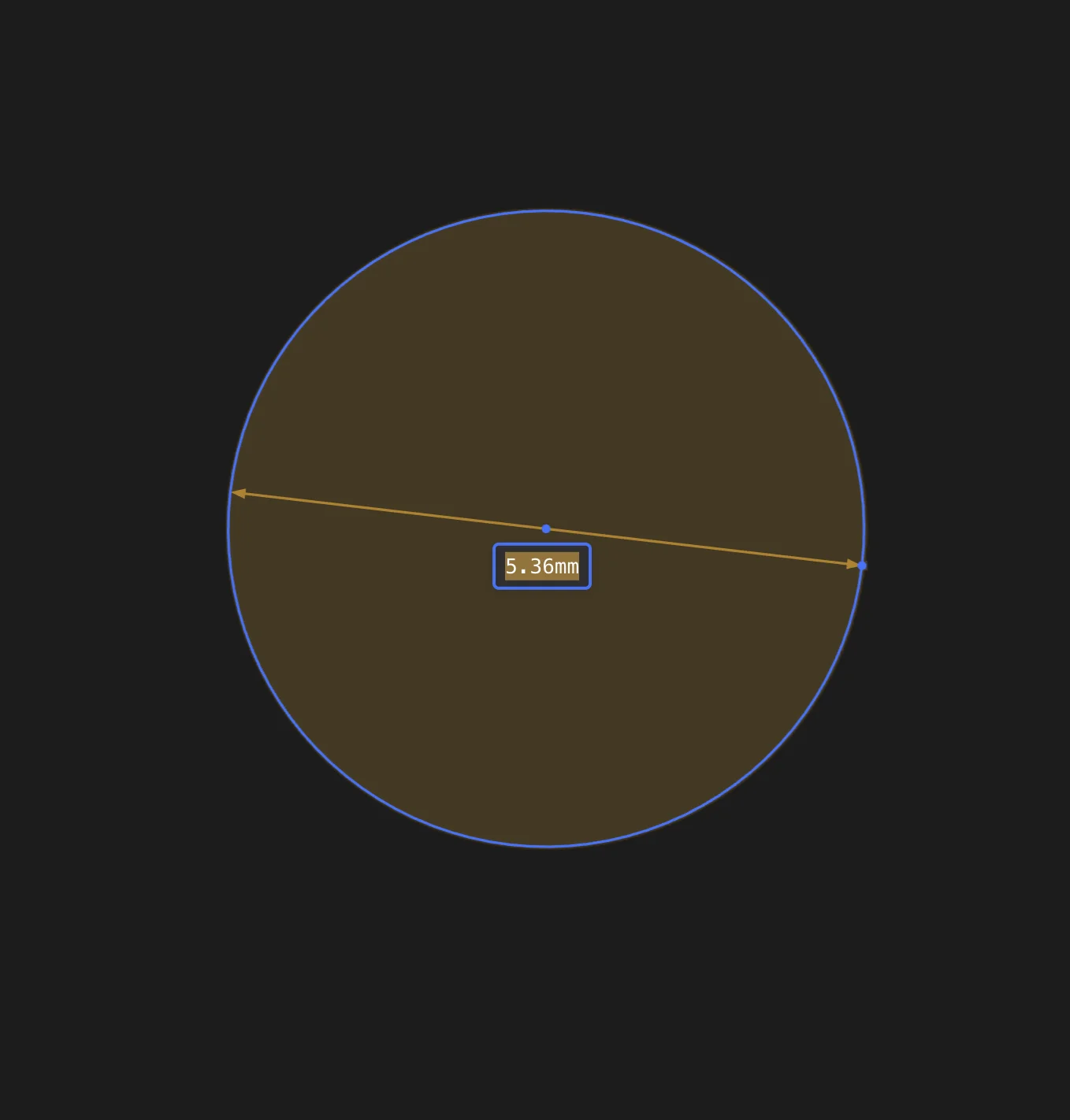
Double-click the dimension label when the diameter needs to change
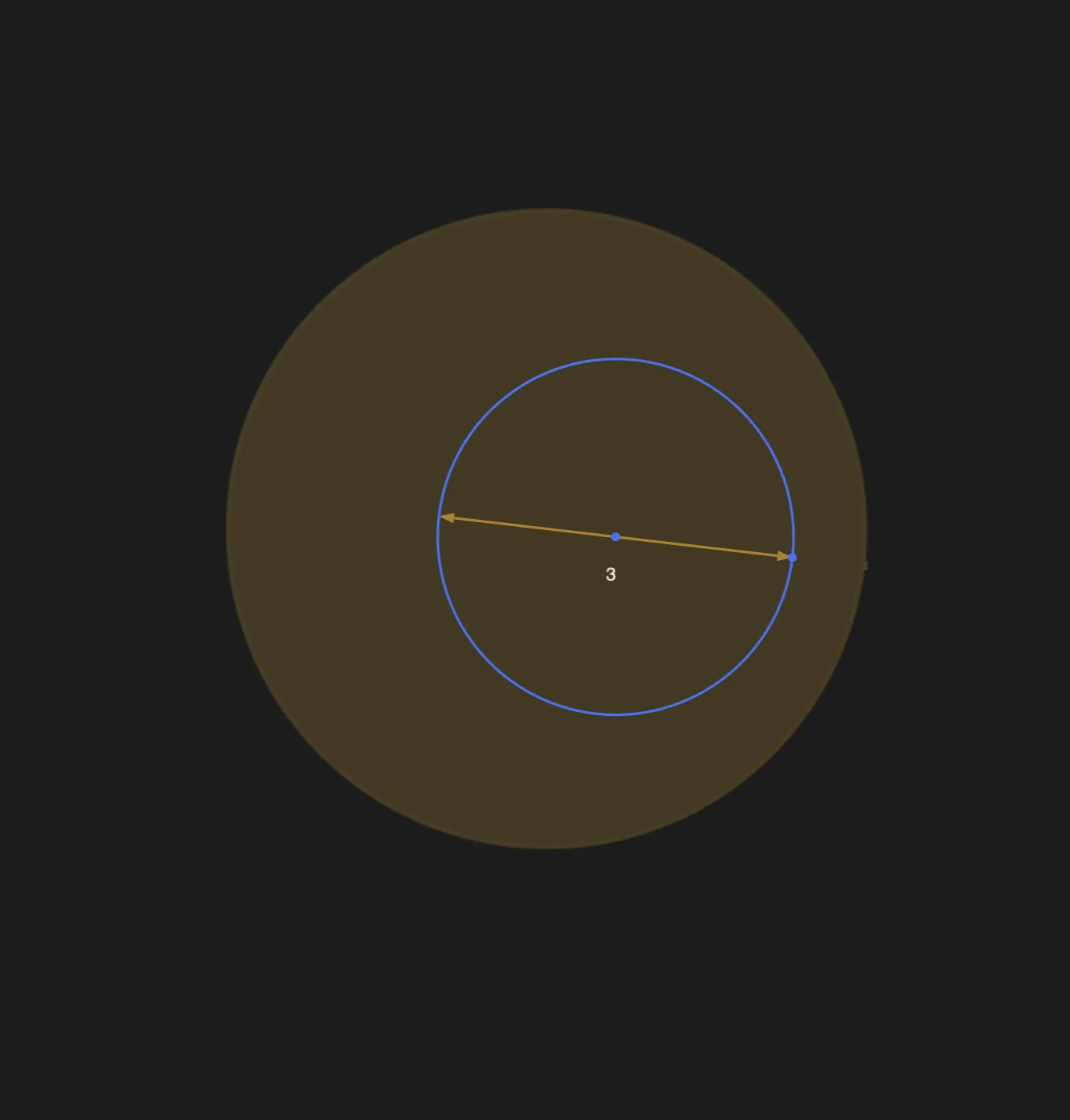
The sketch solves to the new diameter