Fillet
Use Fillet to create rounded transitions on edges or at face intersections. Fillets reduce stress concentrations, eliminate sharp edges, improve manufacturability, and communicate finished edge intent directly in the solid model.
Options
Selection
Select the edge or edges you want to round. You can pick multiple edges at once to apply the same radius to all of them.
Radius
The size of the round, specified in your current units. Larger radii create gentler curves; smaller radii make tighter rounds. Make sure the radius isn't bigger than the space available (like trying to put a 10mm radius on a 5mm thick wall).
Common radius values by application:
- 0.5-2mm - Standard edge breaks for sheet metal and machined parts
- 2-5mm - Moderate fillets for comfortable hand-grip edges
- 5mm+ - Large blends for high-stress areas or smooth aesthetic transitions
Tag
Tag the new fillet surface if you need to reference it in later operations.
Tangent Chain
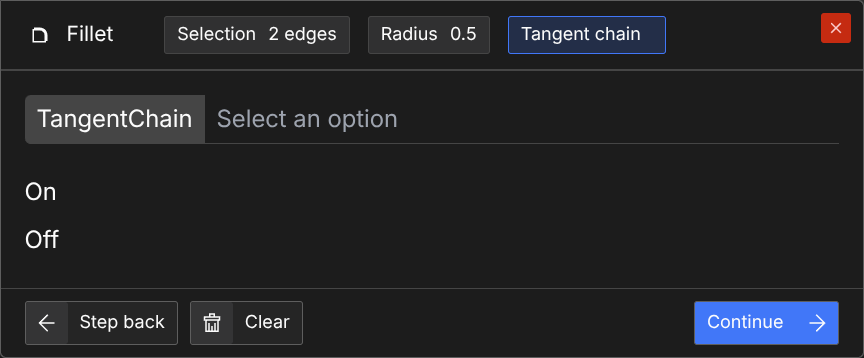
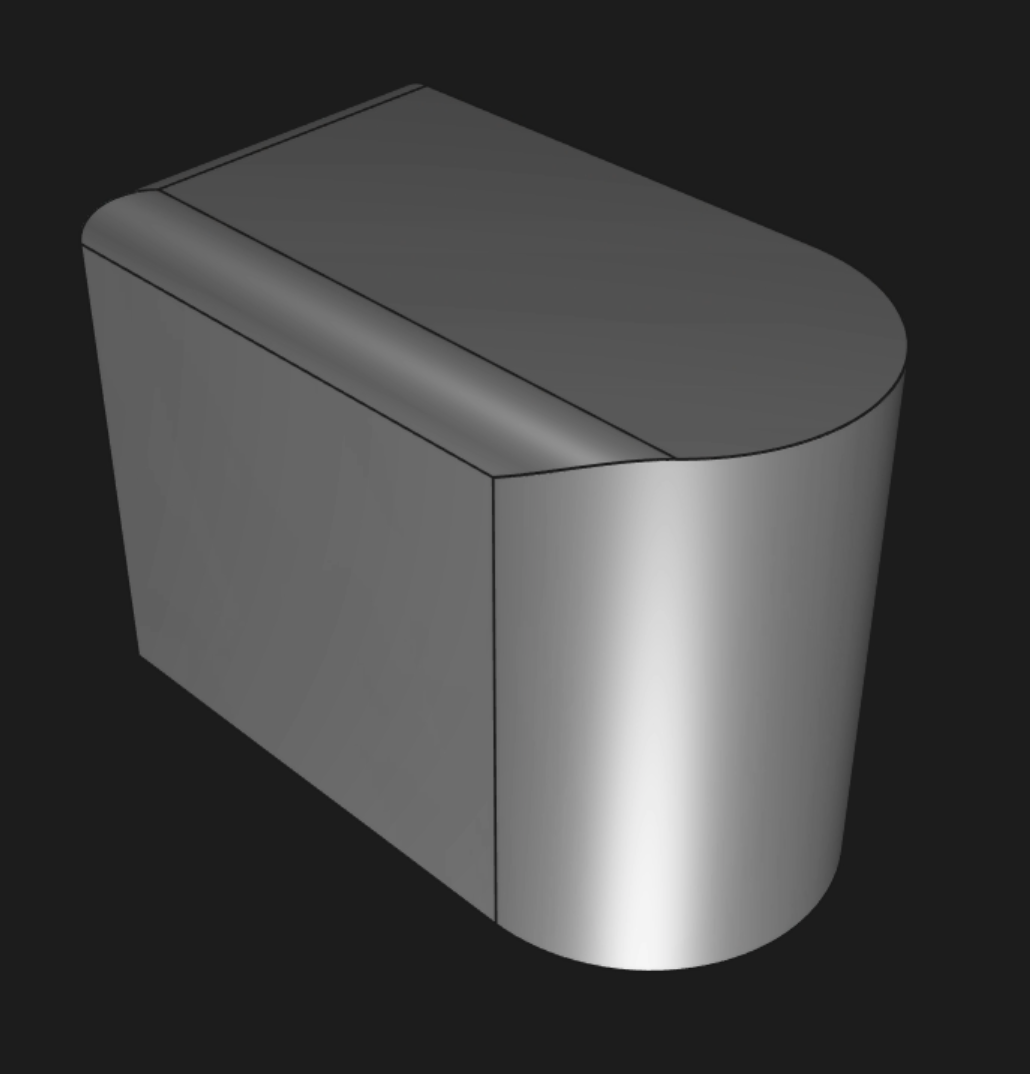
Whether to continue the fillet along edges that are tangent to the selected edges. Defaults to true.
Steps
- Click
 in the toolbar, or press
 F.
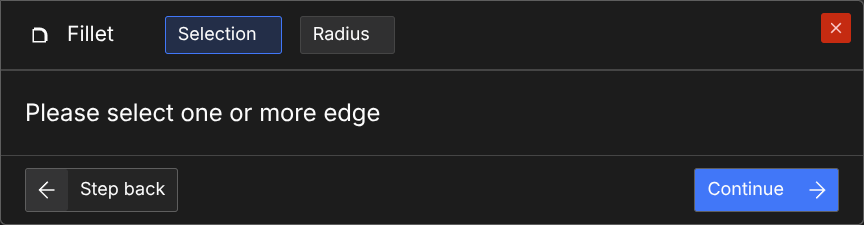
- Select the edges you want to fillet.
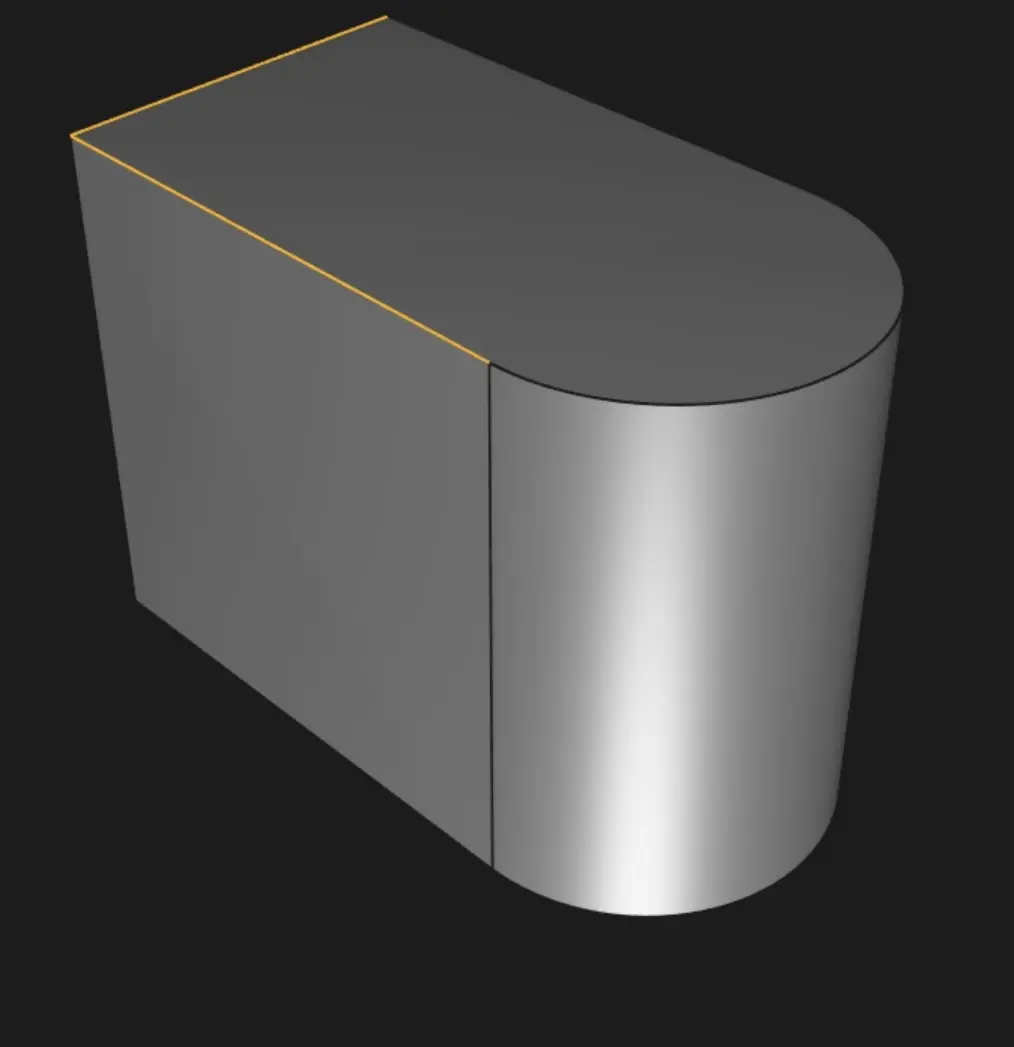
- Click "Continue" or press
Enter.
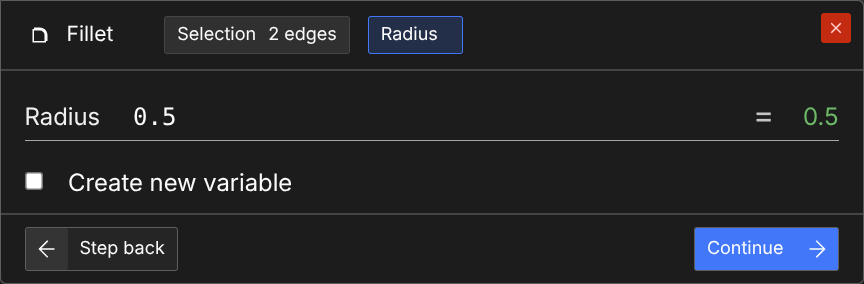
- Enter a radius for the fillet, then click "Continue" or press
Enter
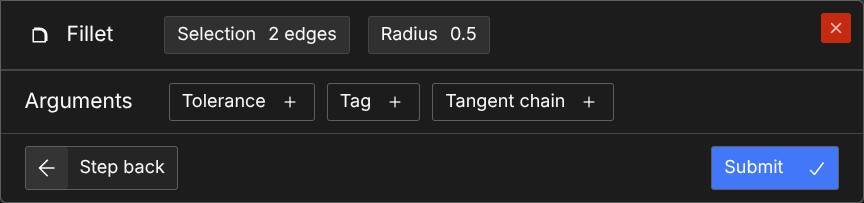
- If no tag is needed, and if tangent chain is desired, click "Submit" or press
Enter.
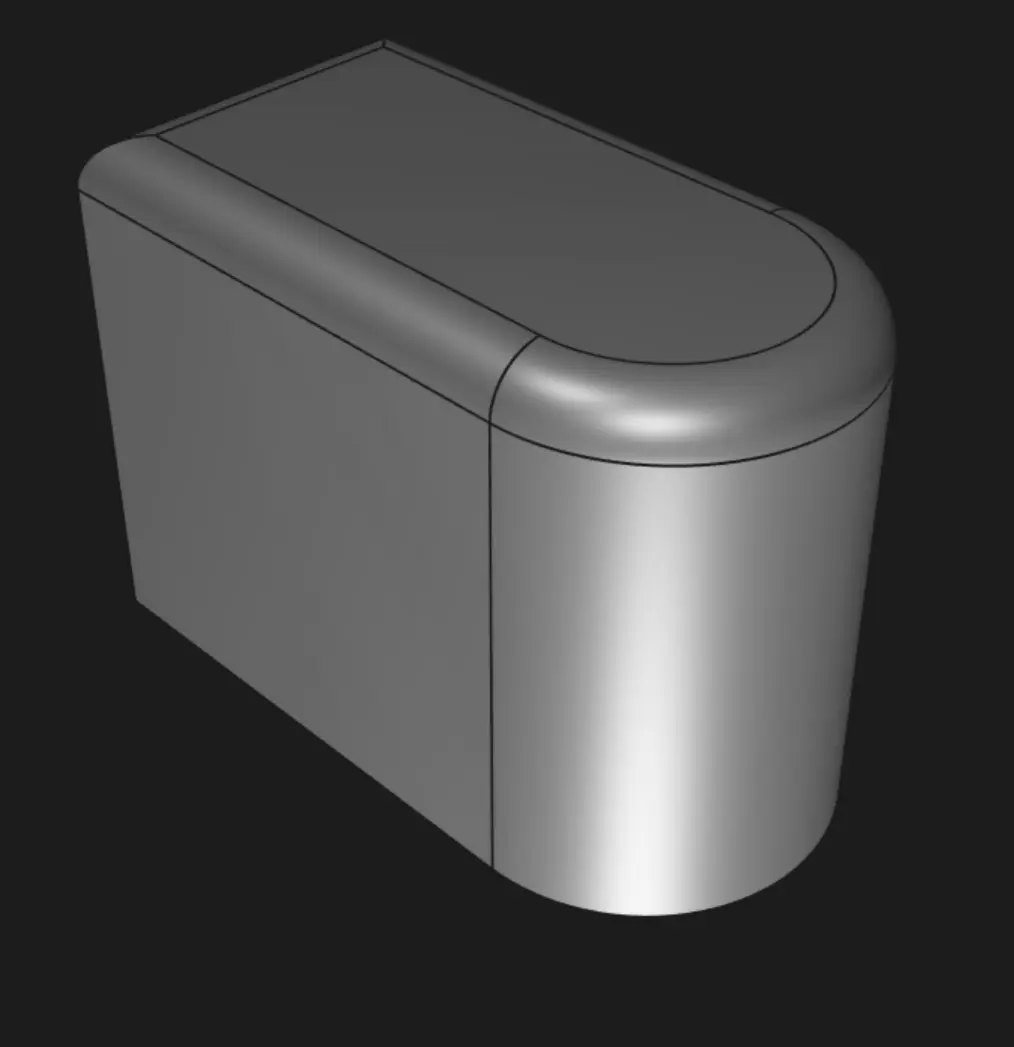
- If tangent chain is not desired, click "Tangent chain +" and choose "Off".
- Click "Submit" or press
Enter.
Are you interested in code?
Zoo Design Studio writes KCL behind the scenes. Here’s an example of a fillet in KCL:
Want to find out more about the fillet function? Check it out in our KCL docs.