Chamfer
Use Chamfer to create beveled transitions on edges, providing edge breaks, fastener lead-ins, and simplified manufacturable transitions. Chamfers are easier to manufacture than fillets in some processes and provide functional benefits for assembly operations.
Options
Selection
Select the edge or edges to chamfer. Multiple edges can be selected to apply the same chamfer.
Length
The primary chamfer distance measured from the edge along one face. This is your main setback dimension.
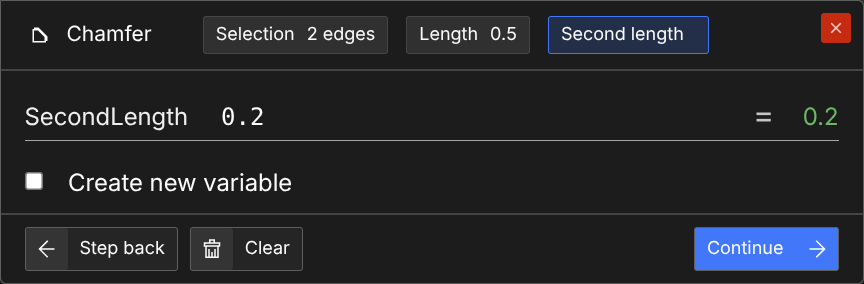
Second Length
The distance along the other face. Use this with Length to create asymmetric chamfers where each side has a different setback. Leave blank for symmetric chamfers or when using angle mode.
Angle
The chamfer angle in degrees from the first face. Use with Length to create distance-and-angle chamfers.
Typical angles:
- 45° - Equal-leg chamfer (most common)
- 30° or 60° - Asymmetric chamfers for specific requirements
Tag
Tag the chamfer surface if you need to reference it later.
Tangent Chain
Whether to continue the chamfer along edges that are tangent to the selected edges. Defaults to true.
Chamfer Types
Equal Distance: Specify only Length for a symmetric chamfer with equal legs.
Distance-Distance: Specify both Length and Second Length for asymmetric setbacks.
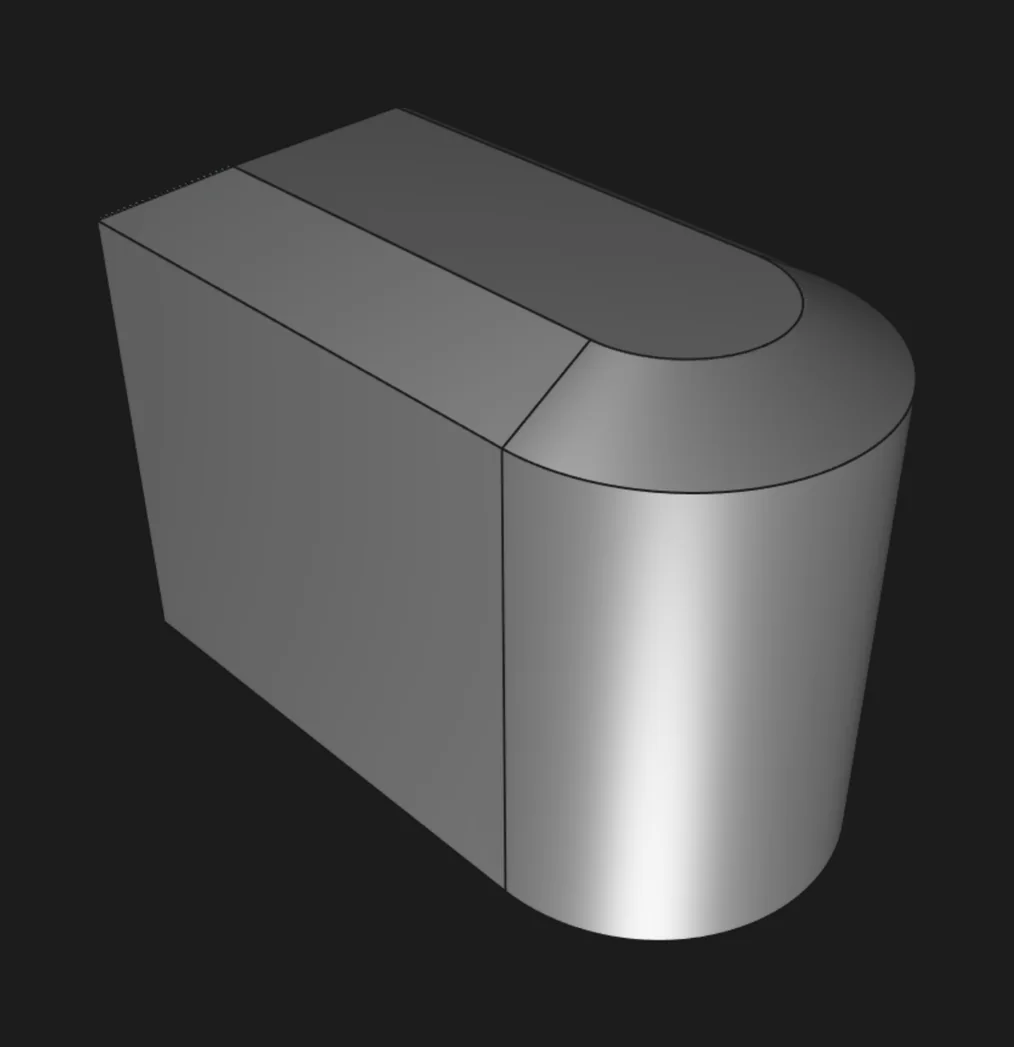
Distance-Angle: Specify Length and Angle for one fixed setback with the bevel at a specific angle.
Steps
- Click
 in the toolbar, or press
 C.
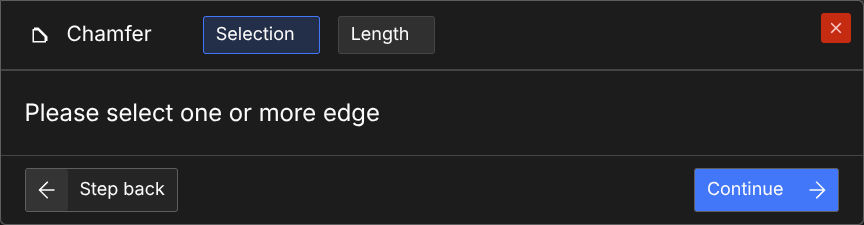
- Select the edges you want to chamfer.
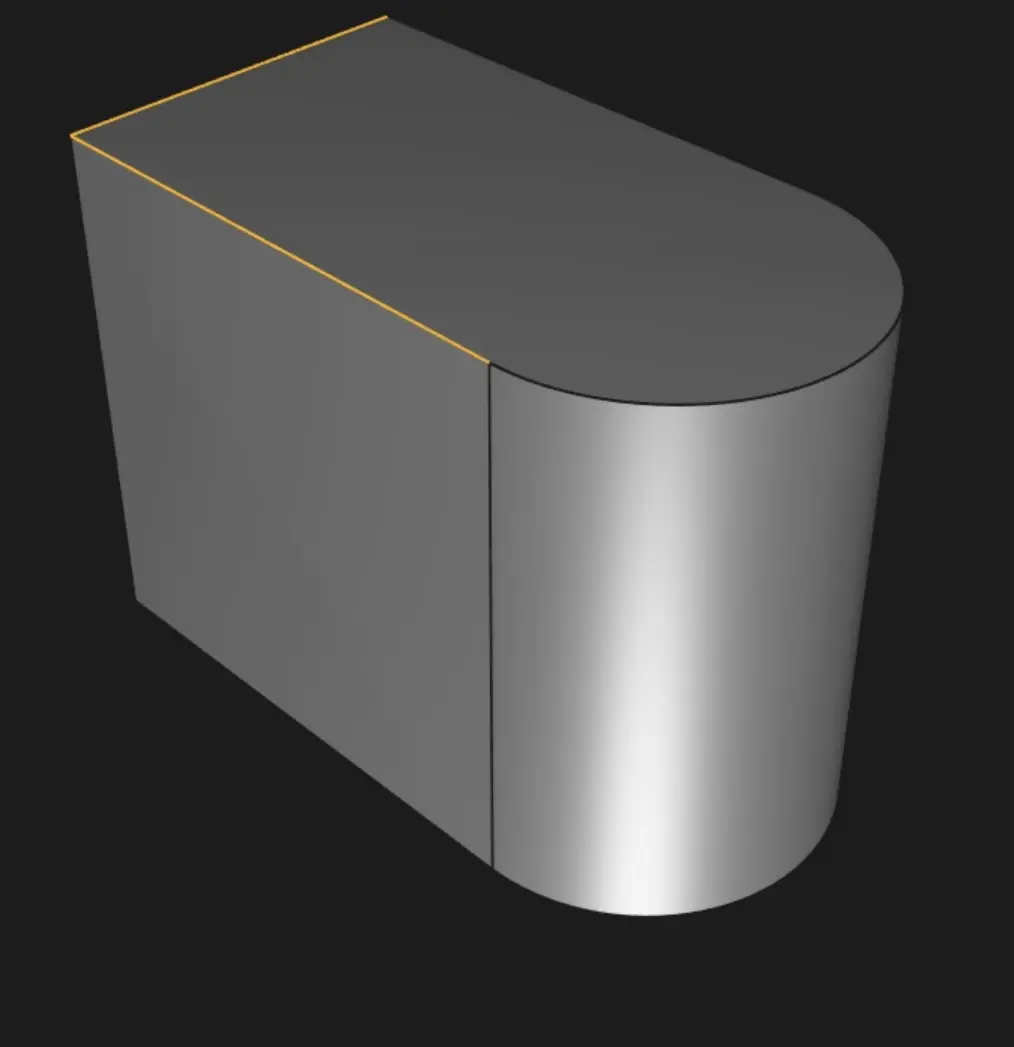
- Click "Continue" or press
Enter.
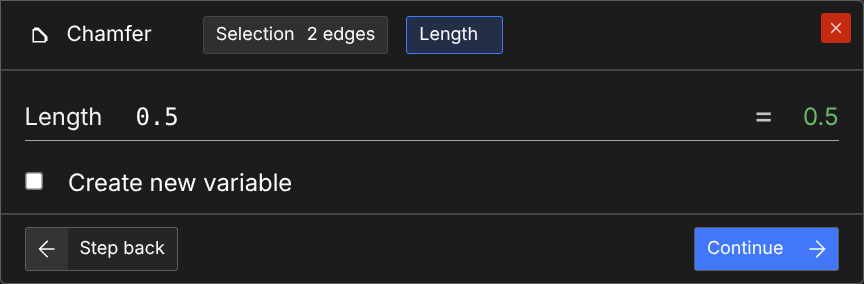
- Enter a length for the chamfer, then click "Continue" or press
Enter
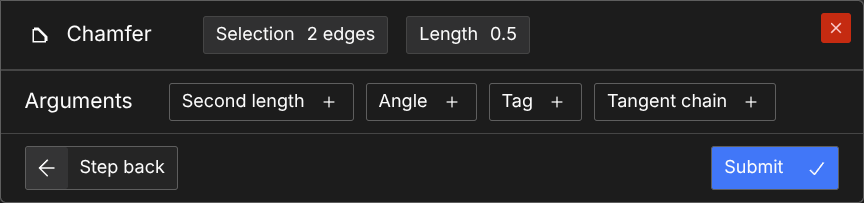
- If a tangent chaining chamfer with equal distance is desired, click "Submit" or press
Enter.
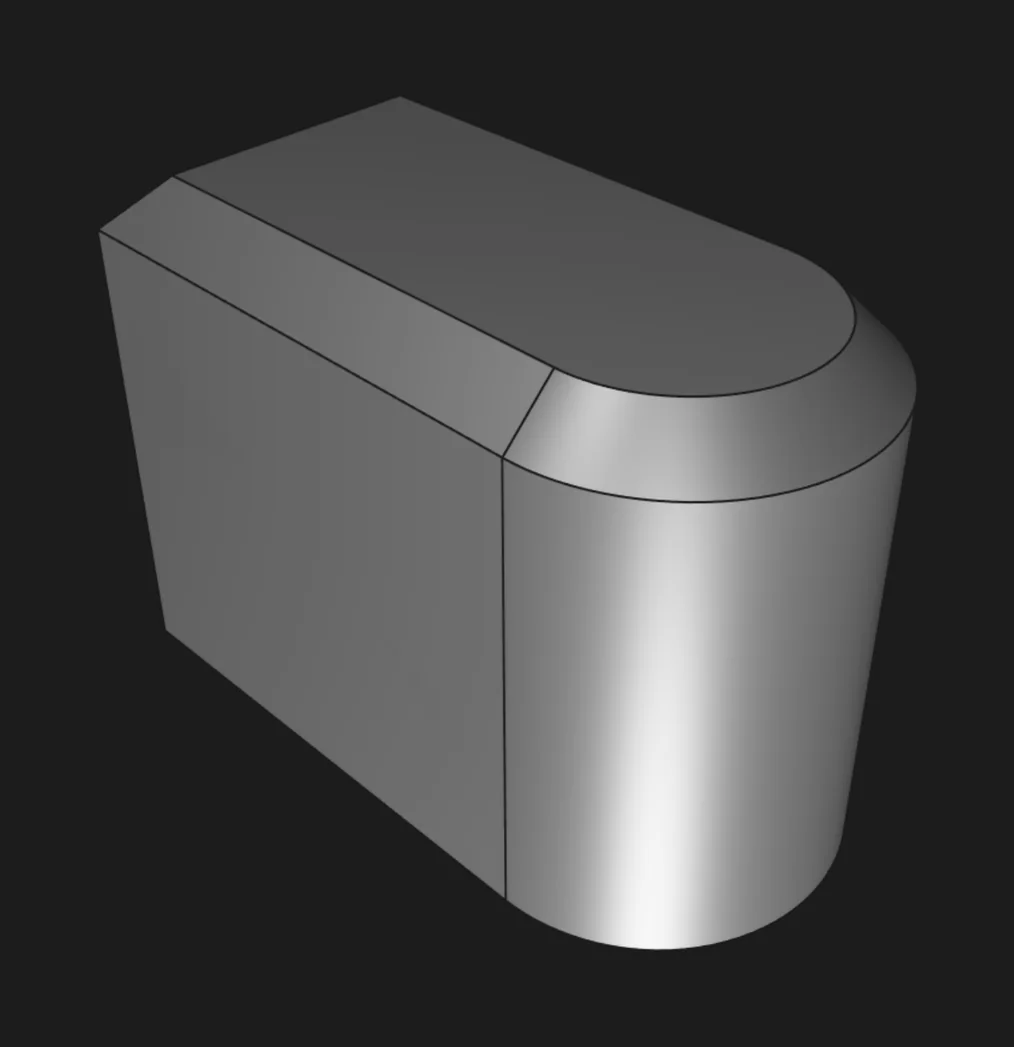
- If tangent chain is not desired, click "Tangent chain +" and choose "Off".
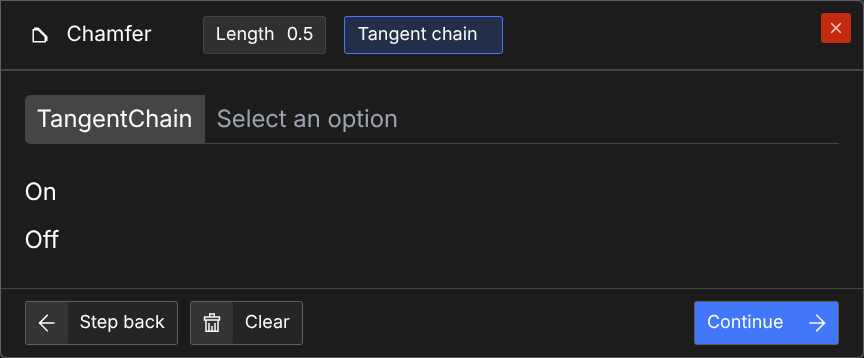
- Click "Submit" or press
Enter.
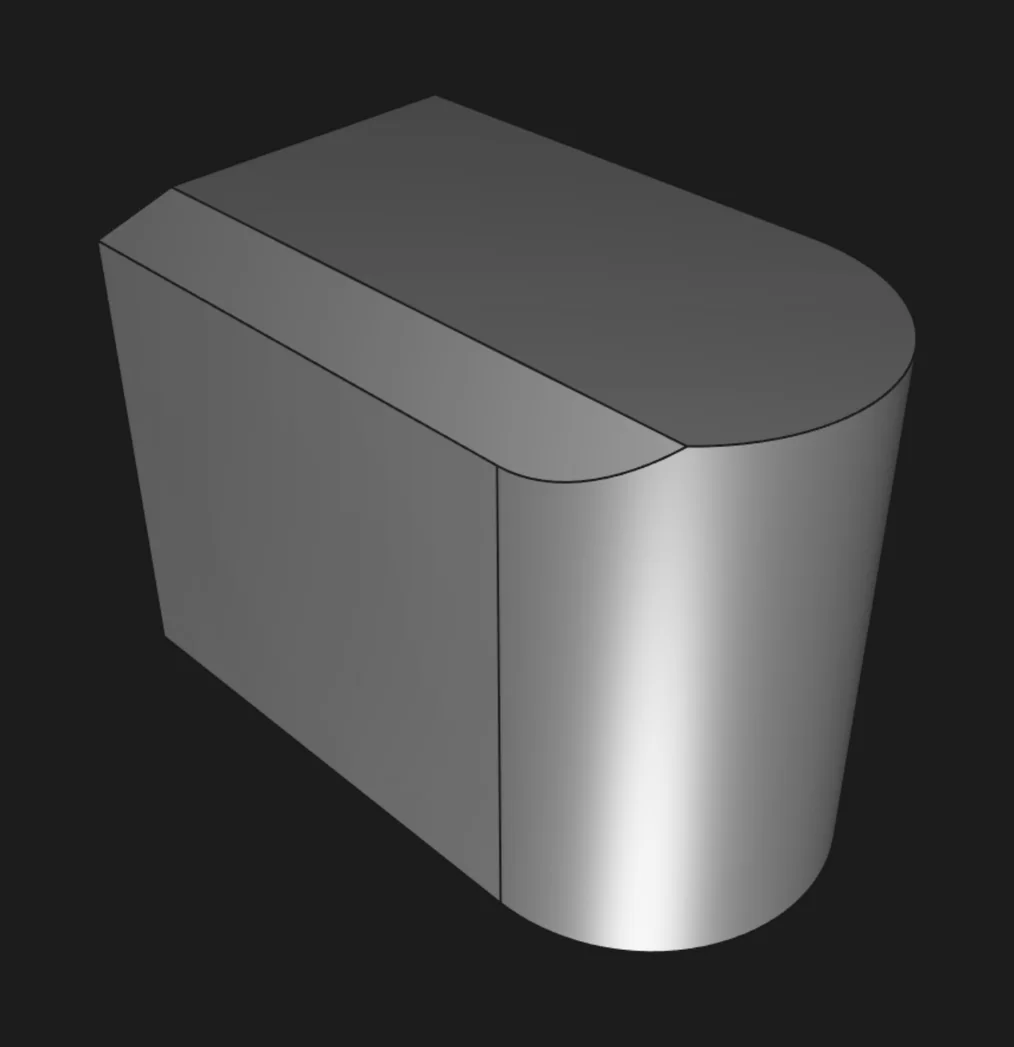
- If a distance-distance chamfer is desired, click "Second length +", enter a second length, and click "Continue" or hit
Enter.
- Click "Submit" or press
Enter.
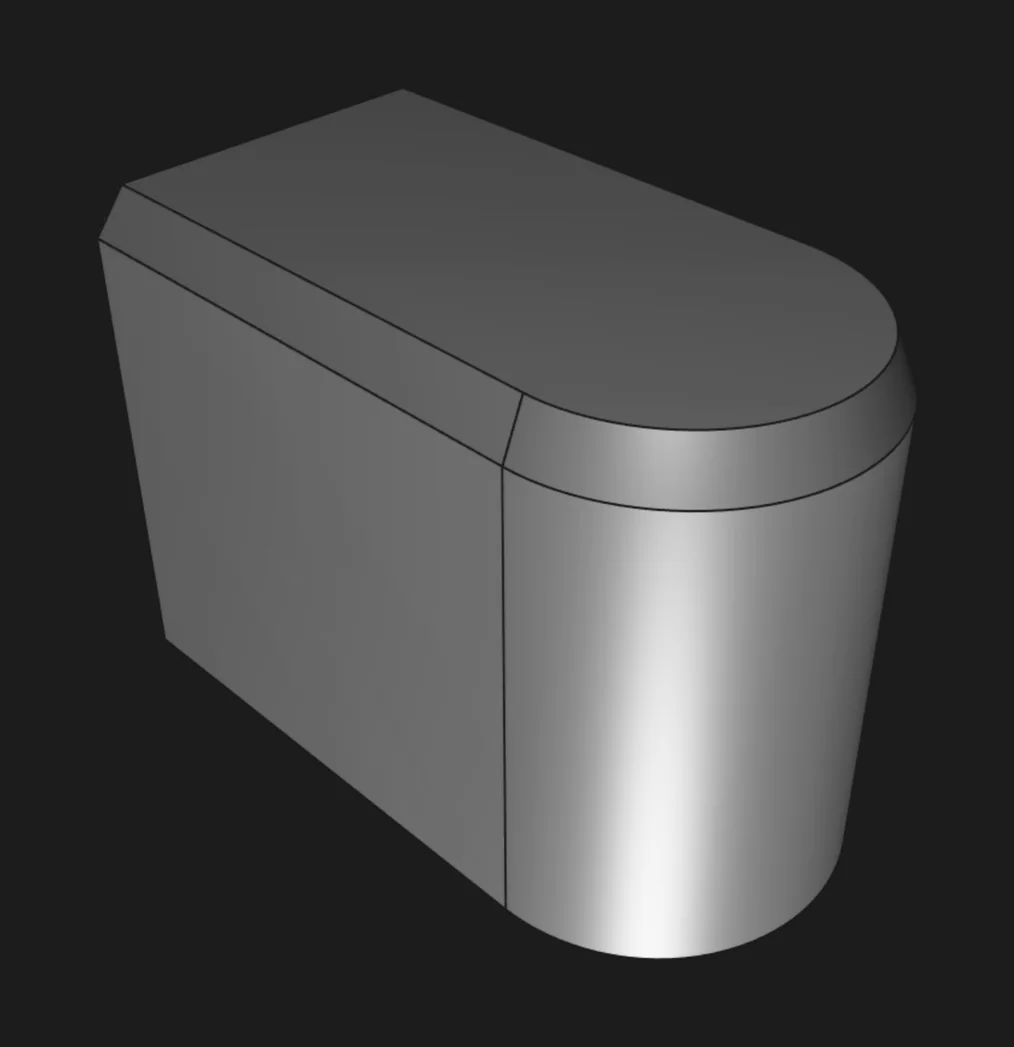
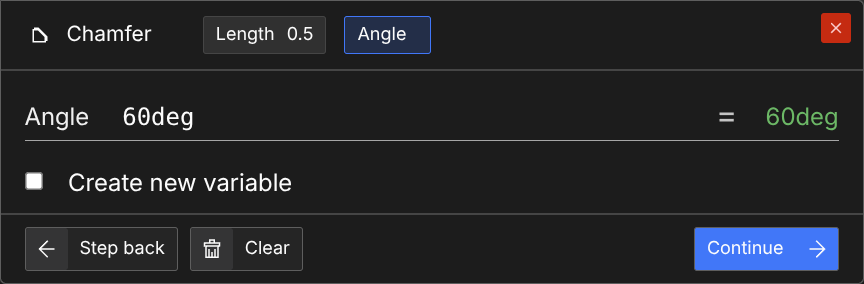
- If a distance-angle chamfer is desired, click "Angle +", enter an angle between 0 and 90 degrees, and click "Continue" or hit
Enter.
- Click "Submit" or press
Enter.
Are you interested in code?
Zoo Design Studio writes KCL behind the scenes. Here’s an example of a chamfer in KCL:
Want to find out more about the chamfer function? Check it out in our KCL docs.