Create Solids
Create Solids covers the primary features used to generate solid bodies from sketch profiles, section transitions, and driven paths. These are usually the first operations that establish the core shape of a part.
Video Walkthrough
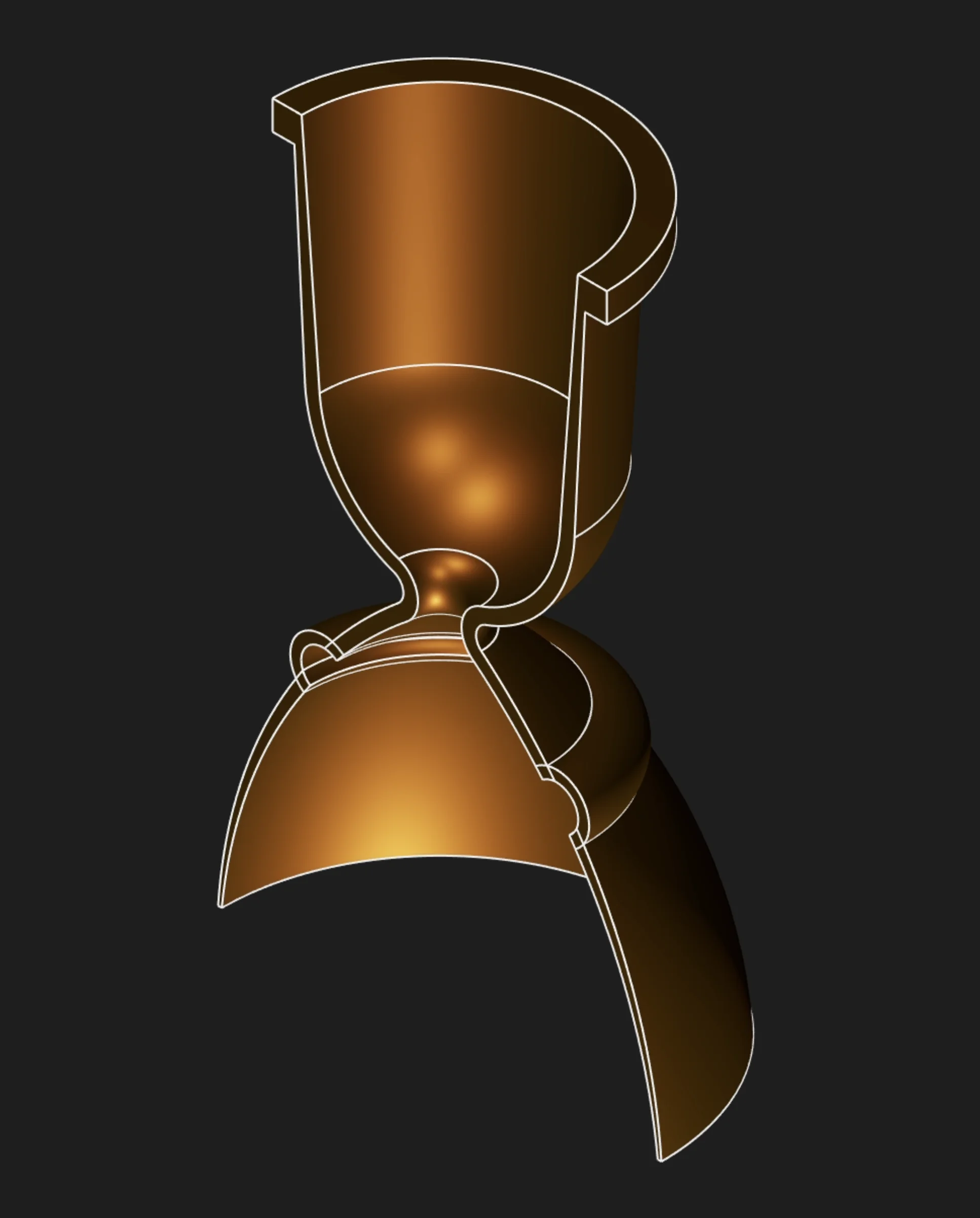
Choose a Tool
Extrude
Best for prisms, bosses, pockets, and base bodies that extend from a sketch plane. Select the filled sketch region, then set a length or target face.
Sweep
Best for pipes, rails, cable paths, and profiles that follow a guide curve. Select the filled profile region, then select each path segment one by one.
Loft
Best for tapered transitions and bodies that change section shape along their length. Select two or more filled sketch regions in order.
Revolve
Best for turned parts, bottles, shafts, flanges, and rotationally symmetric bodies. Select the filled sketch region, then choose the revolve axis.
Selection Rule
For the profile, select the filled region inside the sketch, not the sketch segment that outlines it. Sweep is the exception only for its path: the path is made from selected segments, and those segments must be selected individually because they are not chained automatically.