Sweep Solid
Use Sweep to carry a 2D sketch profile along a 3D path, generating complex geometry that follows curves and arbitrary trajectories. Sweep is ideal for creating pipes, rails, cable routes, handrails, and other features that follow non-linear paths.
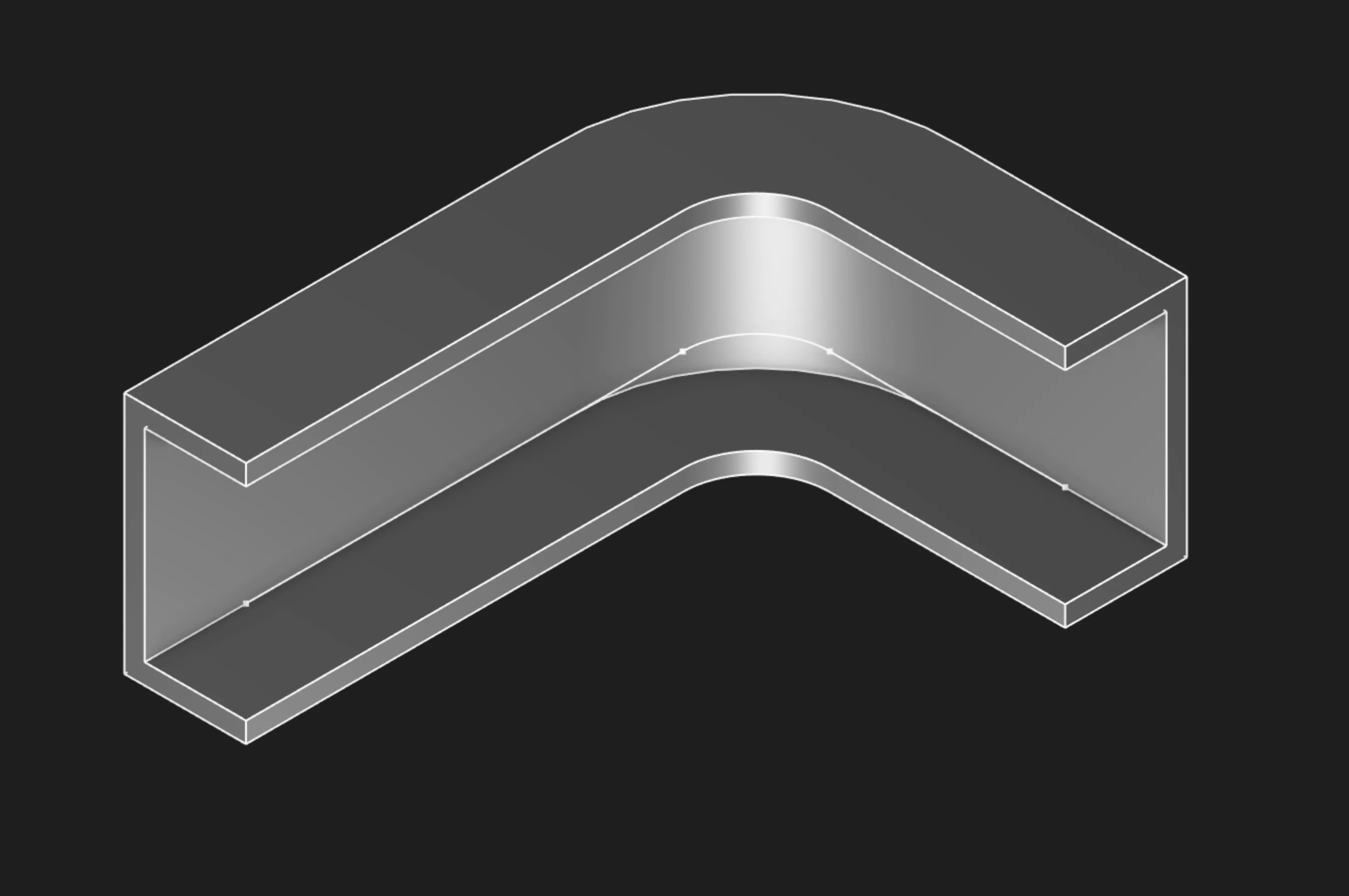
Sweep Solid carries a selected region along a selected path
Sketches
Select a closed sketch region as the sweep profile. A closed sketch encloses an area, and Zoo Design Studio exposes that filled area as a selectable region. For a solid sweep, select the region as the profile, not the individual sketch segments. Segments are selected for the path, not for the solid profile.
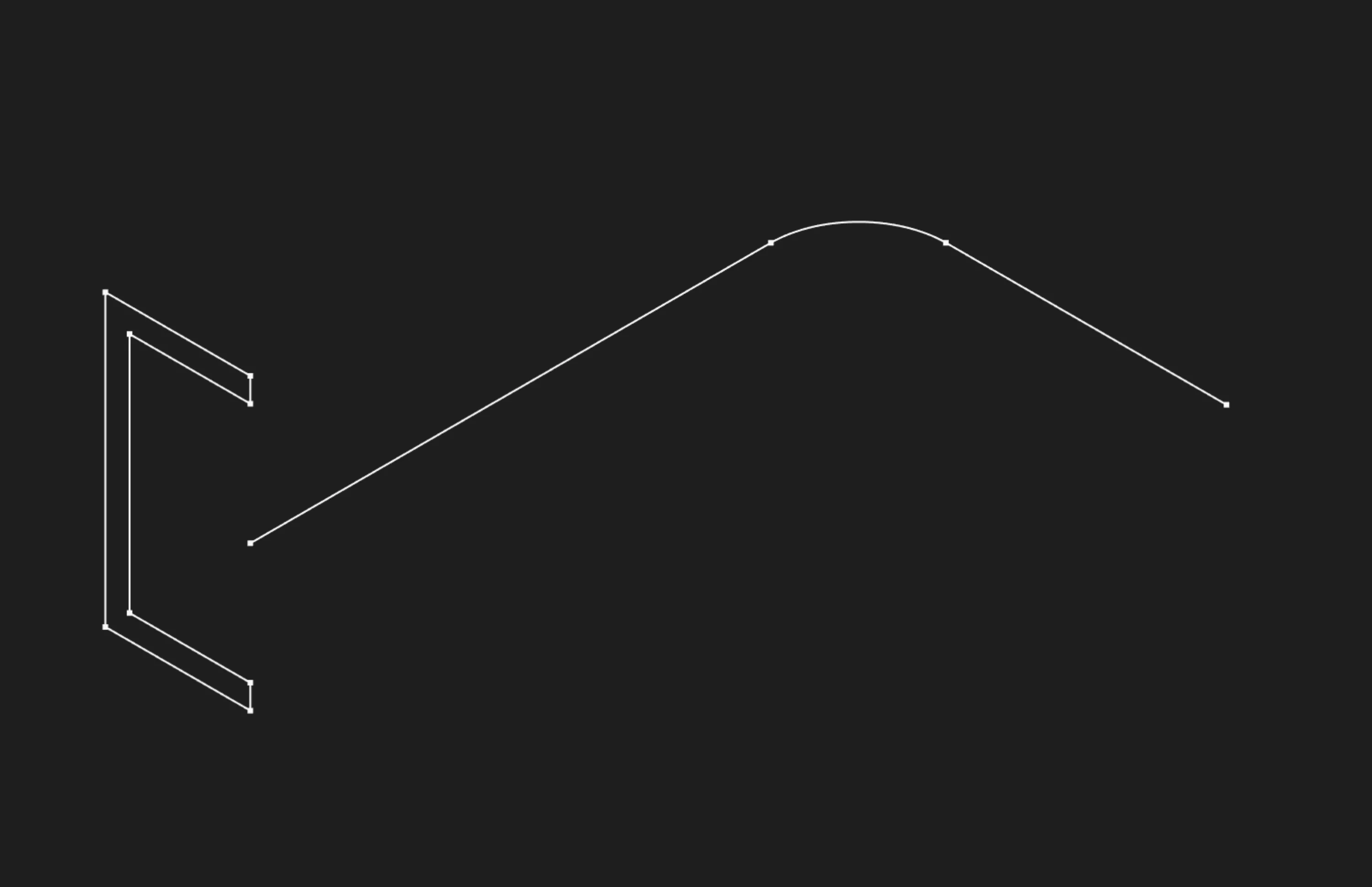
Start by selecting the profile region to sweep
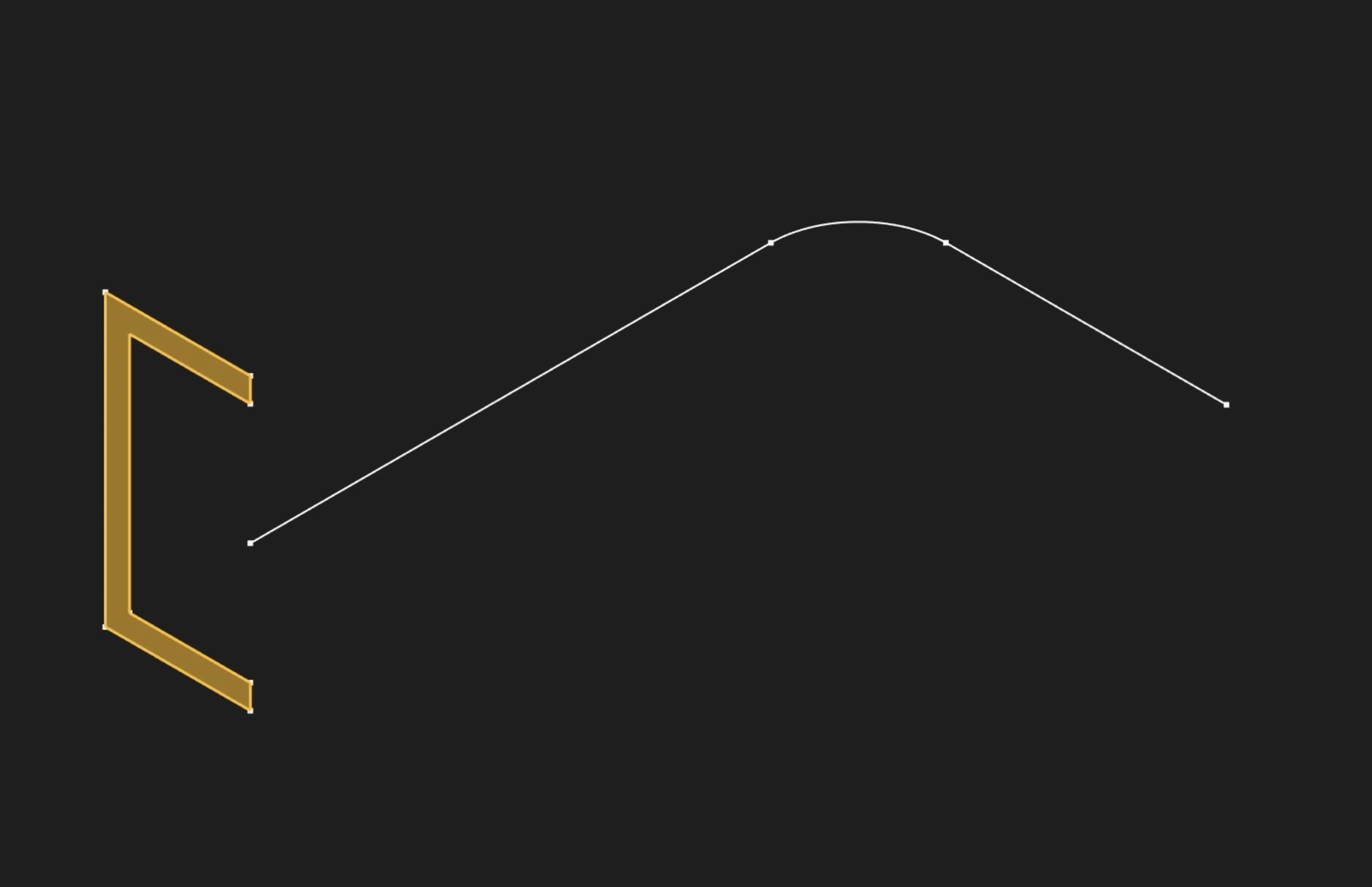
Select the filled sketch region to sweep it into a solid
The selected region is carried along the path to create the solid volume. If the sweep starts in the wrong place or twists immediately, move the profile so it sits at the start of the guide path before creating the feature.
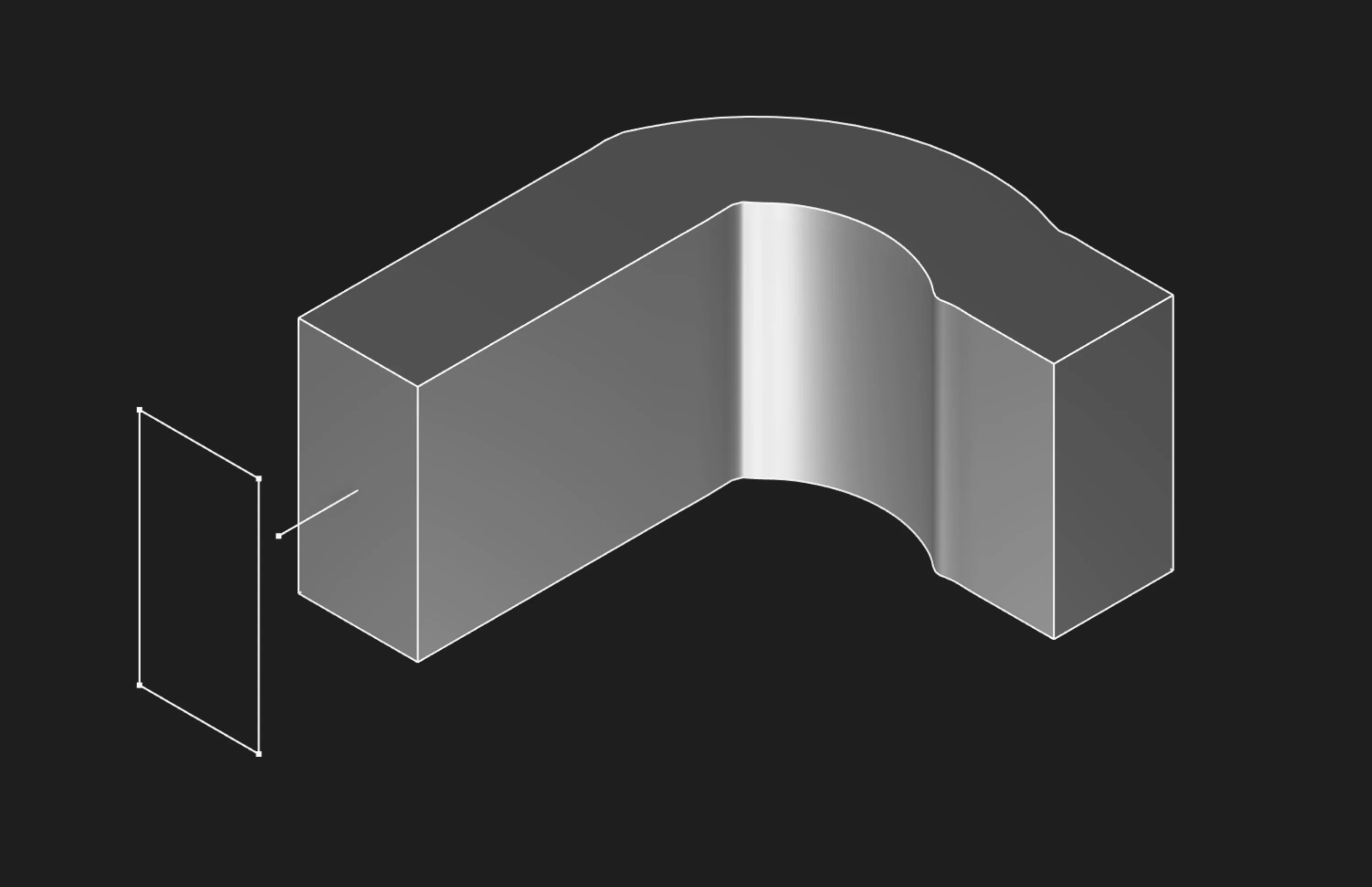
Place the profile at the guide path start for predictable sweep orientation
Path
Select the segment or segments that define the sweep trajectory. Path segments are not chained automatically: select each path segment one by one in the order the profile should travel. For the cleanest result, adjacent path segments should touch and be tangent to each other so the sweep transitions smoothly through corners and arcs.
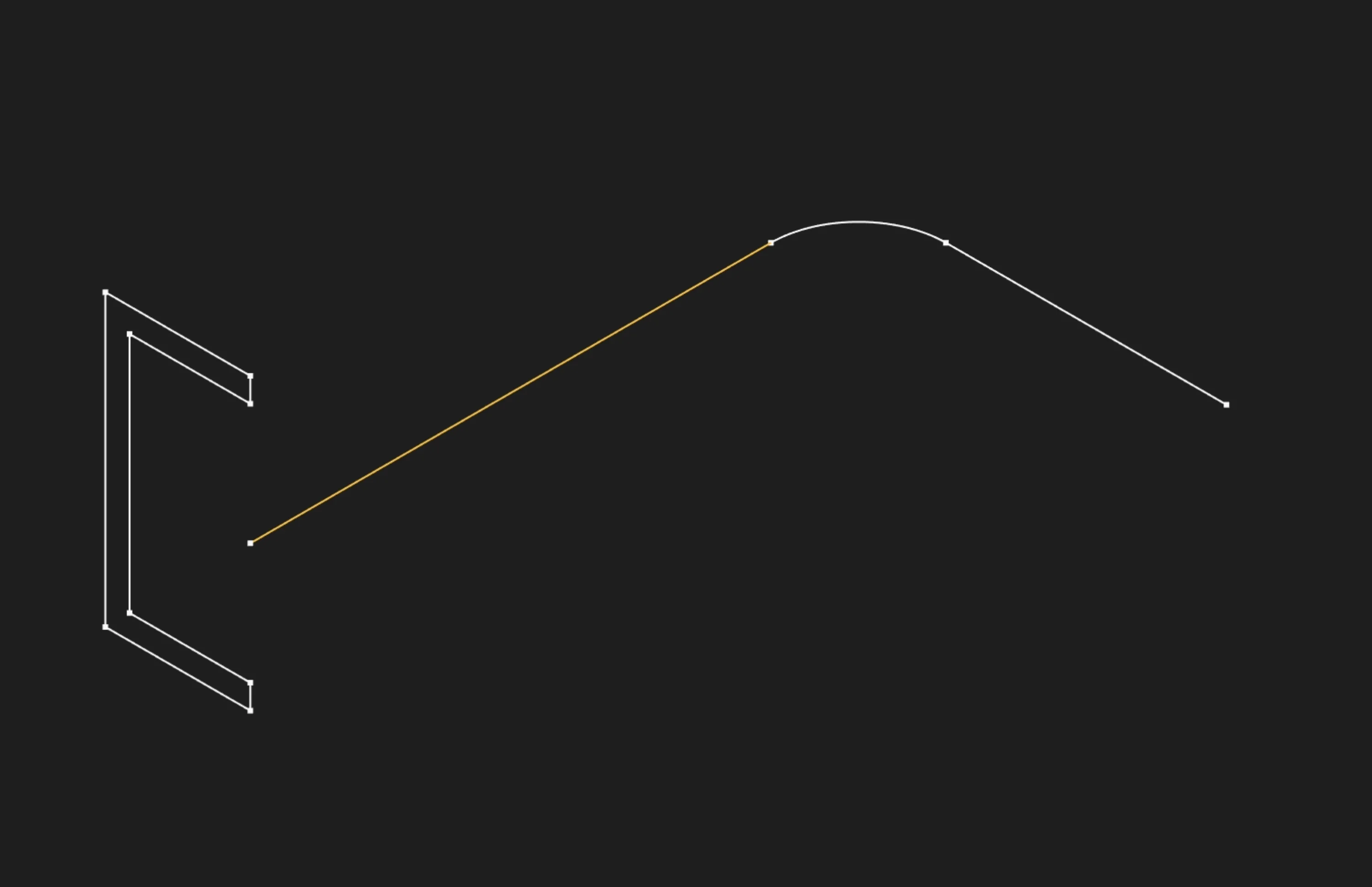
Sweep along a single guide segment
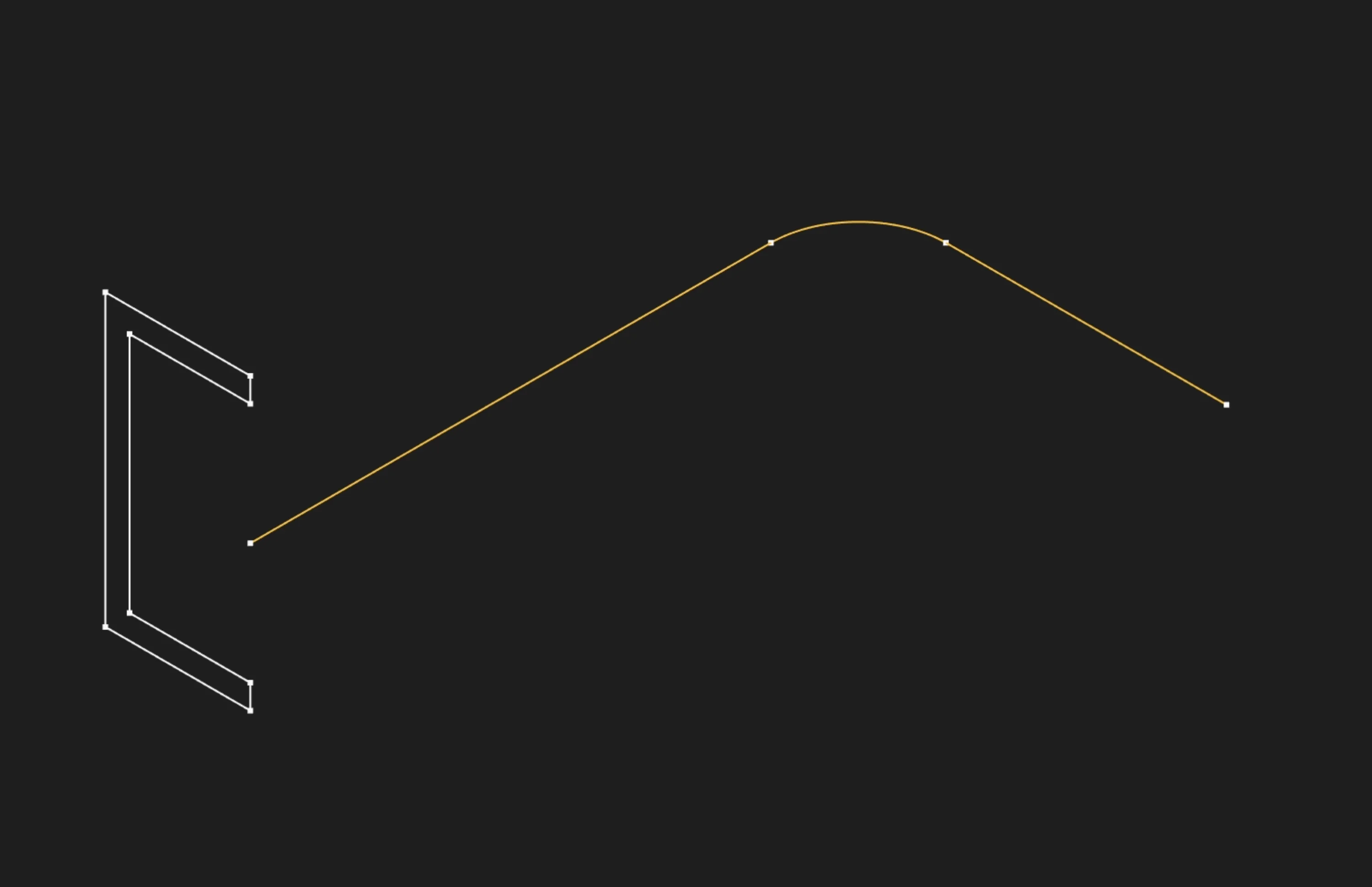
Select every guide segment needed for the full path
Sectional
Enable this to keep the profile perpendicular to the path as it sweeps. Disable to maintain a fixed orientation relative to the world coordinate system.
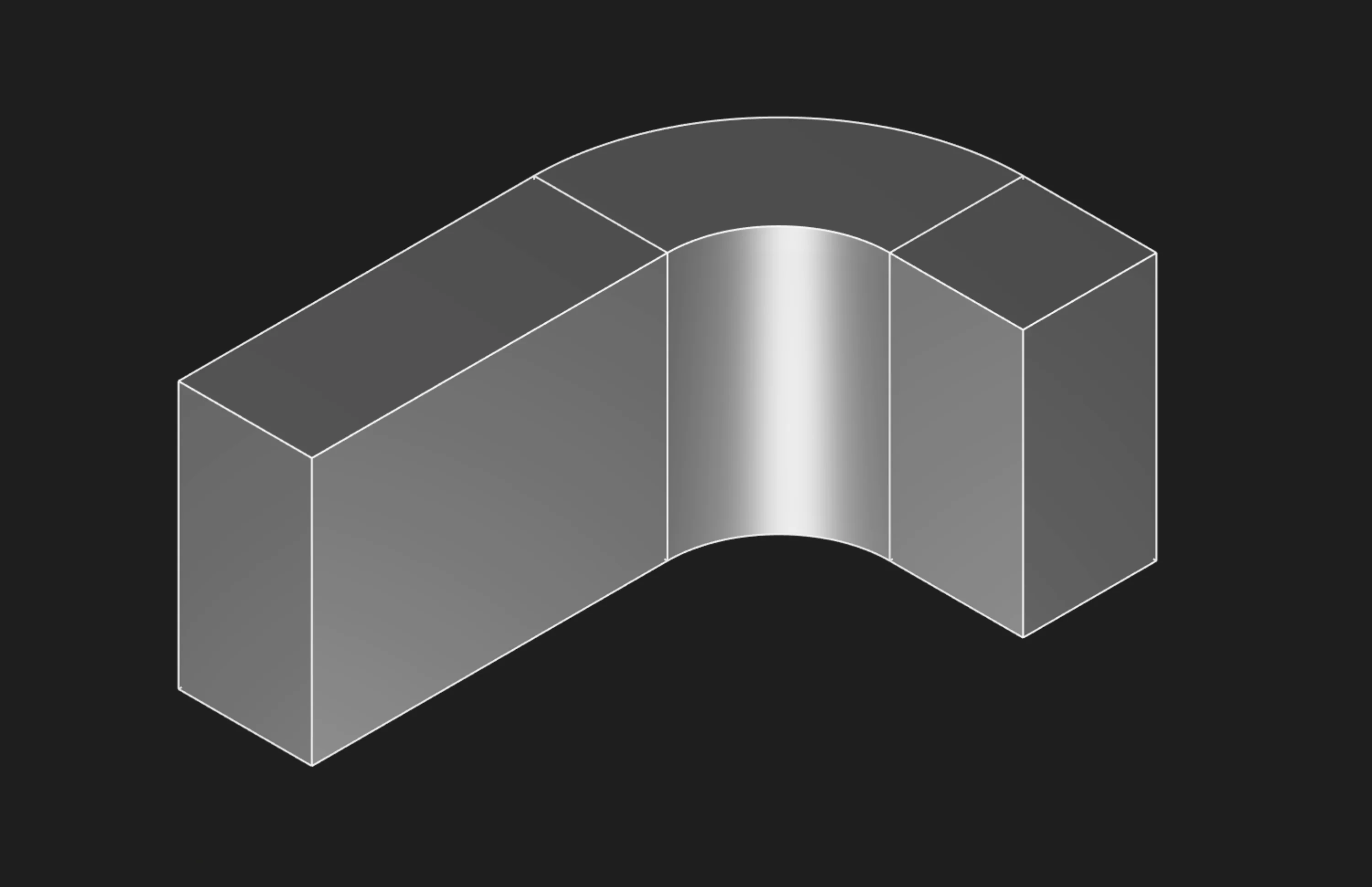
Sectional ON: profile stays perpendicular to the path
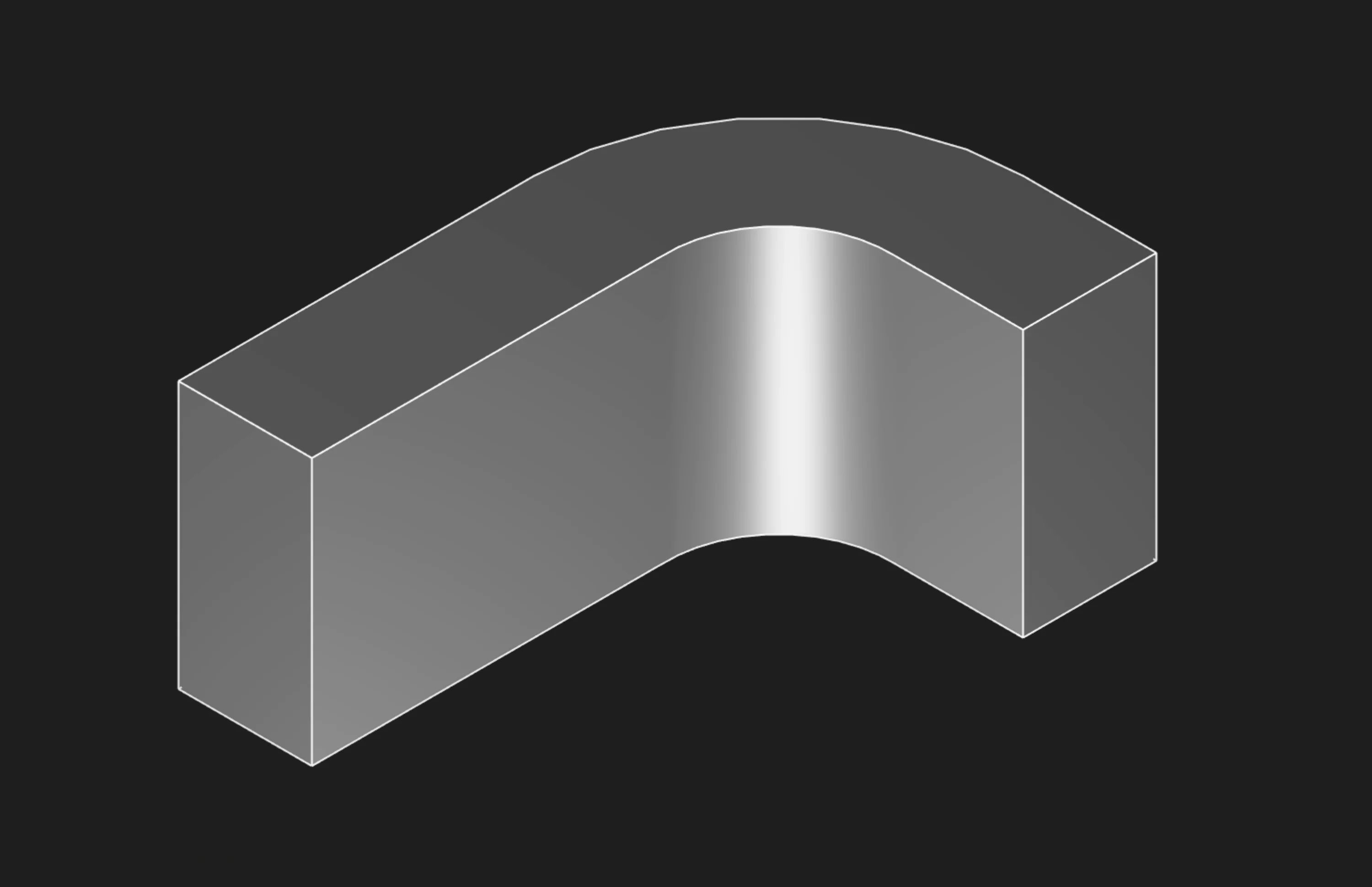
Sectional OFF: profile keeps a fixed orientation
Relative To
Controls the coordinate frame the sweep uses while the profile follows the path.
sketchPlanekeeps the profile oriented relative to the original sketch plane. This is useful when you want the profile to keep a stable orientation instead of rolling with the path.trajectoryCurveorients the profile relative to the path trajectory. This is useful when the profile should follow the path's local direction more closely.
If the preview looks rotated or rolled differently than expected, this is the first setting to compare.
Version
Chooses the sweep algorithm version. Leave this unset, or use 0, for the default algorithm. If the sweep looks twisted, pinched, inside-out, or otherwise wrong even though the profile and path selections are correct, try another version and compare the preview.
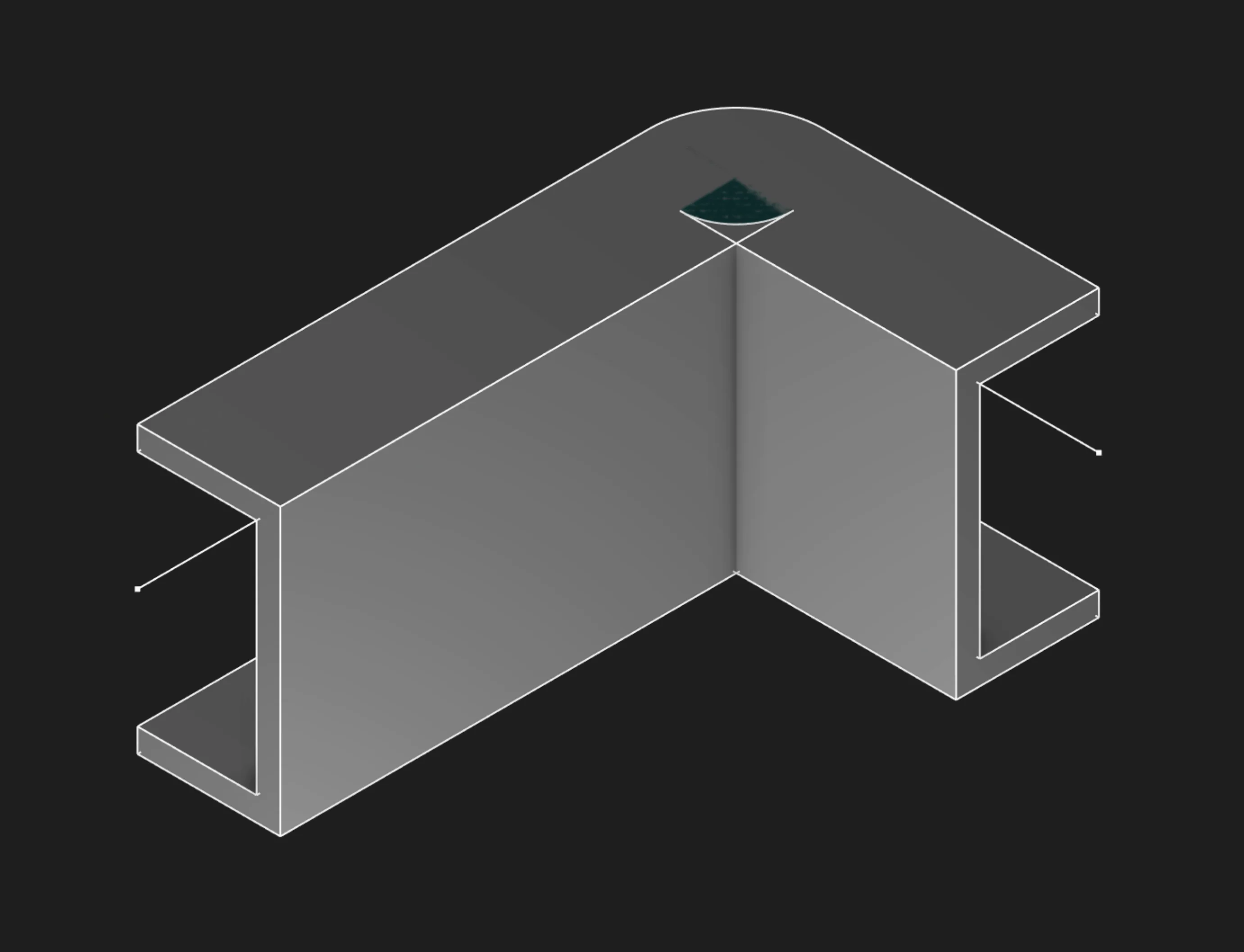
If a sweep looks wrong, try another algorithm version and compare the result
Tolerance
Controls the small-distance threshold used to decide whether path entities are coincident, coplanar, or intersecting. For normal modeling, leave this at its default value. Change it only when you are deliberately troubleshooting very small or nearly coincident geometry.
Start Tag and End Tag
Tag the start face (where the profile begins) or end face (where it finishes) to reference them later. This is mainly used for referencing faces from other objects or features, especially in code or scripts. In the usual point-and-click UI flow, you don't need to set these tags. This is mostly for advanced users who want precise control or automation.
Body Type
Choose whether to create a solid body (watertight volume) or a surface body (shell with no thickness). Most mechanical parts use solid body.
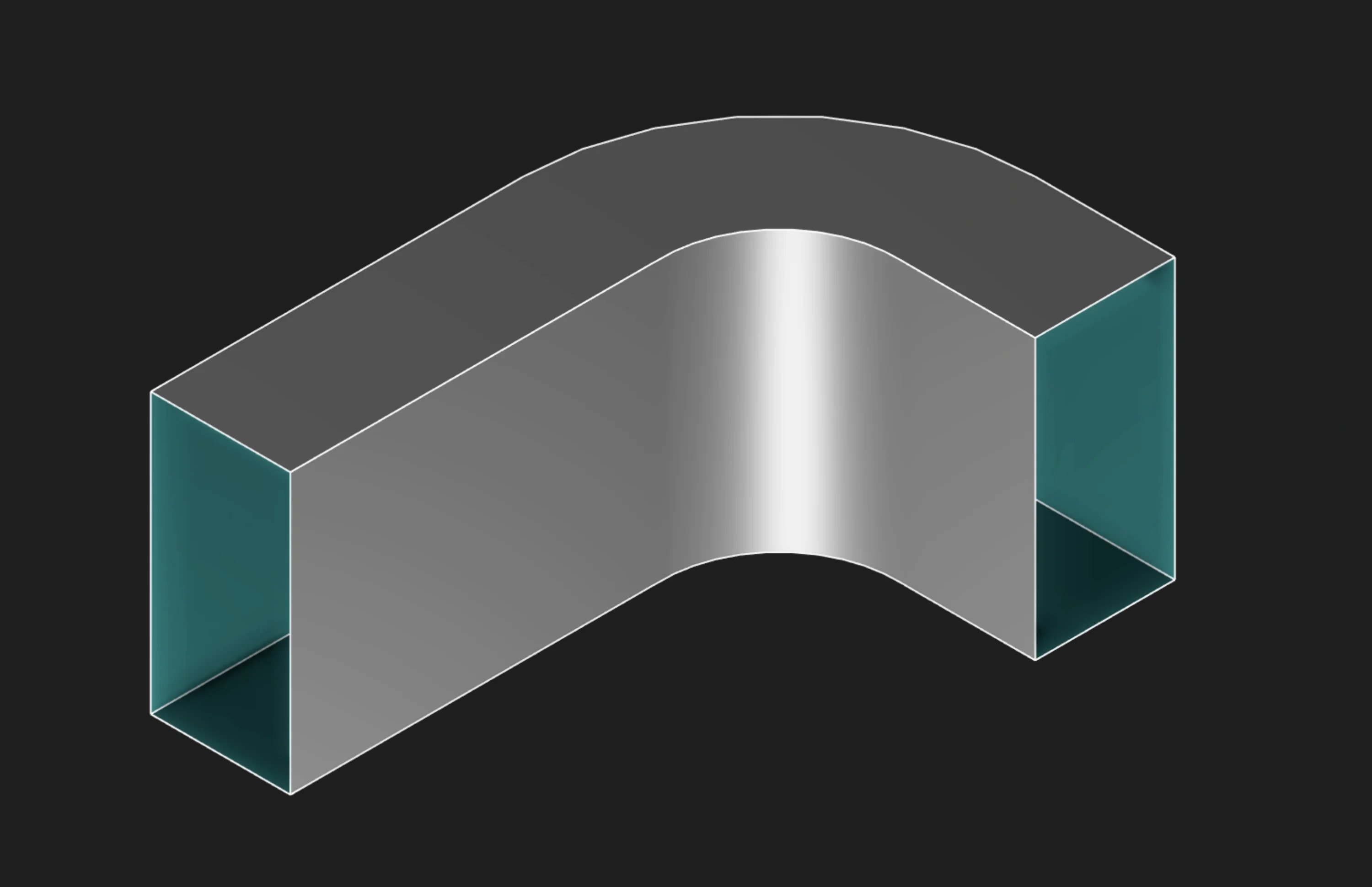
In this example, switching Body Type to Surface creates a hollow surface without the end caps.
If you want to learn more about surface modeling, see the Surface Sweep page.
Parameter Reference
sketches: The selected sweep profile or profiles. In the UI, select a filled region for the solid
profile, not its boundary segments.
path: The sweep trajectory. Select path segments one by one, or use a helix/path reference in code.
sectional: Breaks the sweep into sub-sweeps based on the path components.
tolerance: Sets the coincidence/intersection threshold for very small geometry checks. Usually
leave this at the default.
relativeTo: Chooses whether orientation is relative to the sketchPlane or the trajectoryCurve.
tagStart: Names the start face for later reference.
tagEnd: Names the end face for later reference.
bodyType: Creates either a solid body or a surface body.
version: Chooses the sweep algorithm version. Use the default first, then compare versions if the
result looks wrong.
Prefer to learn by watching?
If you want to find out more in a different way, check out our video walkthrough:
Are you interested in code?
Zoo Design Studio writes KCL behind the scenes. Here’s an example of a solid sweep in KCL: