Revolve Solid
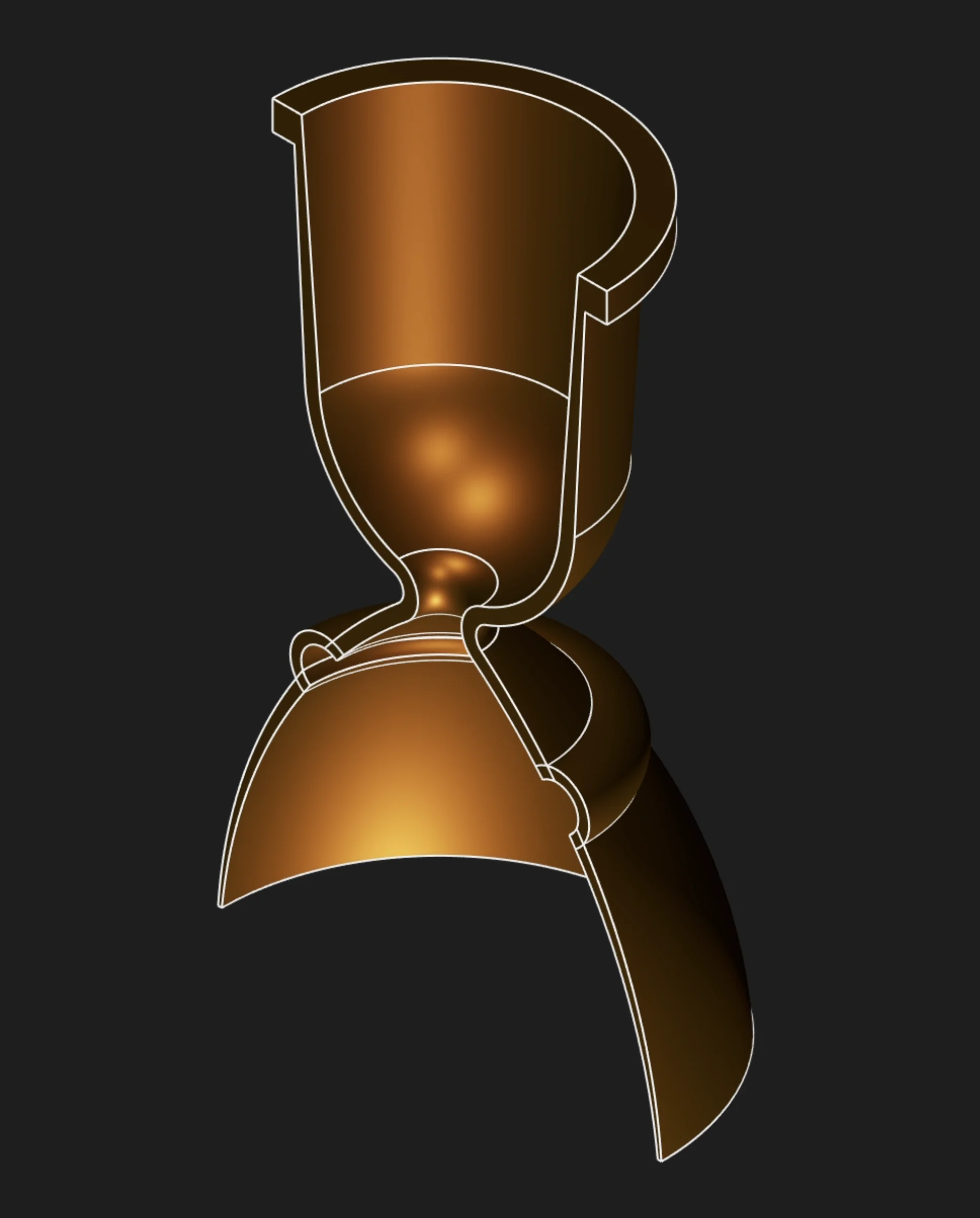
Use Revolve to rotate a 2D sketch profile around an axis, generating rotationally symmetric solids. Revolve is ideal for creating shafts, bottles, flanges, turned components, and any geometry with circular symmetry.
Sketches
Select one or more sketch regions to revolve. A closed sketch encloses an area, and Zoo Design
Studio exposes that filled area as a selectable region. For a solid revolve, select the region, not
the individual sketch segments. Segments define the profile boundary, but the filled region is the
cross-section that becomes the revolved solid.
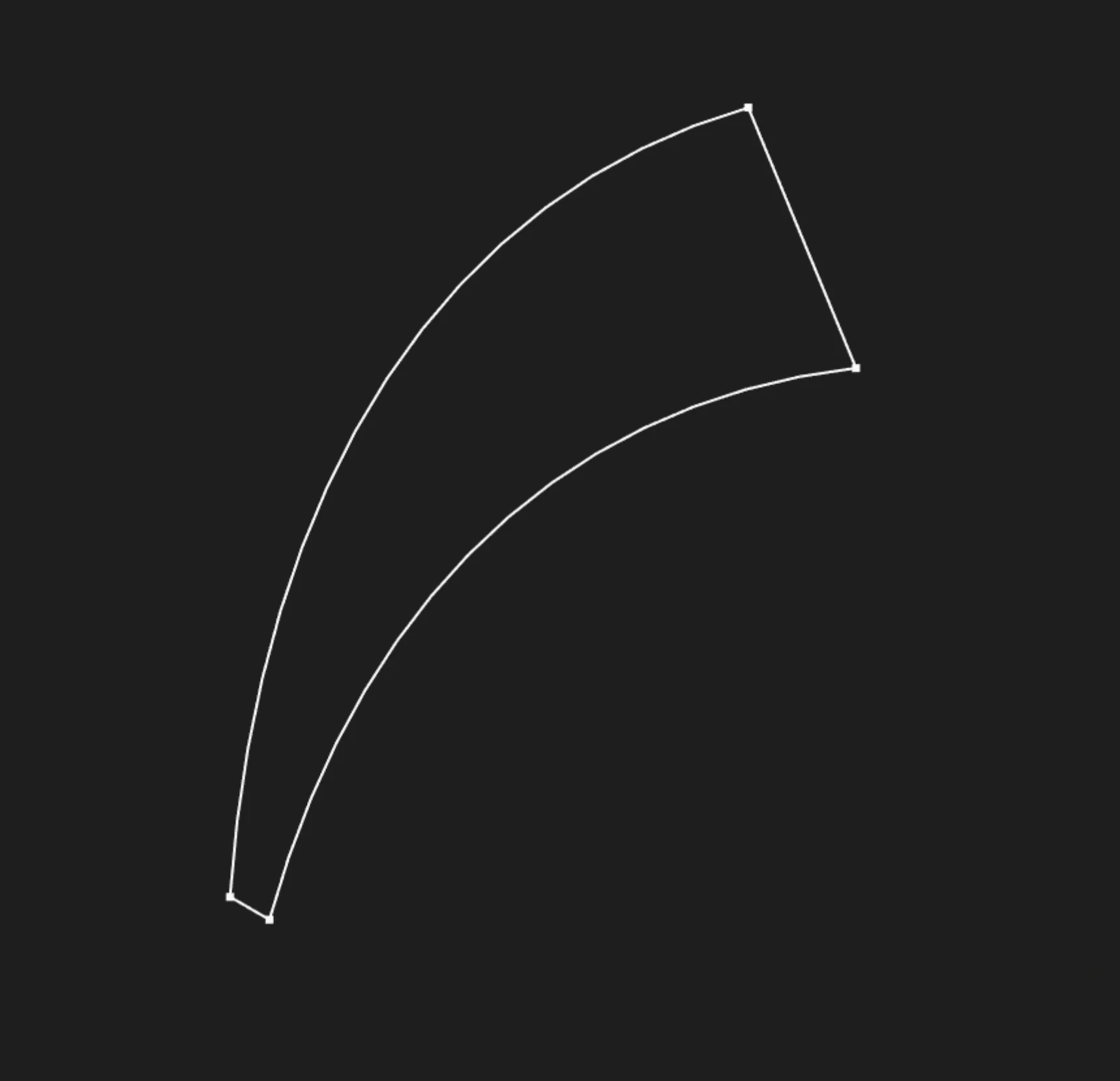
Sketch edges define the boundary, but the outline itself is not the solid profile selection
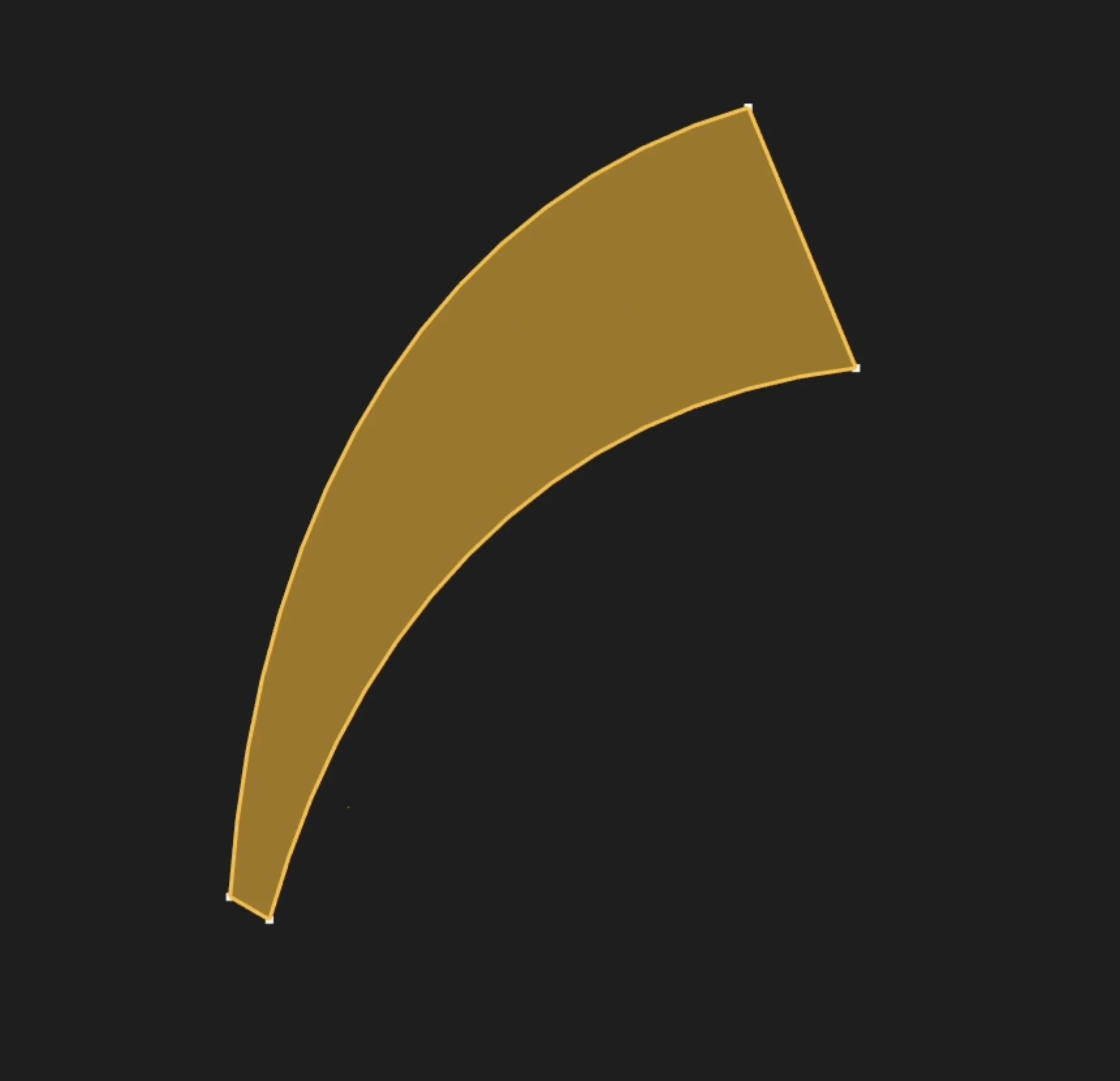
Select the filled sketch region to revolve it into a solid
The selected region becomes the cross-section of the revolved solid. Make sure it does not cross the axis of revolution, because that can create invalid self-intersecting geometry.
Axis Type
Choose whether to revolve around a sketch axis (X, or Y) or around an existing edge in your model.
Sketch Axis
If you chose "Sketch Axis" above, pick which axis to use in the sketch's coordinate system. The profile spins around that axis, so changing the axis changes the resulting solid even when the selected region stays the same.
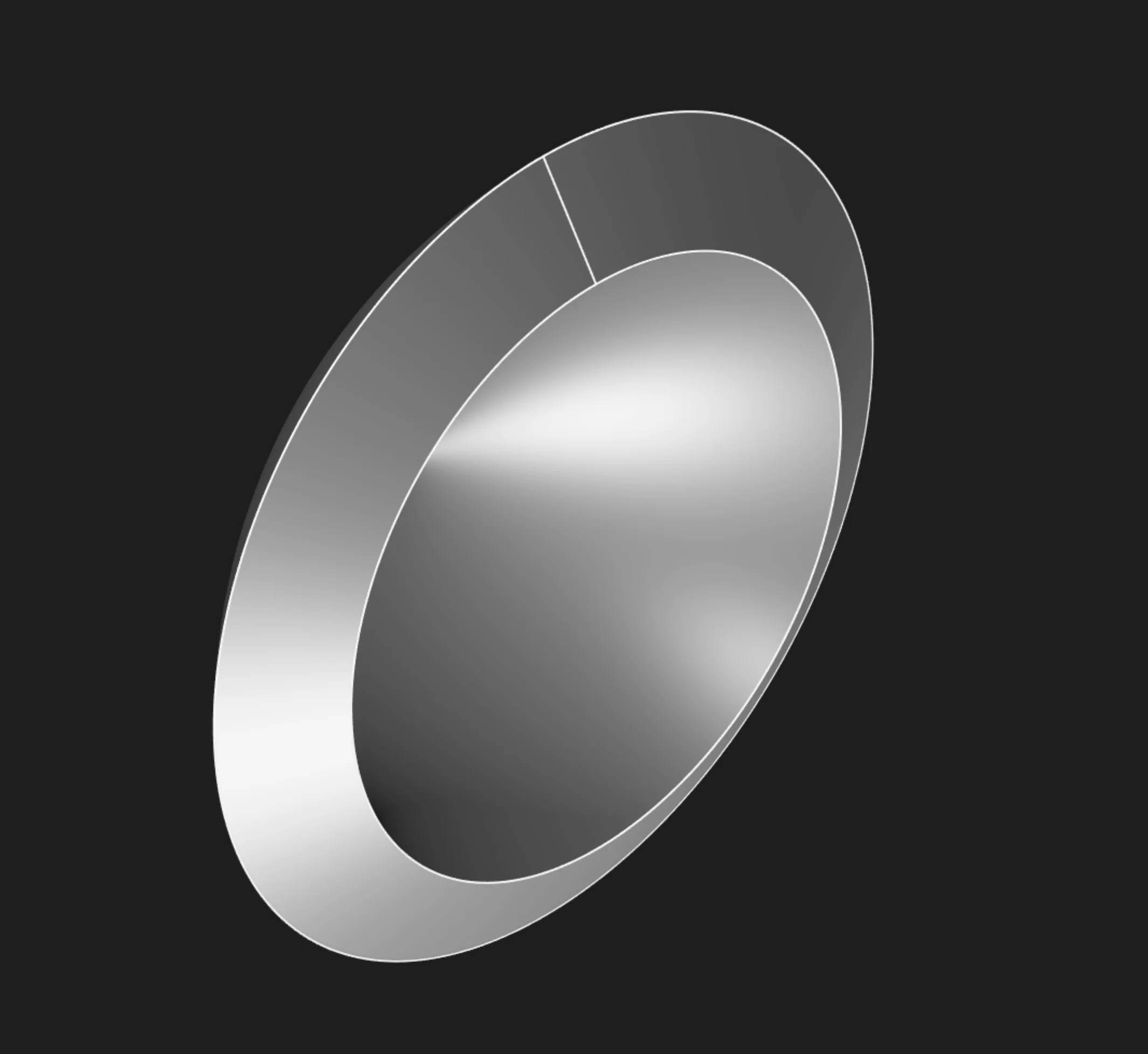
Revolve around the sketch X axis
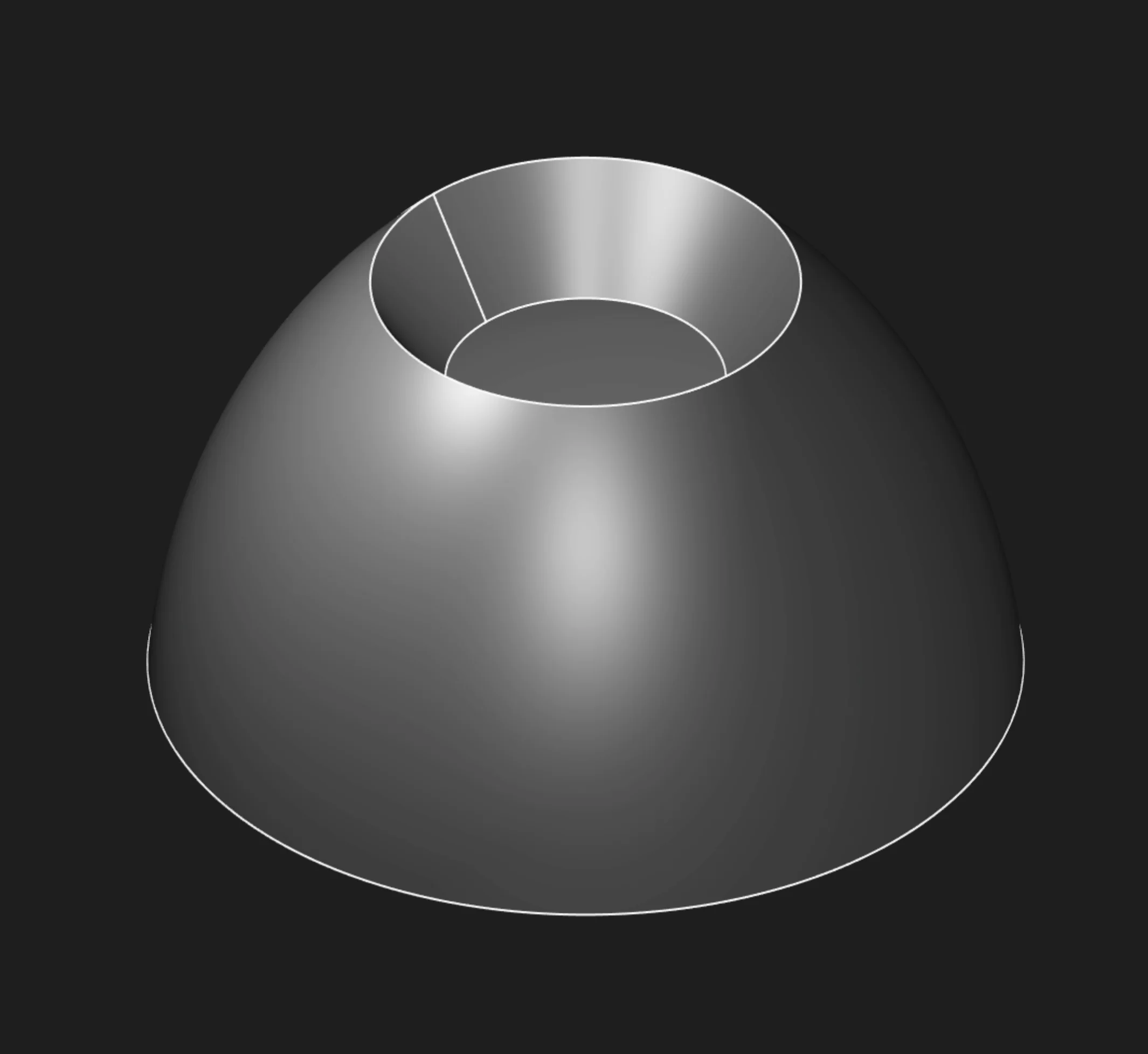
Revolve around the sketch Y axis
Edge
If you chose Edge above, select a straight sketch edge or model edge to use as the revolution axis.
The selected region revolves around that edge instead of one of the sketch axes.
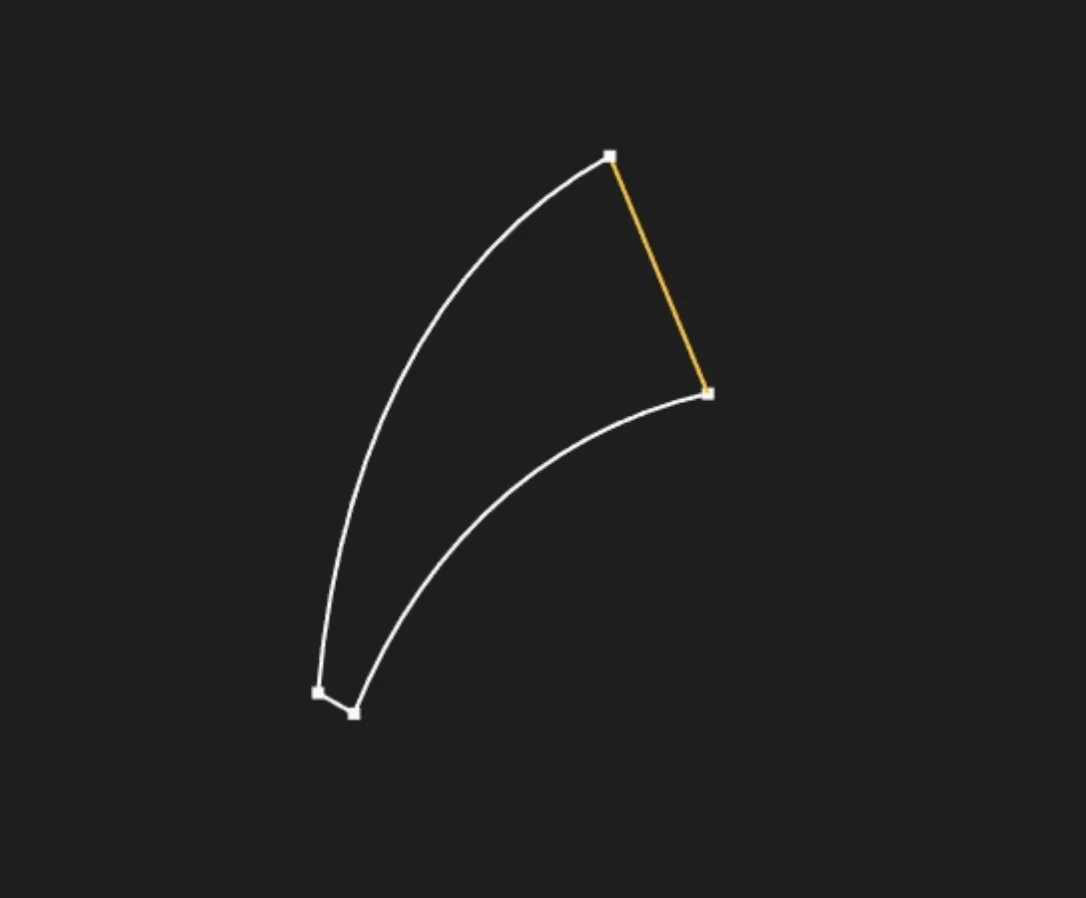
Select a straight sketch edge to use as the axis
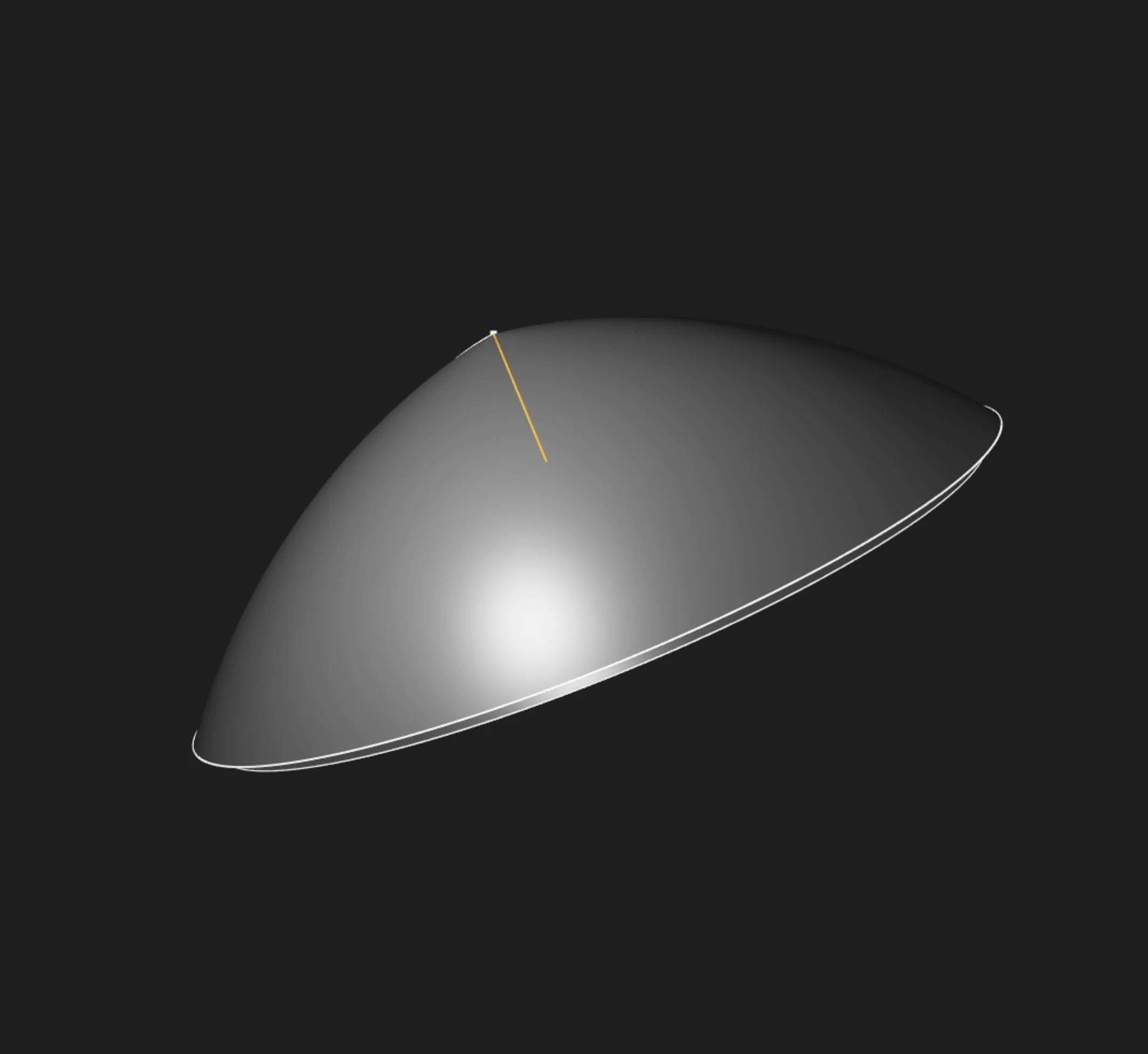
Revolve around the selected edge
Angle
How many degrees to rotate. Common choices:
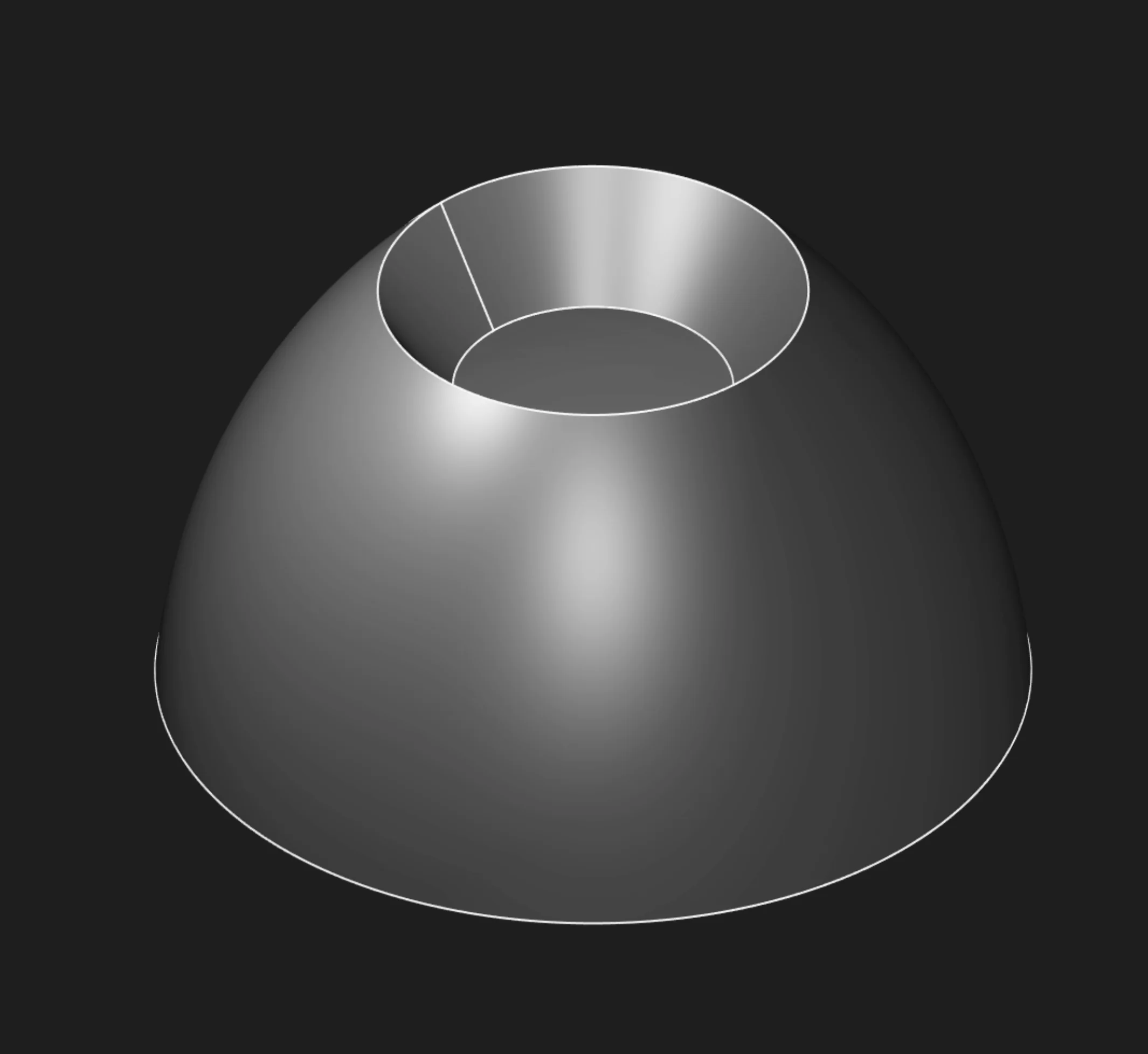
360° - full revolution
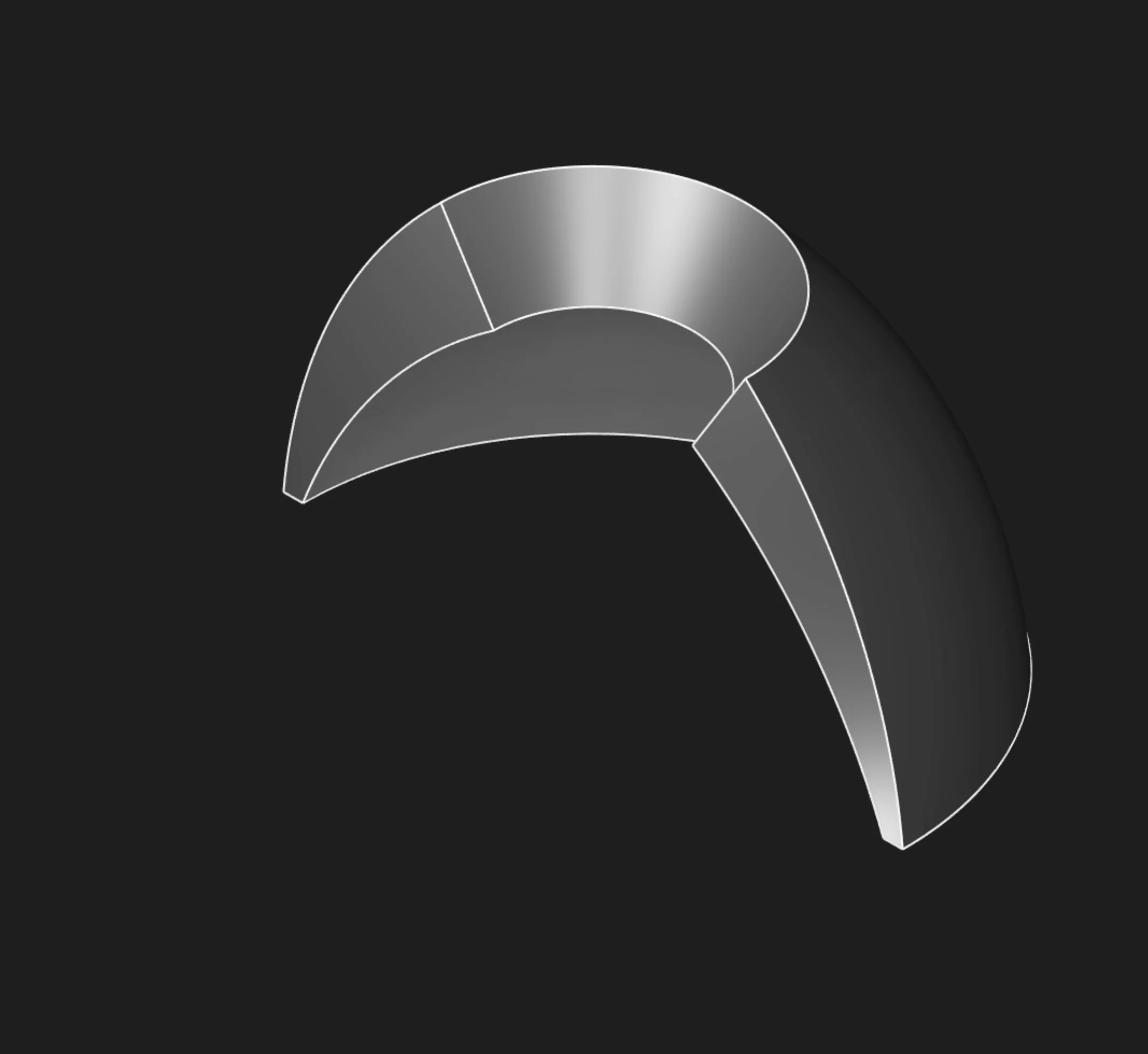
180° - half revolution
Or any custom angle for partial features
Symmetric
Enable this to revolve equally in both directions from the sketch. Your specified angle gets split in half, rotating both ways from the starting position.
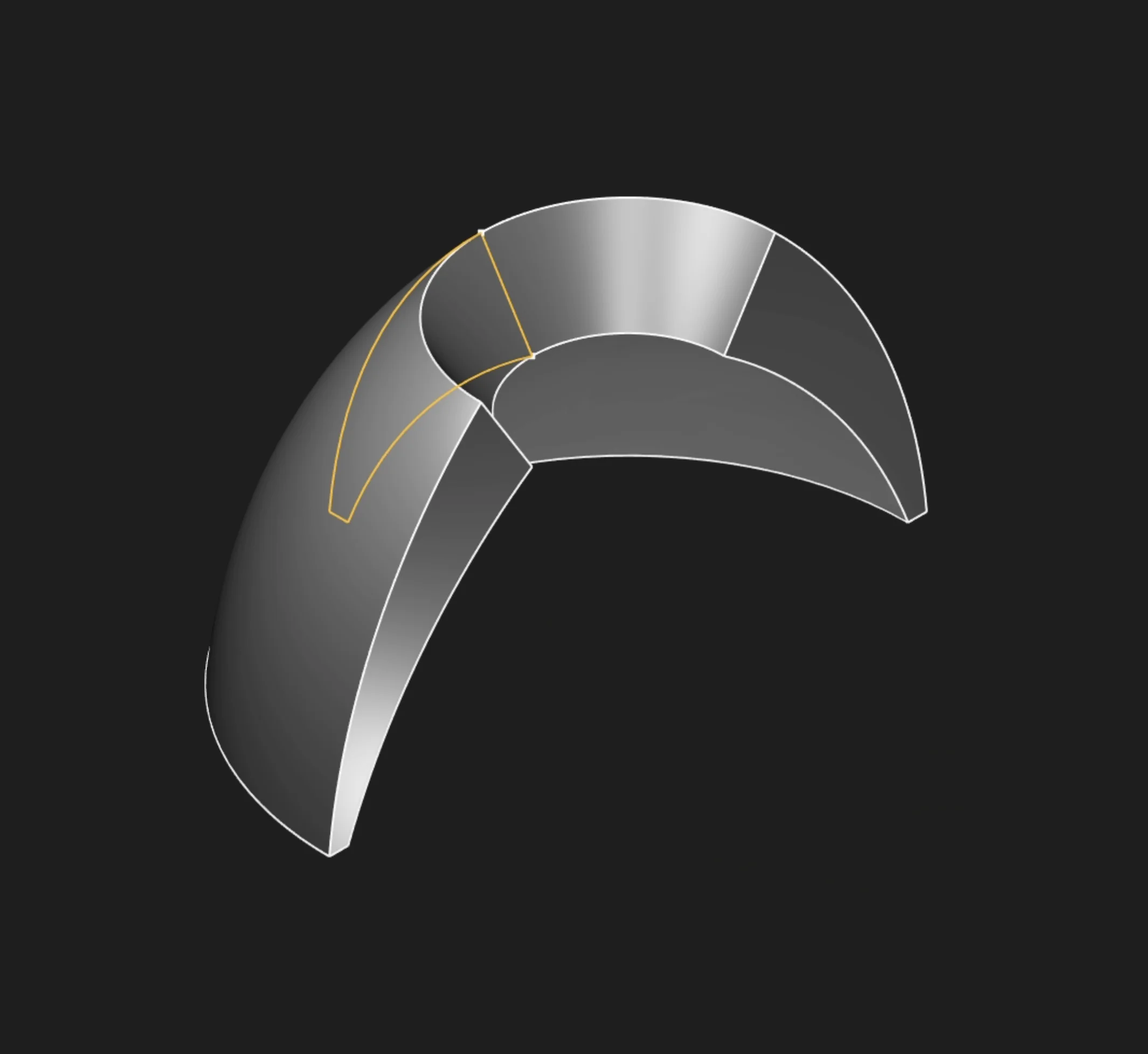
Symmetric: angle split equally both ways
Bidirectional Angle
When creating a non-symmetric bidirectional revolve, this sets the rotation amount in the opposite direction.
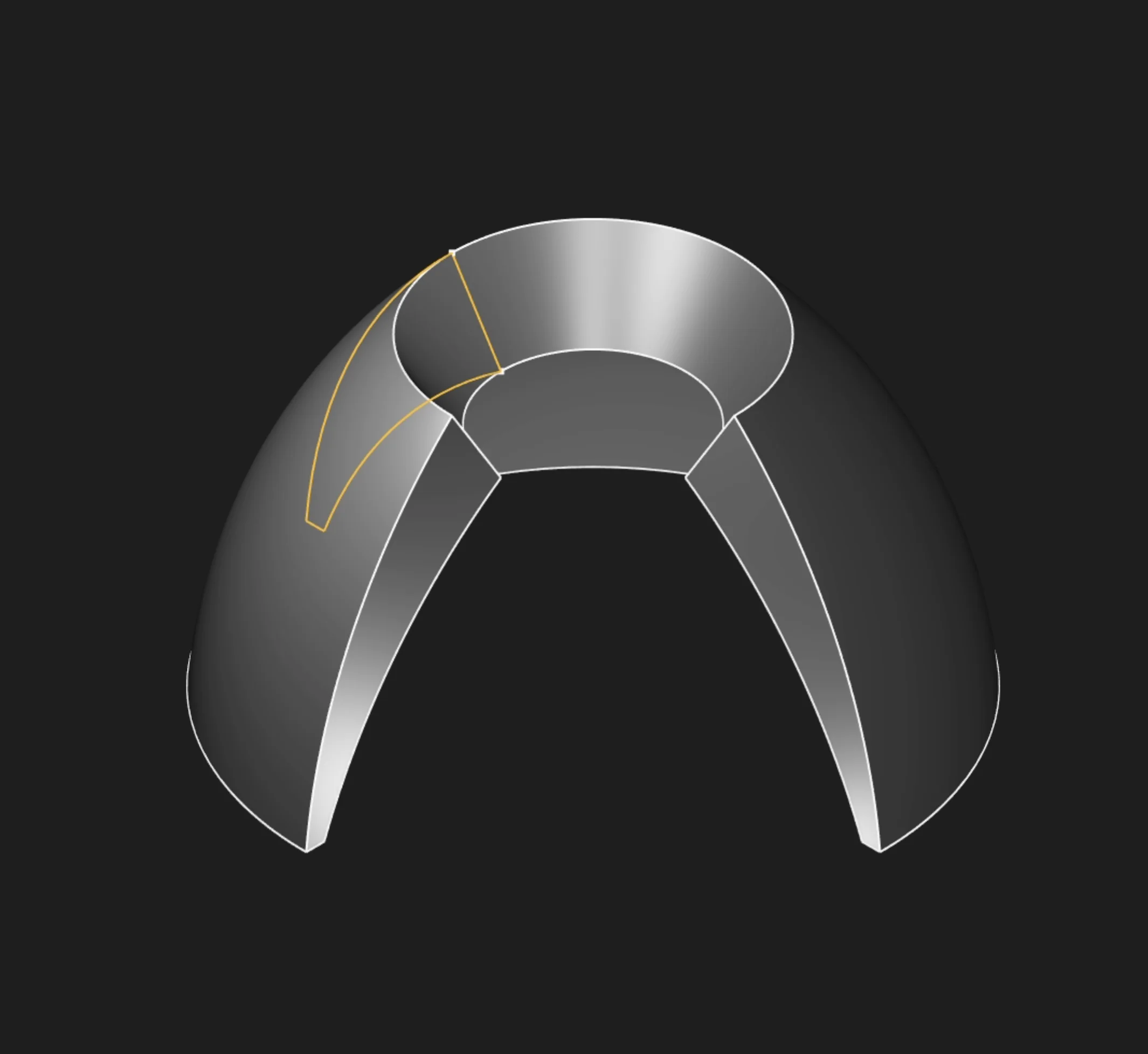
Bidirectional: different angles in each direction
In this example, the revolve uses two different angles: 180° in one direction and 90° in the other. This allows you to create features that extend unequally from the sketch, giving you more control and flexibility for asymmetric or custom shapes.
Start Tag and End Tag
Tag the start face (at the sketch location) or end face (at the final rotation angle) to reference them in later features. This is mainly used for referencing faces from other objects or features, especially in code or scripts. In the usual point-and-click UI flow, you don't need to set these tags. This is mostly for advanced users who want precise control or automation.
Tolerance
Controls the small-distance threshold used to decide whether entities are coincident, intersecting, coplanar, or similar. For normal revolves, leave this at its default value. Change it only when troubleshooting very small or nearly coincident geometry.
Body Type
Choose solid for a watertight solid geometry, or surface for a thin shell with no thickness.
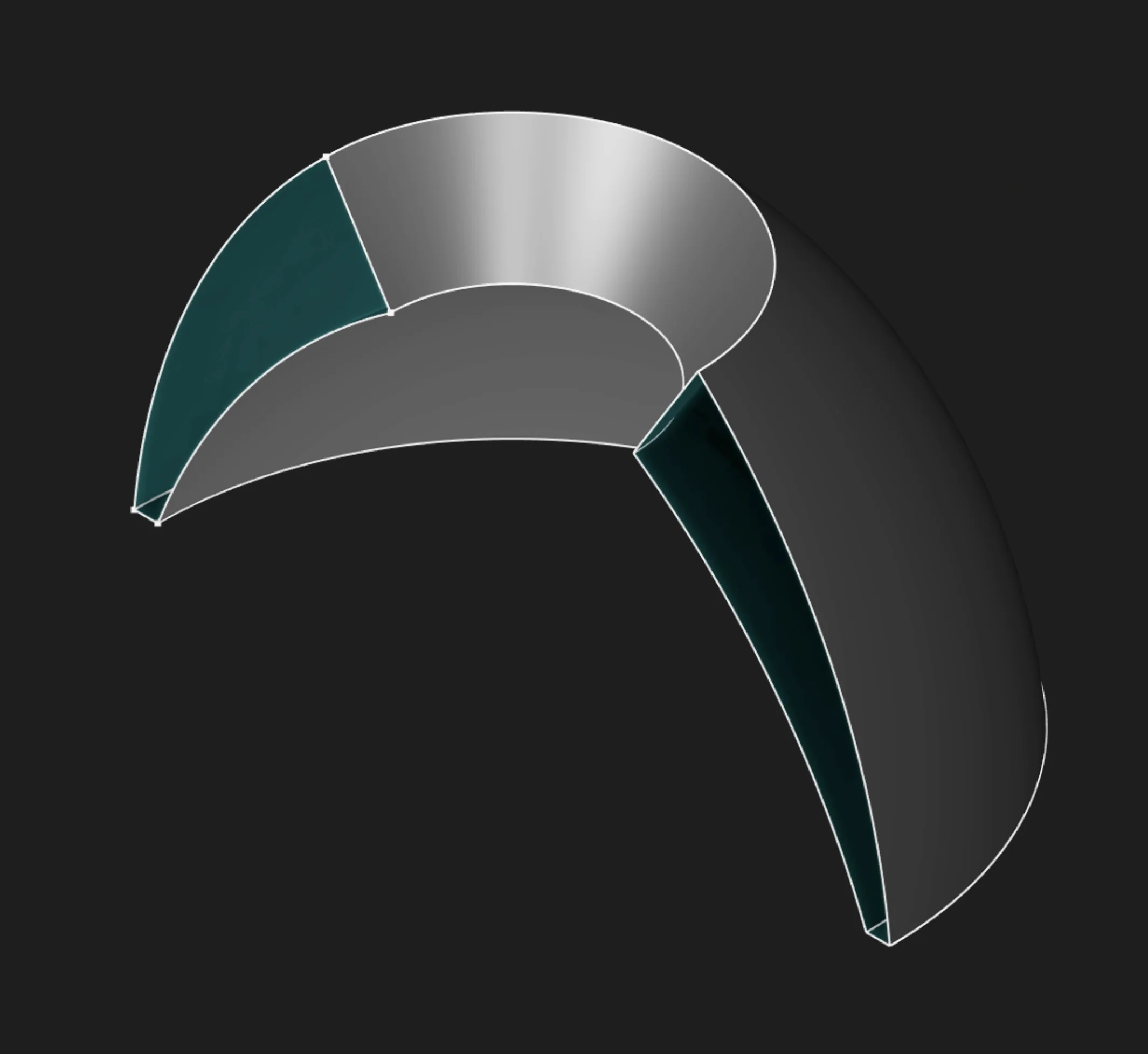
In this example, switching Body Type to Surface creates a hollow surface without the end caps.
If you want to learn more about surface modeling, see the Surface Revolve page.
Parameter Reference
sketches: The selected profile or profiles. In the UI, select filled regions for solid revolves,
not their boundary segments.
axis: The revolution axis. Use a local sketch axis such as X or Y, or select a straight
edge/segment as the axis.
angle: The revolution angle. Defaults to a full 360deg revolve.
tolerance: Sets the coincidence/intersection threshold for very small geometry checks. Usually
leave this at the default.
symmetric: Splits the revolve equally to both sides of the starting sketch position.
bidirectionalAngle: Adds a second revolve angle in the opposite direction. Ignored when
symmetric is enabled.
tagStart: Names the start face for later reference.
tagEnd: Names the end face for later reference.
bodyType: Creates either a solid body or a surface body.
Prefer to learn by watching?
If you want to find out more in a different way, check out our video walkthrough:
Are you interested in code?
Zoo Design Studio writes KCL behind the scenes. Here’s an example of a solid revolve in KCL:
Want to find out more about the revolve function? Check it out in our KCL docs.