Docs
Enterprise
Sign In
  • Zoo Design Studio
    • Getting Started
    • Zookeeper
    • Features
      • 3D Design
        • Parametric Modeling
          • Sketching
            • Sketch Geometry
            • Construction Geometry
            • Tools
            • Constraints
              • Coincident
              • Parallel
              • Perpendicular
              • Equal
              • Vertical
              • Horizontal
            • Dimensions
            • Regions
          • Solid Modeling
          • Surface Modeling
          • Transforms
          • Construction Geometry
        • Assemblies
      • ML / AI
      • Documentation
      • Data Management
      • Technical Support
      • System Requirements
      • Workspace
    • CAD Samples Gallery
  • Zoo Developer Tools
  • Glossary
  • FAQ
Docs Home
/
Zoo Design Studio
/
Features
/
3D Design
/
Parametric Modeling
/
Sketching
/
Constraints
/
Coincident

Coincident

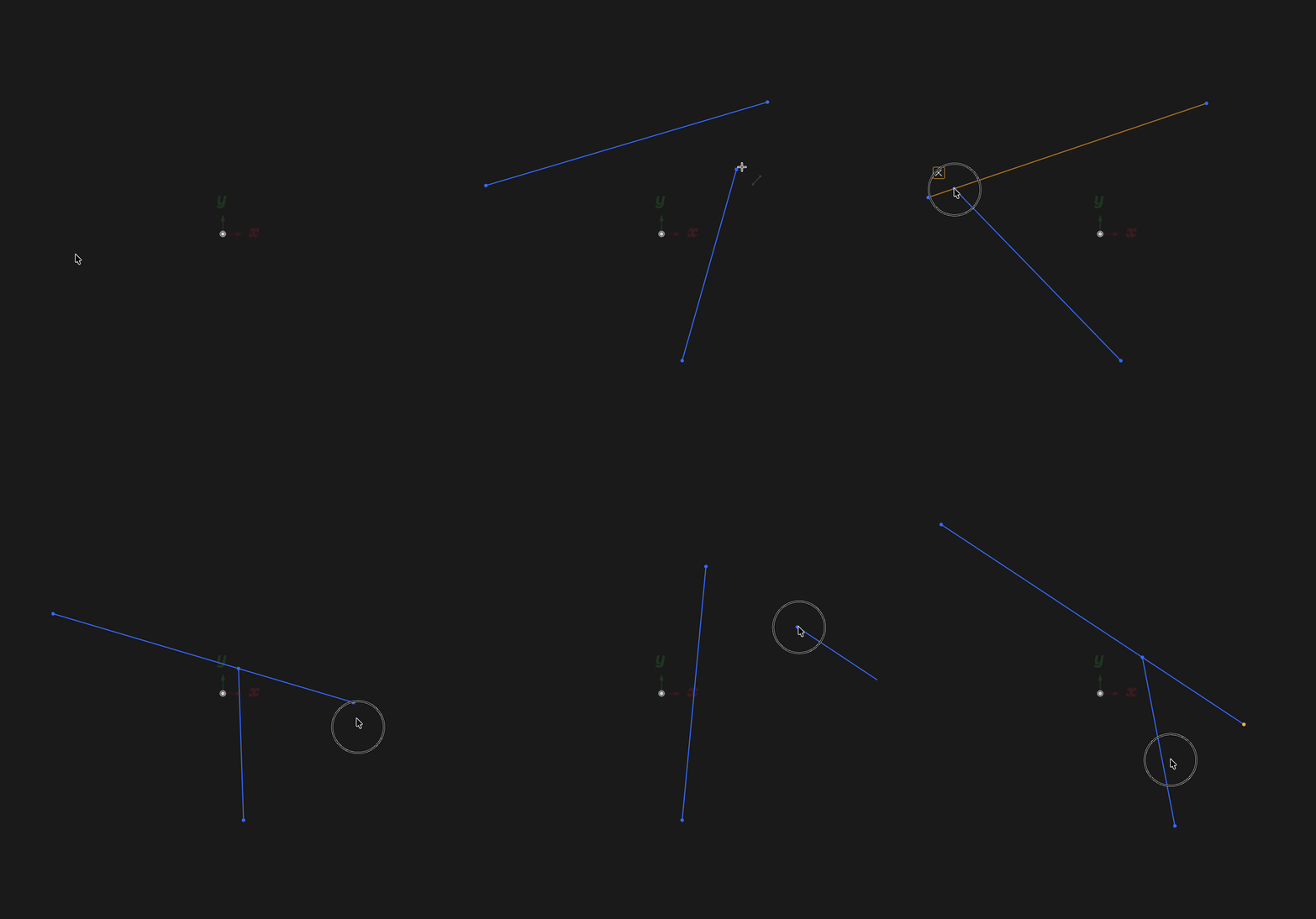
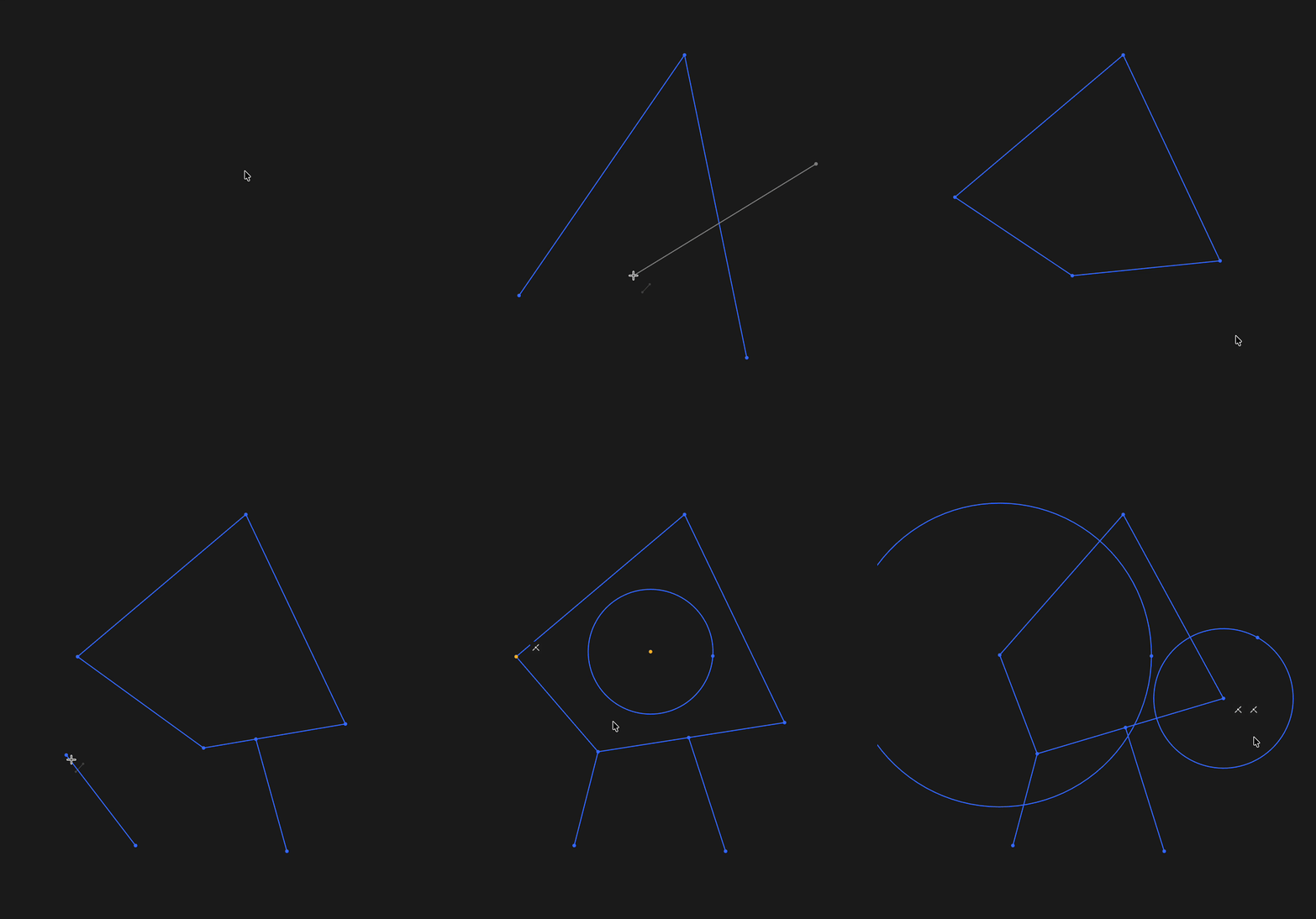
The Coincident constraint forces points or endpoints to lie on the same location, edge, or curve. Use it to close profiles, anchor points to references, and keep geometry connected during edits.

Found a typo?
Zoo

8701 Aviation Blvd

Inglewood, California 90301

    Product
  • Zoo Design Studio
  • Zookeeper
  • Download App
  • Release Notes
    Company
  • Enterprise
  • Careers
  • Research
  • Blog
  • Contact us
    Pricing
  • Zoo Design Pricing
  • API Pricing
    Resources
  • Tutorials
  • Developers
  • Support
  • Terms & Conditions
  • Privacy Policy
  • Security
  • Trust Center

Copyright © 2026 ZOO CORPORATION All rights reserved.