Create new parts
Use Zoodle to create a new part when a quick marked-up viewport communicates the design faster than a long text description. Frame the view, draw the important dimensions and features, attach the marked image, and then ask Zookeeper to generate the part.
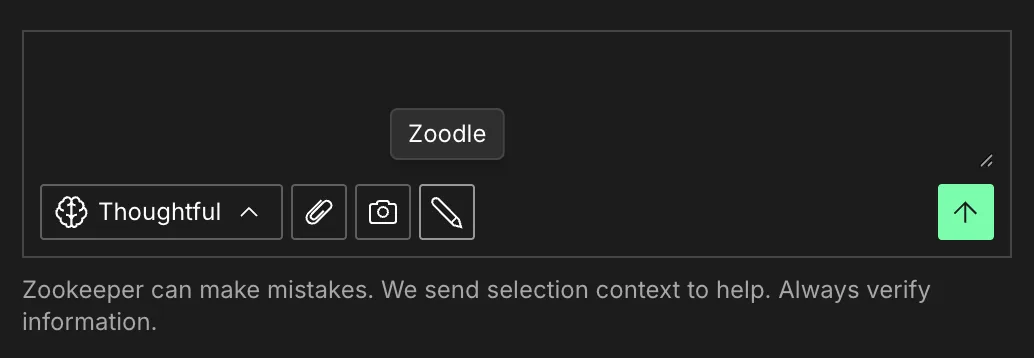
1. Click Zoodle
Open Zoodle from the Zookeeper prompt controls. It captures the current viewport, so rotate and zoom until the relevant geometry is visible.
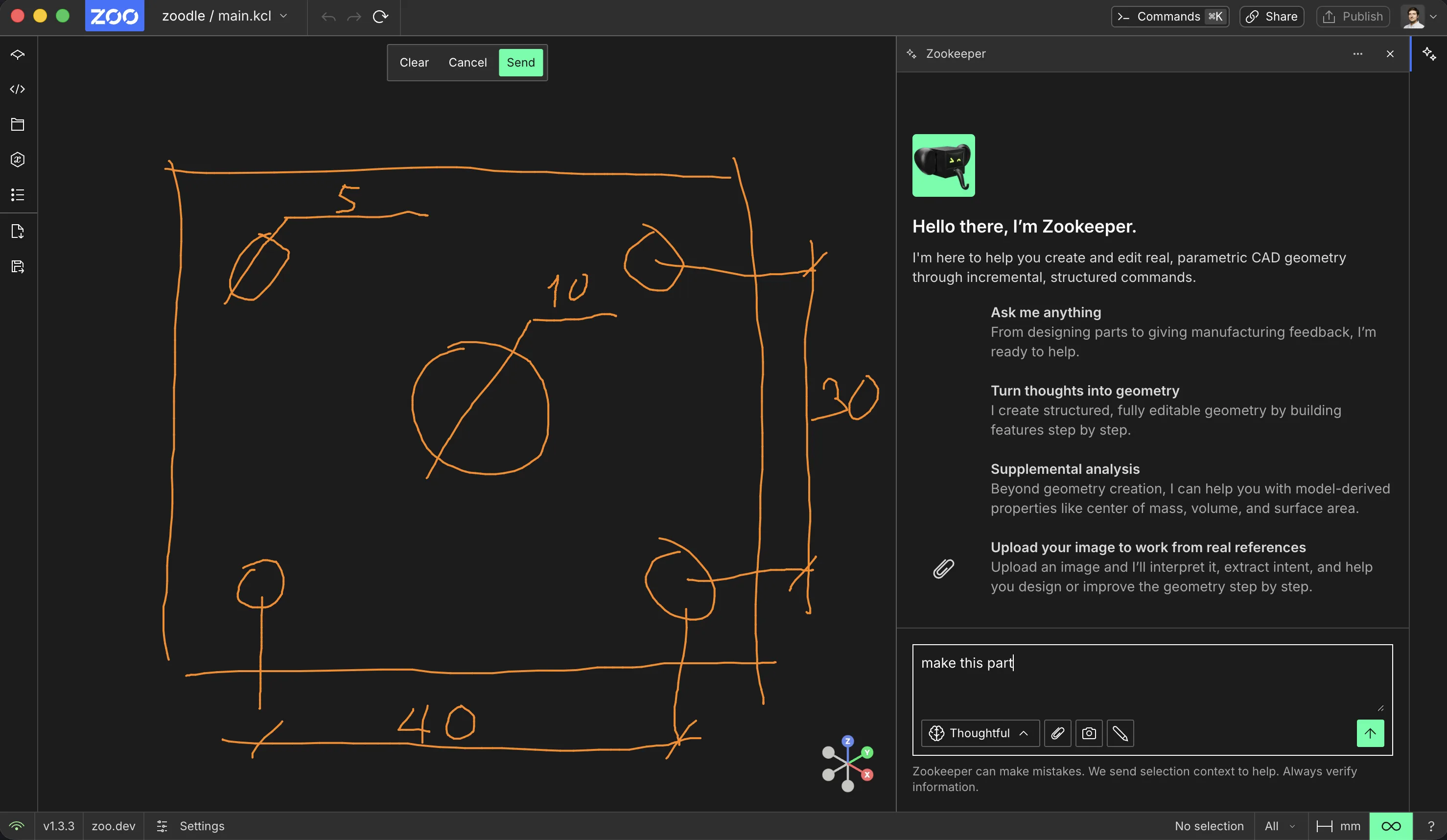
2. Draw the reference
Draw directly on the captured viewport. Put dimensions next to the edges they describe, circle holes or faces that matter, and use arrows when direction is important.
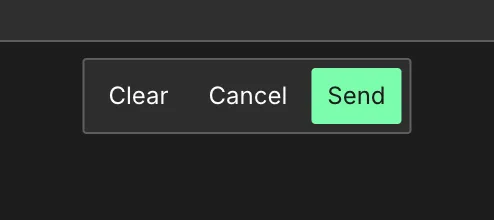
3. Send the marked image
Click Send in the Zoodle toolbar to attach the marked image to your next Zookeeper message.
Zookeeper receives the image with the current model context. If the part depends on depth, orientation, or a hidden face, adjust the viewport and make another markup from a clearer angle.
4. Add the prompt and run it
After the image is attached, add a short prompt in the chat box. If the markup already contains the key dimensions, a prompt like "Make this part" can be enough. Choose a reasoning mode that matches the task, then send it.
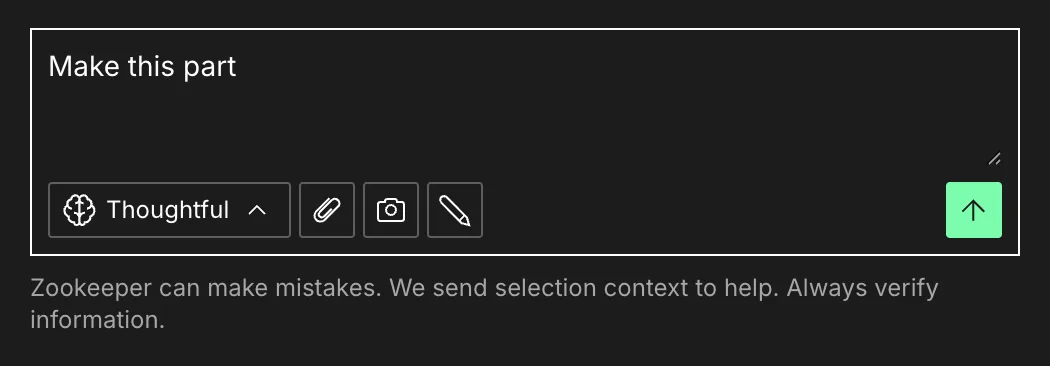
The drawing identifies the geometry. The prompt explains the operation.
5. Review the generated part
Zookeeper uses the markup and prompt together to create the model. In this example, the marked sketch becomes a rectangular plate with four mounting holes and a larger center hole.
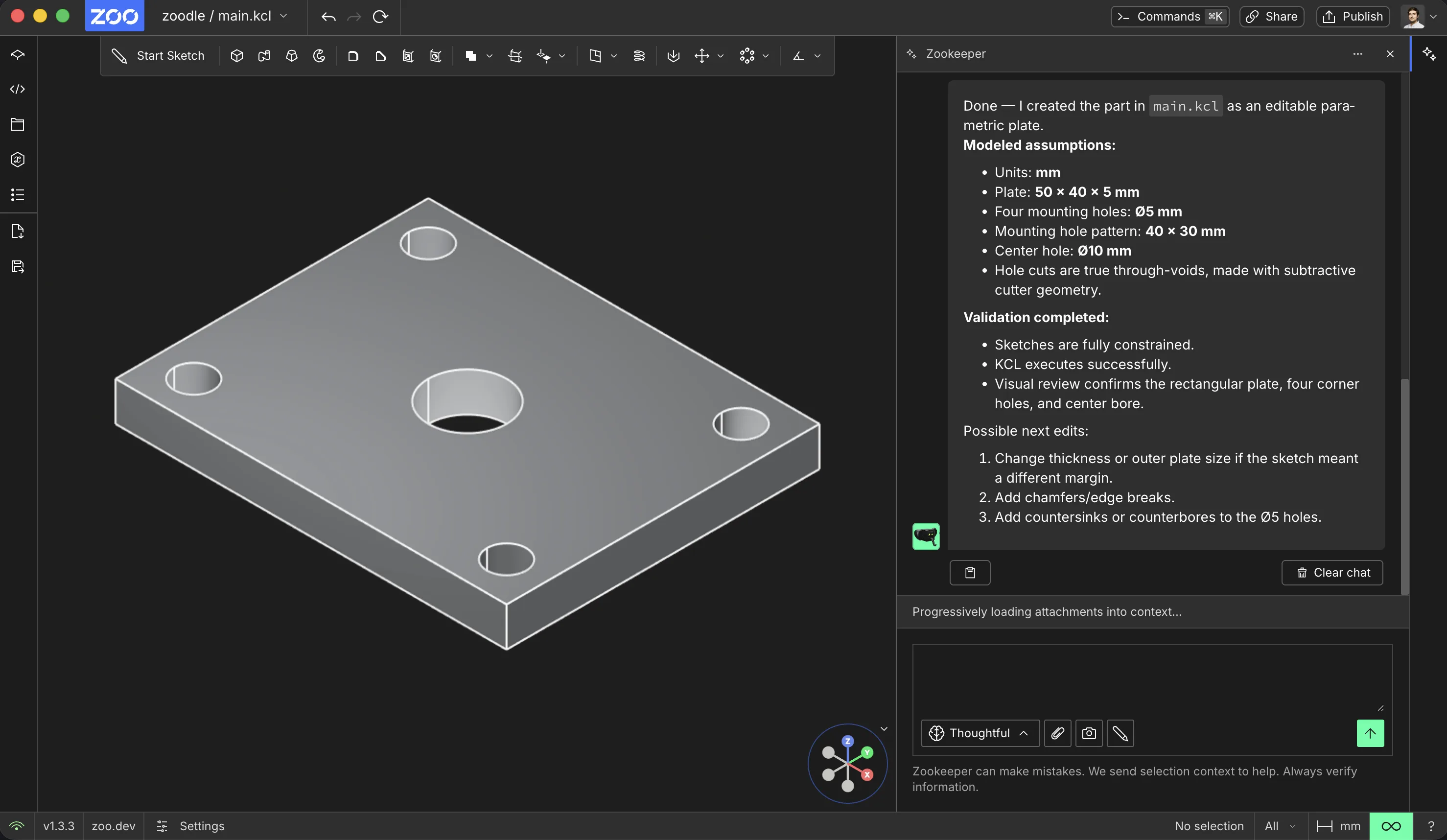
Inspect the generated model and updated KCL before continuing. If the result is close but not exact, send another Zoodle markup that shows the correction.
6. Check the parameters
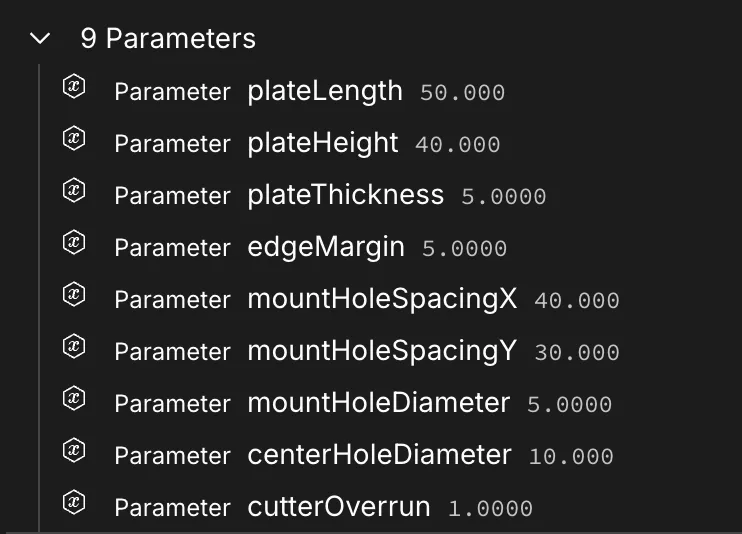
Open the feature tree to confirm the generated model is editable. When Zookeeper can infer dimensions from the markup, it creates named parameters for them.
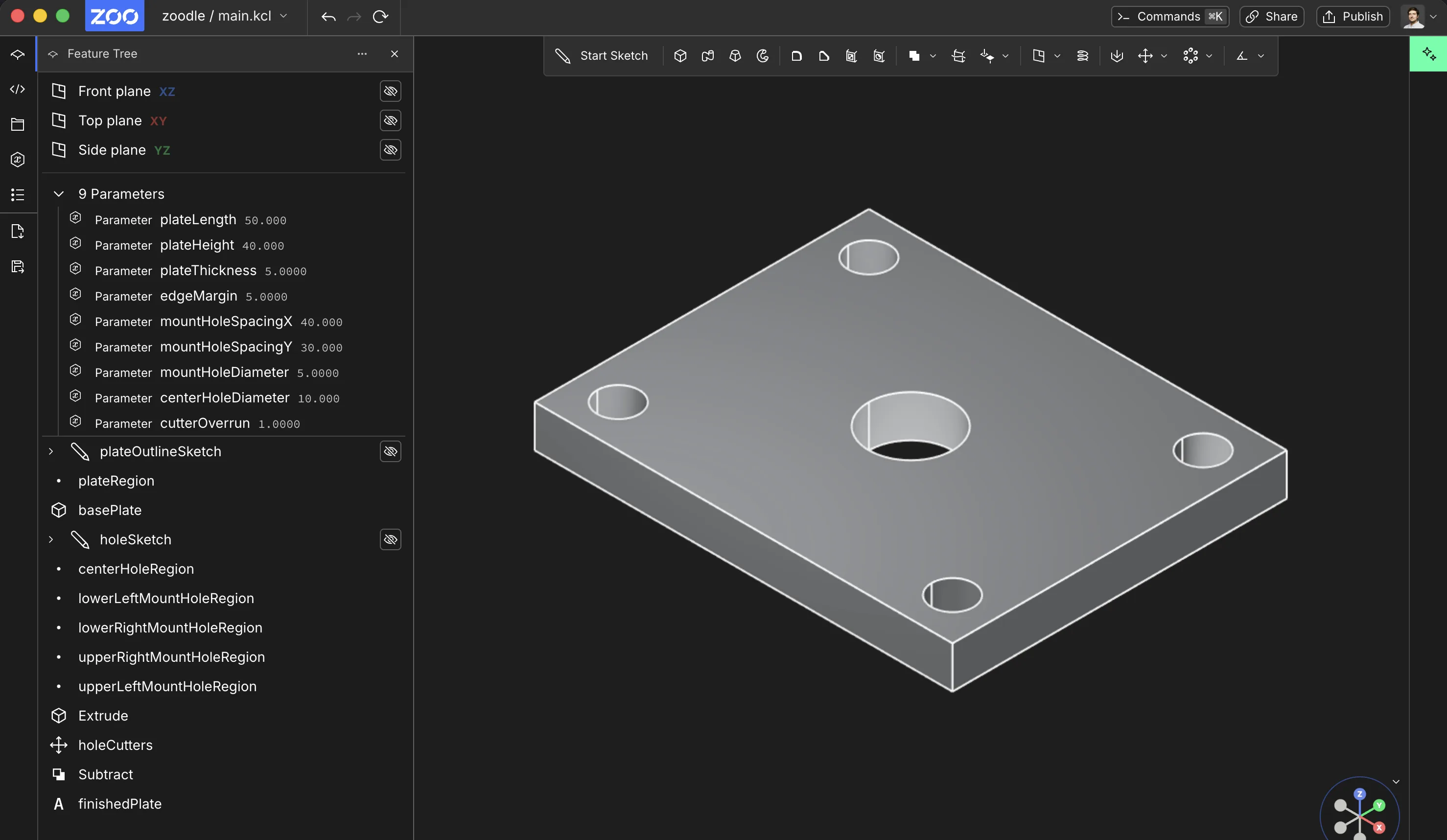
The full view shows the generated part next to its feature tree. Zoom into the Parameters group to confirm the key dimensions are editable values, not just baked into the final shape.
After the part exists, keep working with Edit parts.