
 Makeathon
MakeathonOur virtual Zoo Design Studio Makeathon is your chance to show what happens when strong design instincts meet powerful tooling. We're looking for Zoo Design Studio submissions that feel intentional, expressive, and technically sharp.
Time left to submit
The Makeathon is live — submit by May 5
Key details
Here's what to know before the Makeathon
Timeline 📐
- Makeathon creation window: April 28-May 5, 2026
- Submission deadline: May 5, 2026 at 11:59 PM PDT
- Aquarium voting period: May 6-May 11, 2026
- Aquarium voting deadline: May 11, 2026 at 11:59 PM PDT
- Winners will be posted on May 12, 2026 once results are finalized.
Prizes 🏆
Zoo credits, 3D printers, and more
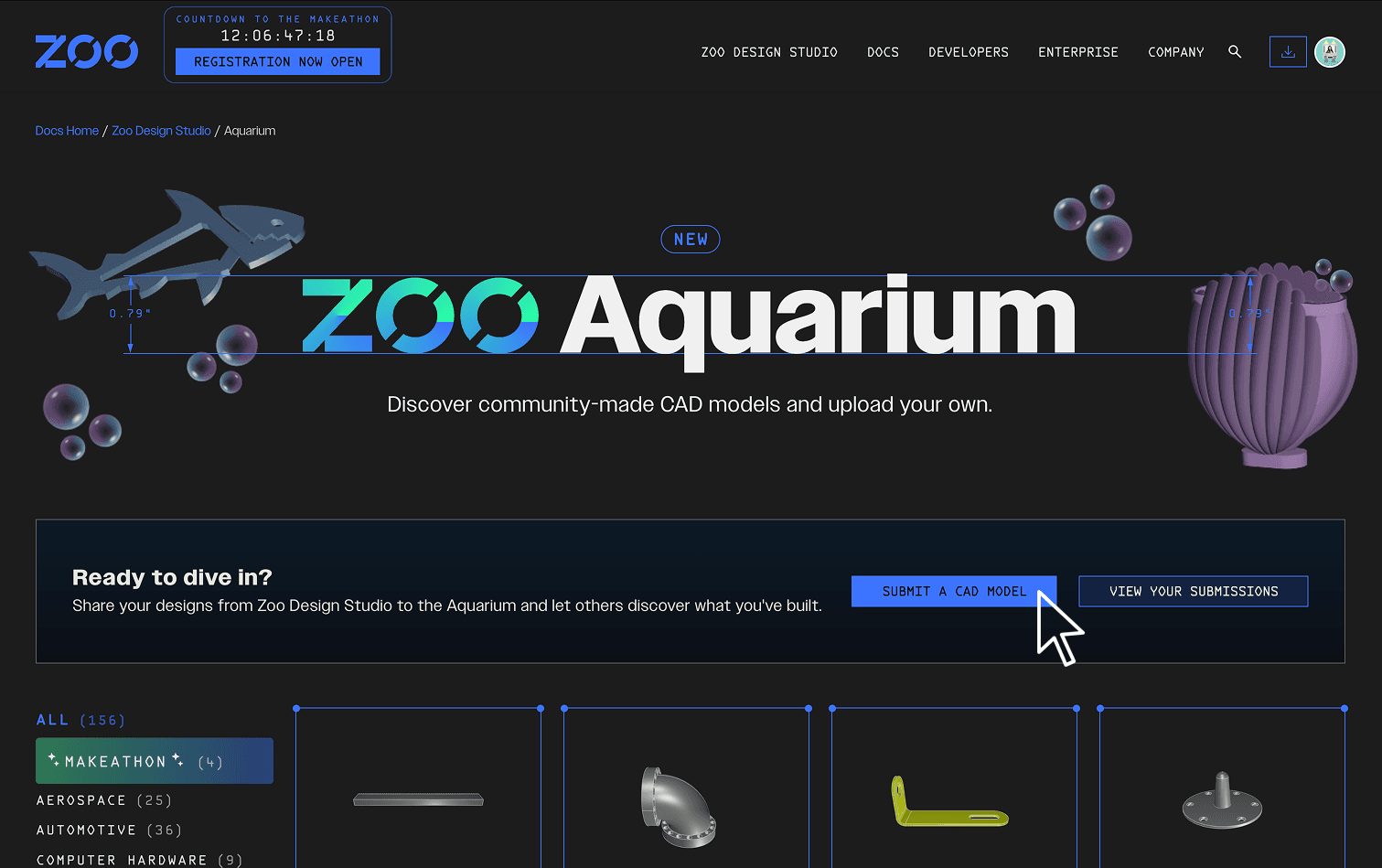
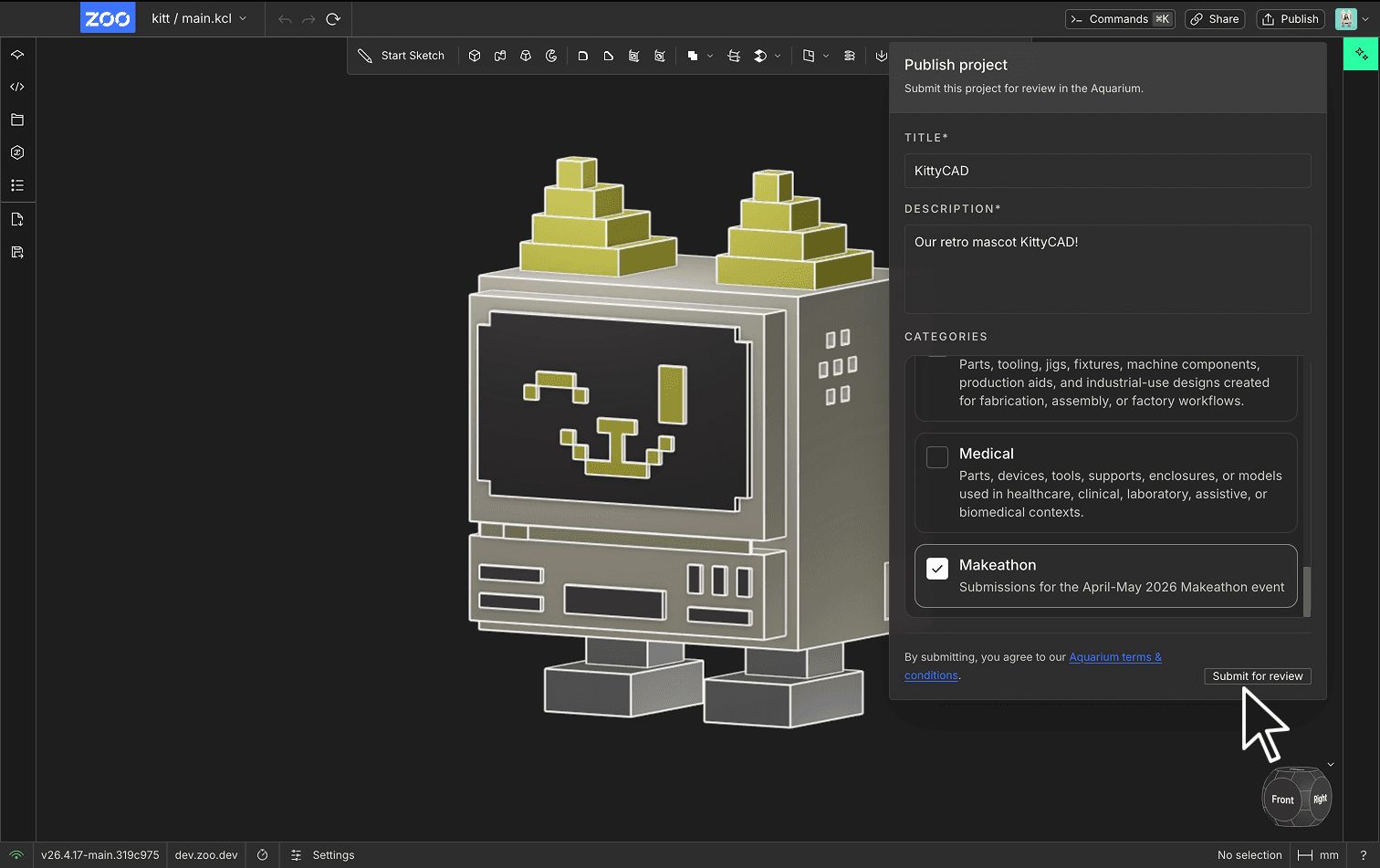
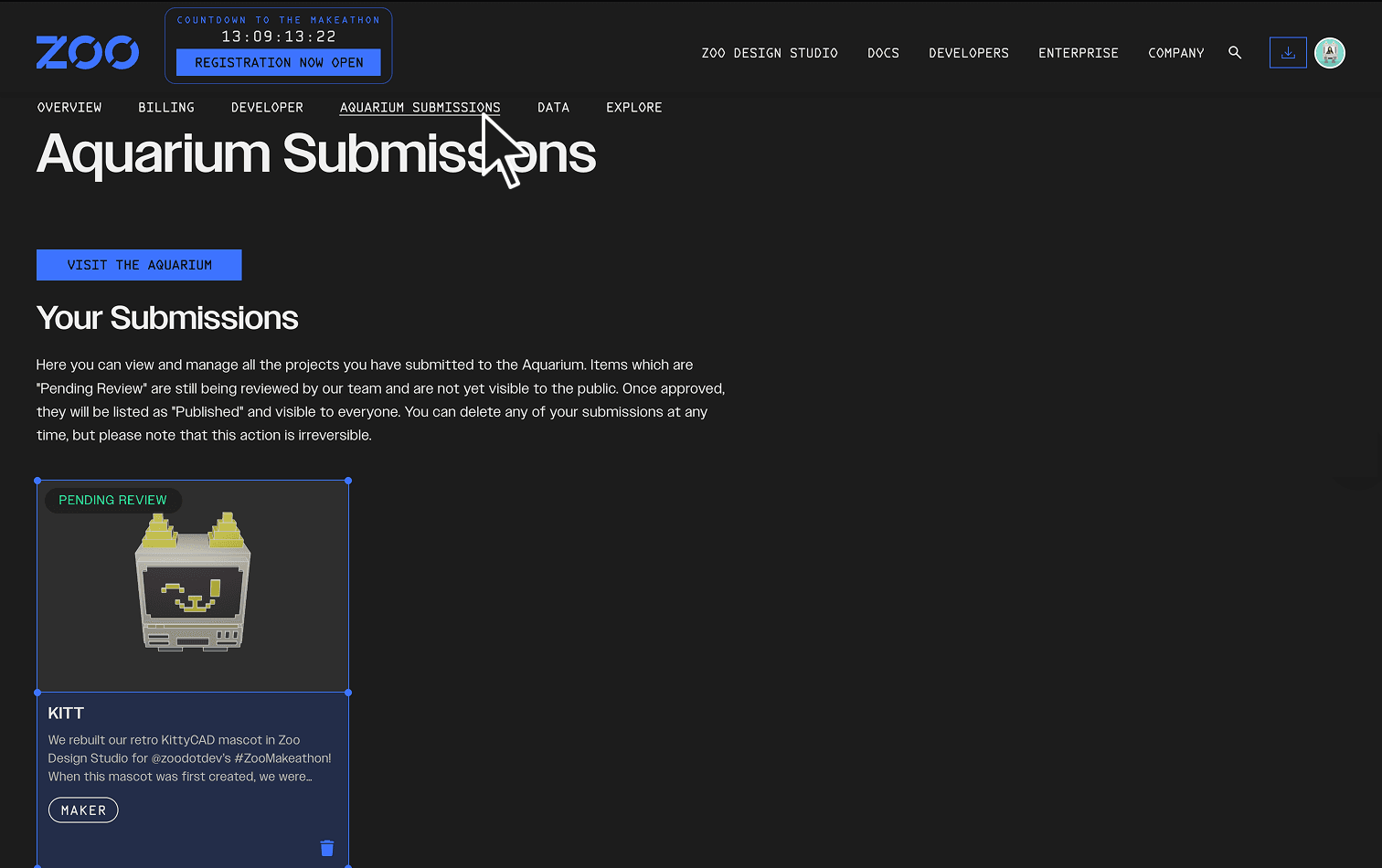
All participants will be featured on the Aquarium, our new public CAD model forum. Makeathon winners will also receive the prizes listed here.
1st place 🥇
- Bambu Lab H2C 3D Printer - Learn More
- Two years of unlimited Zookeeper reasoning time in Zoo Design Studio
- Feature in Hardware.fyi's newsletter, reaching 20,000+ engineers, founders, and investors
- Will be featured as a Makeathon winner on our Aquarium page
2nd place 🥈
- Bambu Lab H2D 3D Printer - Learn More
- Two years of unlimited Zookeeper reasoning time in Zoo Design Studio
- Will be featured as a Makeathon winner on our Aquarium page
3rd place 🥉
- Two years of unlimited Zookeeper reasoning time in Zoo Design Studio
- Will be featured as a Makeathon winner on our Aquarium page
Best in Show
Awarded to the model with the most likes in the Makeathon section of the Aquarium
- Bambu Lab H2D 3D Printer - Learn More
- Two years of unlimited Zookeeper reasoning time in Zoo Design Studio
- Will be featured as a Makeathon winner on our Aquarium page
Eligible tools 🛠️
- Participants must have a Zoo account to enter and participate in the Makeathon.
- Projects must be created from scratch in Zoo Design Studio, and participants may use any tools available within the platform, including Sketch Mode, KCL, and Zookeeper
- Participants will receive 10,000 minutes of Zookeeper reasoning time in Zoo Design Studio for use during the Makeathon period. After the submission deadline, accounts will return to the subscription tier they were on before the Makeathon.
Read our Getting Started documentation for more details on how to use Zoo Design Studio.
Please note: If you're participating in the Makeathon, you'll want to download the desktop version of the app. The browser version is great for testing things out in an easy-to-access environment ahead of time, but it has limited functionality compared to the desktop app.
Winning projects
The models that rose to the top
Explore the Makeathon projects that stood out for their creativity, execution, and community response.